
A school developer created a Webex meeting with an integration token, and the meeting appeared in the lab tenant instead of the production organization. What should the developer use on the next create?
Select an answer to reveal the explanation.
Short Explanation
You used a key that opens the practice building, so the meeting ended up in that building. A meeting is created in the organization that owns the token, and Directory Connector will not carry it over to production. The trap is rerunning a directory sync and expecting the meeting to move.
Full Explanation
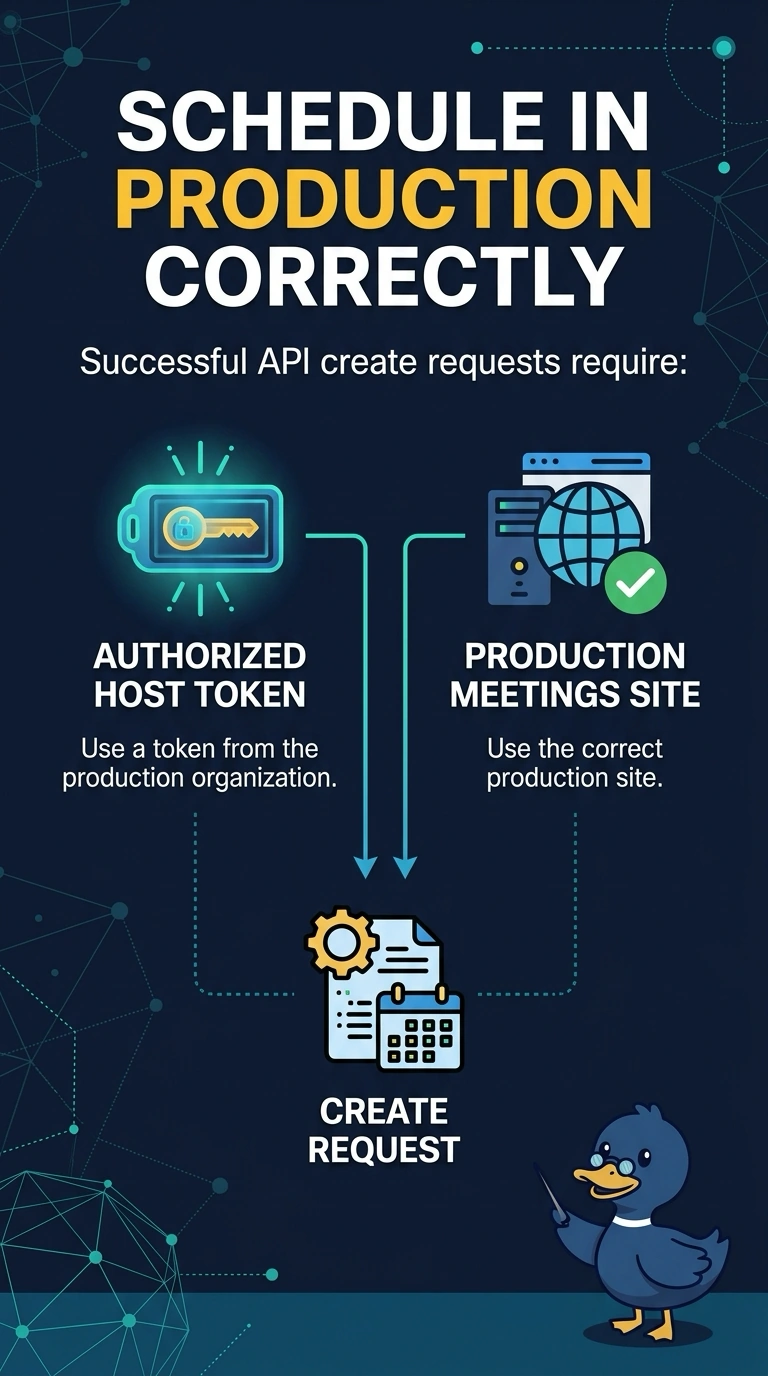
The authorized host and selected site determine where the meeting is scheduled. The school meeting landed in the lab tenant because the create used that tenant's token. Create it again with an authorized production host's token and the correct production meetings site. Directory Connector synchronizes directory users into Control Hub while it owns the organization, and it does not copy a meeting from the lab tenant into production along with the school user accounts. SCIM provisioning follows create, update, and delete from the identity provider, and switching the school to SCIM does not relocate existing meetings when the identity source of the organization changes. Granting full administrator in the lab tenant can widen what an admin sees inside the lab, but that role does not make the meeting visible to users who live in the production organization. On exam day, pair the Meetings family with the authorized host and site: the host and site decide where the meeting is scheduled. After the change, create a test meeting with the production token and correct site and confirm it shows in the production organization rather than the lab tenant.