
A clinic developer hard-codes a rate limit that the Webex API documentation does not publish and writes retry logic around that invented number. Requests fail with the error the API actually returns. What should the developer do?
Select an answer to reveal the explanation.
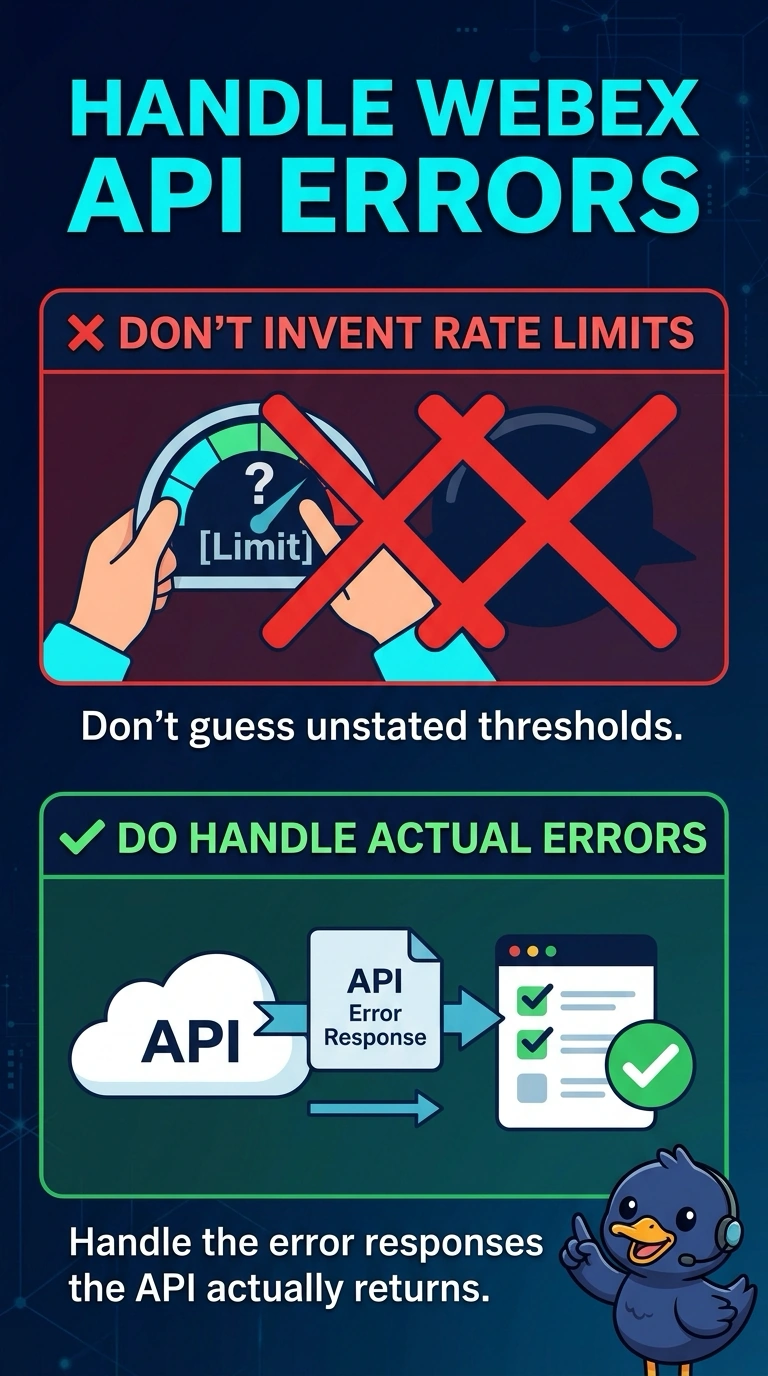
Short Explanation
Painting your own limit on a homemade sign does not change the limit posted on the road you are driving. You drop the invented rate limit and handle the error the API actually returns. The trap is stuffing that made-up number into a device macro, an event call, or a meetings site setting.
Full Explanation
The documentation does not publish the rate limit the developer hard-coded, so the retry logic is built around a number that is not a contract. The API is already returning the error that describes the real failure. Drop the invented rate limit and handle the error response the API actually returns, instead of a threshold the documentation does not state. For HTTP 429, honor the Retry-After header and use the documented guidance for this endpoint. Handle other errors according to their status and response. Put the invented limit into a RoomOS macro so the device blocks the request before it ever reaches the API moves a made-up cloud limit onto a device. A macro runs on the device and uses the xAPI. It does not define the cloud API's limit and should not hide the error the API returns. Send those writes through the Events API assuming the event stream does not limit user or calling changes switches families to dodge an invented number. Events is the event stream, not a substitute write path for user or calling changes. Save that hard-coded limit on a meetings site so the meetings platform adopts the made-up number assumes a site setting can publish an undocumented limit. A meetings site does not adopt a caller's private threshold. Exam caveat: do not invent a rate limit, path, or scope, and test which API family performs the job. Operational check: remove the hard-coded number and branch on the error the API returns.