
A warehouse scheduling script must list who is in one shift-handoff meeting right now. Which Webex API family does that read?
Select an answer to reveal the explanation.
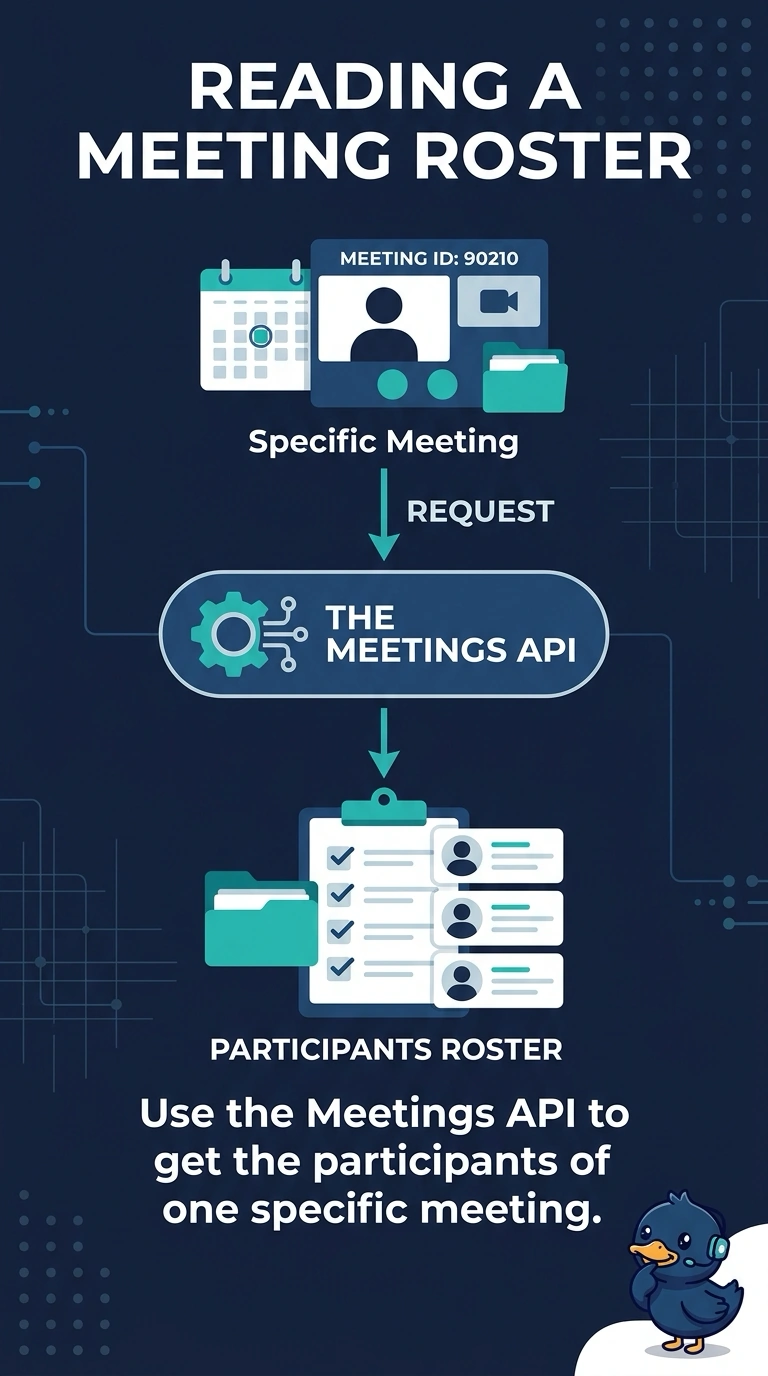
Short Explanation
You would not read a live guest list by standing in the lobby and watching the door. The Meetings API returns who is in this one meeting, and the Events API is a stream rather than that roster call. Creating a user or querying a trunk will not list the room.
Full Explanation
Meetings, people, calling, and events are different families. Listing who is in one shift-handoff meeting is a meetings read, not a stream and not a user create. The Meetings API, because that family reads the participants of one specific meeting, while the Events API is a stream rather than the roster call. Use List Meeting Participants with the meeting instance ID and appropriate host or administrator permissions. Use participant state if the script needs only people who are still connected. The Events API, because a one-time roster read is an event stream you open against that single meeting. That family is the event stream, not a one-time roster read for a single meeting. The People API, because listing who is in a meeting is the same request as creating a user and assigning a license. That family works with users, including creating a user and assigning a license, and it does not return meeting participants. The Calling API, because a meeting roster is a calling feature returned when the script queries a trunk. That family works with calling features, and a trunk query is not a meeting participant list. Exam caveat: Do not invent an undocumented path or scope. Pick the family that reads the meeting, and do not treat a stream as the roster fetch. Operational check: Read that one meeting through the Meetings API and confirm the participant list returns, without opening an Events stream or creating a user.