
A school district script must change a teacher's Webex Calling forwarding, and the district meetings site is already configured. Which API family should the script call?
Select an answer to reveal the explanation.
Short Explanation
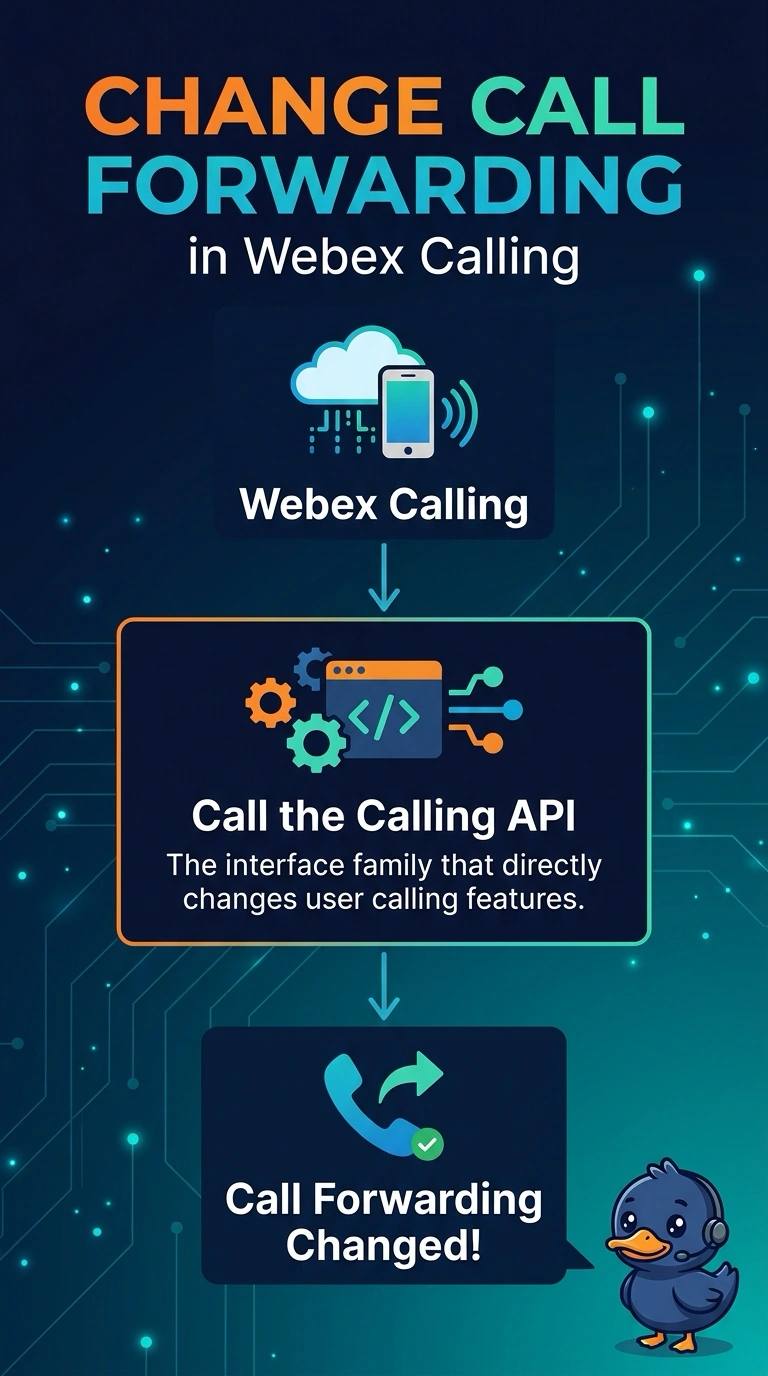
You would not ask the cafeteria line to change a bus assignment just because both lists come from the same office. Forwarding is a calling feature, so your script should call the Calling API. Updating the meetings site, publishing an Events API create, or running a RoomOS macro on a classroom board does not make that calling change.
Full Explanation
Calling features, including forwarding, are changed through the Calling API. Since the district meetings site is already configured, it does not become the control plane for a teacher’s calling feature. Use the Webex Calling user call-forwarding operation with the appropriate Calling permissions. Updating the school meetings site through the Meetings API mixes two products: that update can alter meeting-site behavior, but it does not rewrite teacher forwarding. Publishing an Events API create treats a one-time calling change as an event instead of a calling write and does not set forwarding. Running a RoomOS macro on a classroom board confuses a device script with a cloud user setting. The macro runs on the device and uses the on-device xAPI; it does not update the teacher’s cloud calling profile. Exam caveat: choose the API family based on the object you are changing, and do not try to force a calling write through a meetings or events call. Practical check: after the Calling API update, confirm the teacher’s forwarding changed and the meetings site settings stayed as they were.