
An airline gate desk has a custom panel that should change when a call connects, but the panel does not react. The logic was saved as a cloud webhook and was never placed on the device. Where must that logic run?
Select an answer to reveal the explanation.
Short Explanation
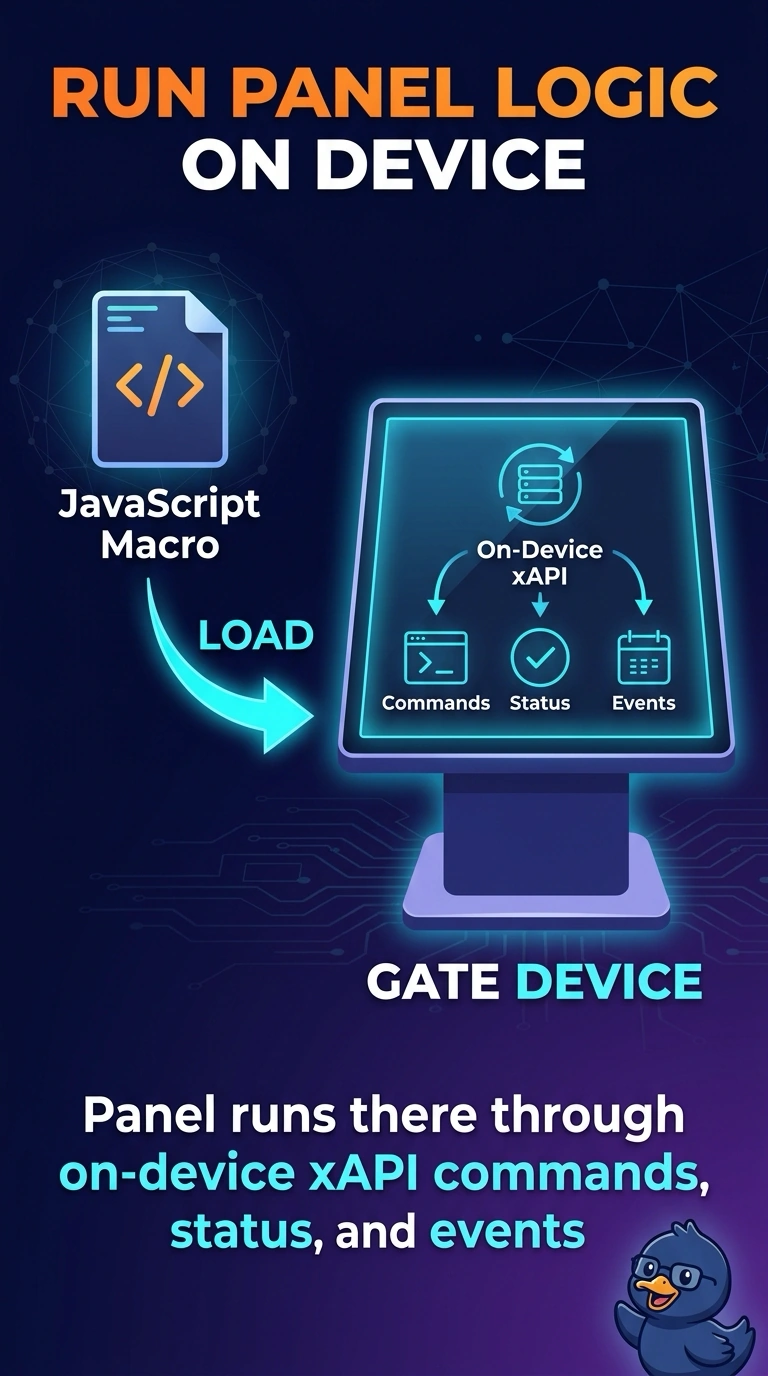
A recipe only cooks the meal if it is taped to the oven, not stored in a notebook at headquarters. You load the JavaScript on the gate device so the panel can use the on-device xAPI. A cloud webhook, a People API user create, or a directory sync does not run that panel.
Full Explanation
Load the JavaScript macro on the gate device so the panel runs there through on-device xAPI commands, status, and events. A macro is JavaScript that runs on the device and uses the xAPI, so the panel stays idle until that script is on the device. Register that same script as a webhook on a cloud Webex REST app and leave the gate device without the macro installed. A webhook on a Webex REST app runs in the cloud, and it is not a macro executing on the gate device. Create the gate agent with the People API and assign calling licenses so the empty panel is expected to start running. The People API works with users, licenses, and roles, and creating a user does not install or run a device macro. Run directory synchronization so the gate panel refreshes its behavior from attributes stored in Active Directory. Directory synchronization copies users from the directory, and it does not deploy JavaScript onto a room device. Exam caveat: Control Hub can distribute macros when the organization allows it, but a script that was never loaded on the device still has to be placed there. Operational check: Install the macro on the gate device, place a test call, and confirm the panel changes from the on-device xAPI event.