
A transit agency captured its own router admin sessions on a span and read enable passwords in cleartext telnet. Operators still need administration from the bastion. Which change protects the management plane?
Select an answer to reveal the explanation.
Short Explanation
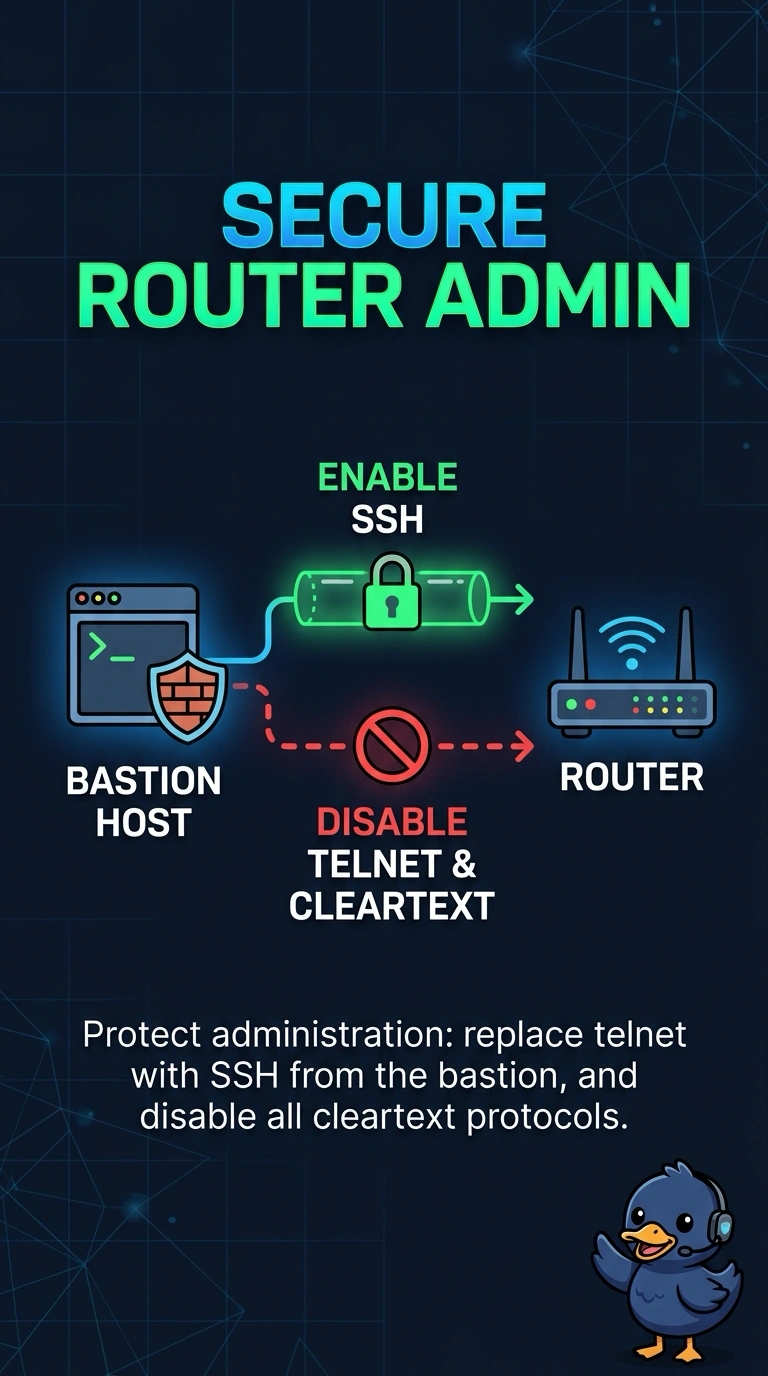
Shouting the password down the hall is not fixed by moving the shout into a side hall. You administer the routers with SSH from the bastion and you turn telnet off. Cleartext telnet on a management VLAN, routing-protocol authentication, or a passenger web filter still leaves the login exposed or untouched.
Full Explanation
The capture succeeded because the admin protocol was cleartext, so anyone on the span could read the enable password. SSH from the bastion encrypts that session, and disabling telnet removes the cleartext path. Moving telnet to another VLAN keeps it readable on the wire, while routing authentication and a rider web filter protect planes other than this login. Replace telnet with SSH from the bastion and disable cleartext administration protocols is the design that meets this requirement. Move the same telnet sessions onto a management VLAN and leave them in cleartext is the wrong fit because a management VLAN that still runs telnet can be spanned too, and the enable password remains readable. Routing-protocol authentication that protects adjacencies and does not encrypt the admin login is the wrong fit because routing-protocol authentication stops a rogue peer from forming an adjacency and does not encrypt the admin session. A passenger web filter that blocks video and does not log into the routers is the wrong fit because a passenger web filter policies rider browsing and is not an encrypted admin protocol toward the router. Exam caveat: SSH encrypts the session and does not by itself decide which source may open it, so keep the bastion as the allowed source or the encrypted login stays wide open. Operational check: From a span on the admin path, start an SSH session from the bastion and confirm the capture does not show the password, and confirm telnet to the router fails.