
Ransomware entered a studio through an enabled macro on a shared drive, and the team restored that drive with macros still enabled. Which redesign follows from the incident?
Select an answer to reveal the explanation.
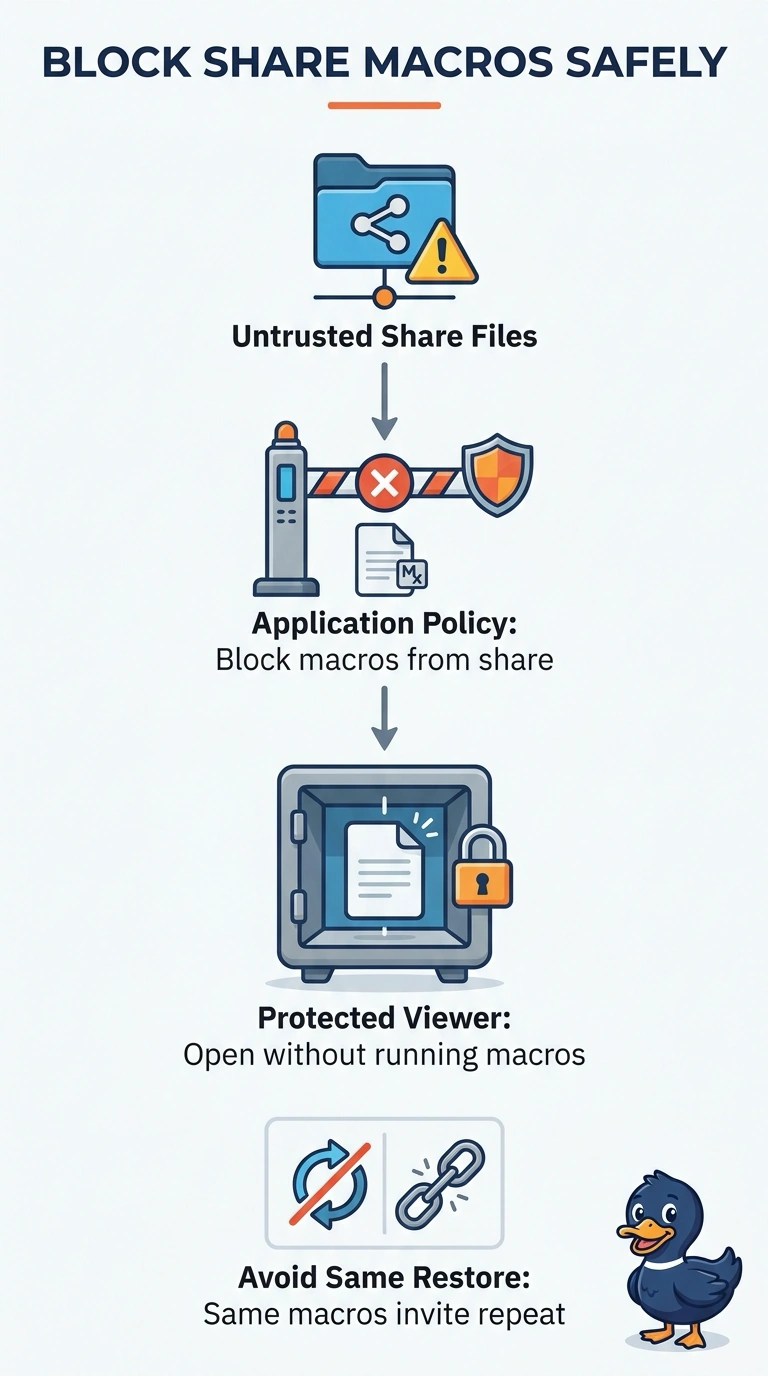
Short Explanation
Rehanging a door with the same broken latch invites the same push. You open untrusted studio files in a protected viewer and you block macros on that share. Another restore with macros on, a password reset, or guest wireless leaves the latch as it was.
Full Explanation
The incident succeeded because the share ran macros in untrusted documents, and restoring with the same setting puts the studio back on that path. The document application runs macros. Enforce the restriction on endpoints or through a controlled viewer. So the policy blocks the macro path from the share while a protected viewer still lets staff read the files. A password reset and a guest network do not change how those documents run. Apply application policy that blocks macros in untrusted documents from the share and opens them in a protected viewer is the design that meets this requirement. Restore the same share again and leave macros enabled for the art team to keep using is the wrong fit because restoring with macros still enabled returns the exact path the ransomware already used. Reset one artist's password even though that login was not how the macro ran is the wrong fit because a credential change does not alter the macro setting that executed the document. Add a guest wireless network that does not host the shared drive or the documents is the wrong fit because wireless segmentation is unrelated to the share, so documents on that drive stay macro-enabled. Exam caveat: A viewer only covers the path staff use, so a desktop that can re-enable macros will bypass the redesign. Operational check: Place a test macro on the share and confirm the viewer opens it without running.