
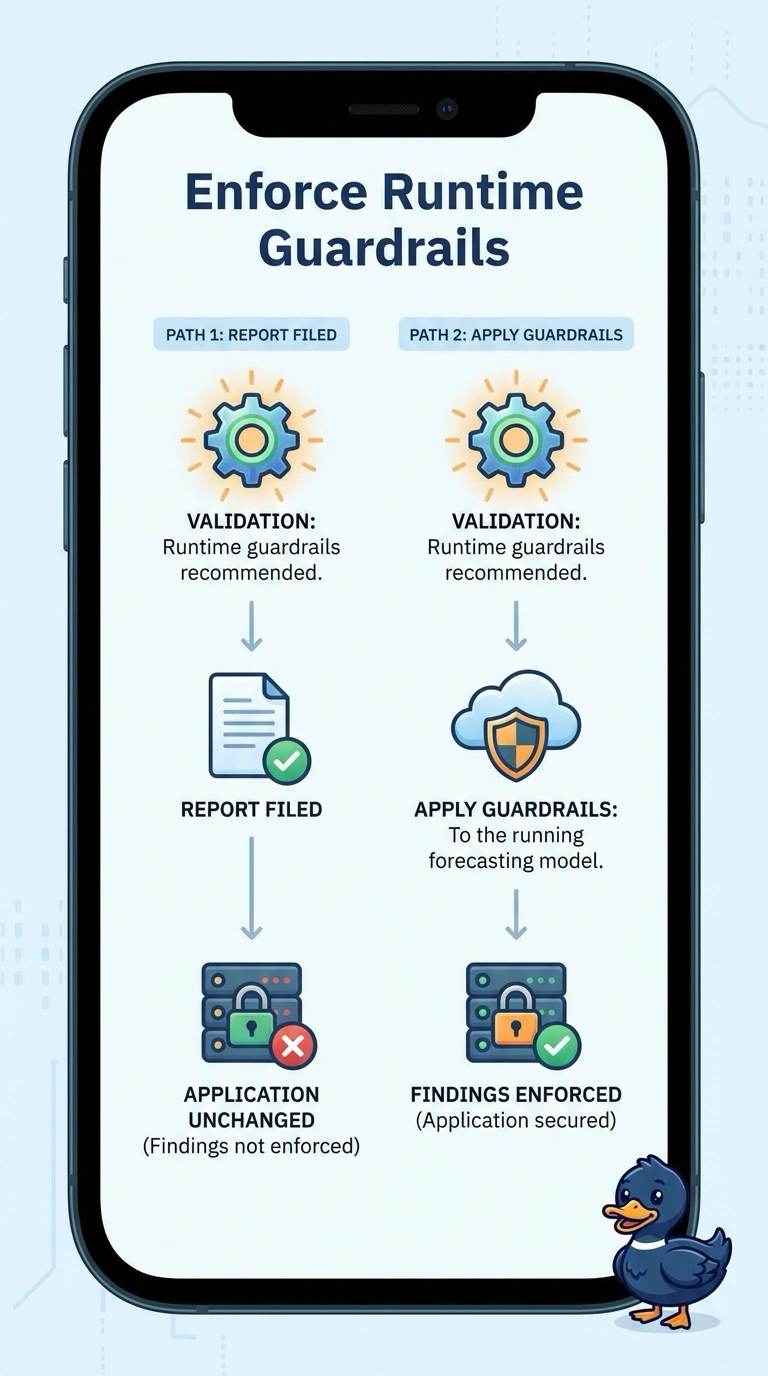
Validation of a warehouse forecasting model recommended specific runtime guardrails, and the team filed the report without changing the running application. What still has to happen?
Select an answer to reveal the explanation.
Short Explanation
An inspector's list of missing locks protects nobody until someone actually installs the locks. You apply the recommended guardrails on the running model so the validation findings are enforced. The trap is filing the report and leaving the forecasting application unchanged.
Full Explanation
Validation findings protect the model only when the recommended controls are turned on. Applying the recommended runtime guardrails on the running forecasting model is what enforces those findings, and filing the report without that change leaves the model exposed. Leaving the running model without those guardrails preserves the exact gap the validation described. Blocking public chatbot categories at the web gateway constrains employee browsing and is not the runtime control recommended for this forecasting model. Encrypting the forecasting server disk protects stored bytes and is not a guardrail on prompts, responses, or model abuse. Exam caveat: a later fine-tune invalidates the previous validation, so the new build needs its own validation and its own enforced guardrails. Operational check: confirm the running application configuration lists the recommended guardrails as active, then replay a finding from the report and confirm the live model blocks it. Keep the validation report on the change ticket only as evidence of what was recommended, and do not close that ticket until the running configuration shows the guardrails active.