
An airline proxy logs only the site name for crew browsers. It does not see the URL path or the file body, and TLS inspection is off. What restores visibility of the path and the body?
Select an answer to reveal the explanation.
Short Explanation
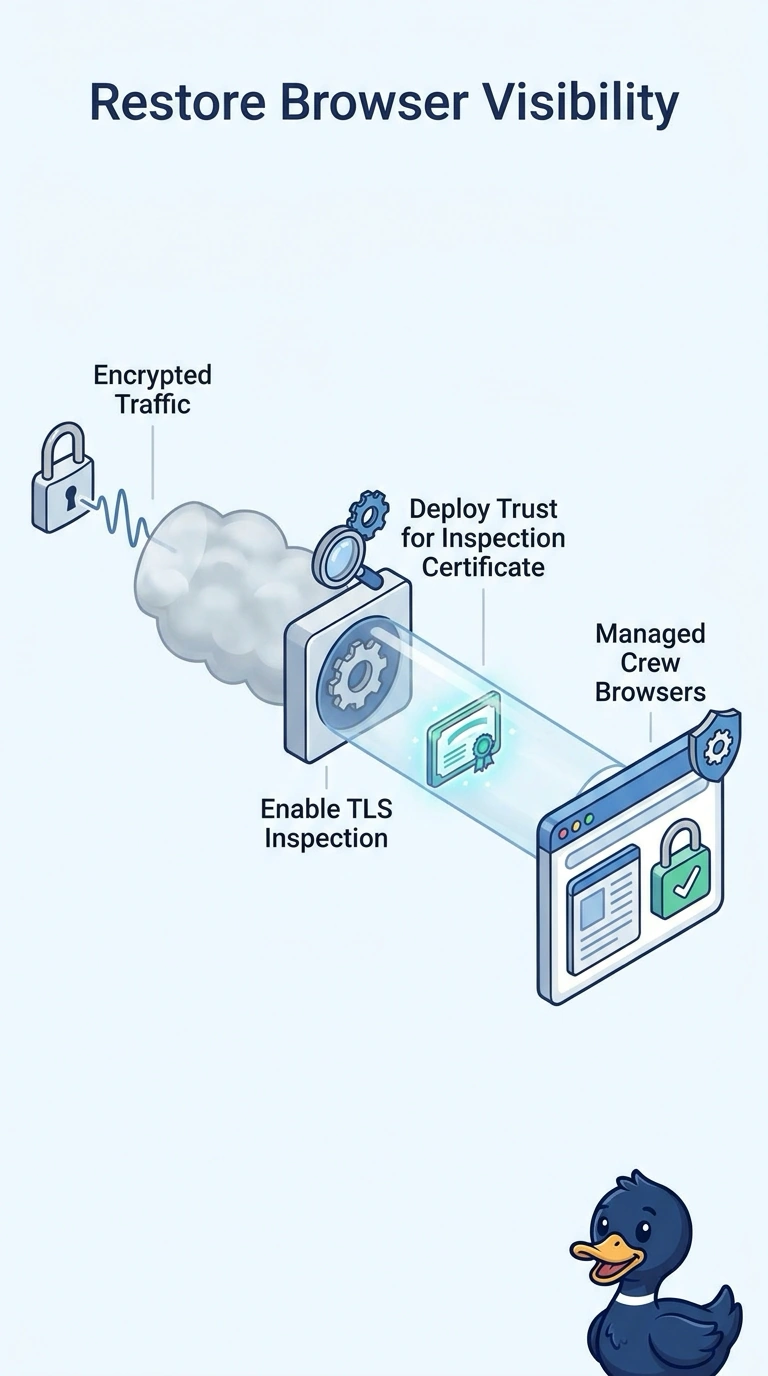
Think of a sealed envelope that the mailroom logs by the return address and never opens. You enable TLS inspection and give the crew browsers trust for the inspection certificate, or the proxy stays limited to the name. The trap is blocking the name in DNS, or encrypting disks, and expecting the path and the body to appear.
Full Explanation
The secure web gateway sees the URL path and the file body only when TLS inspection is on and the client trusts the inspection certificate. With inspection off, the airline proxy is limited to the name, which matches a log that never shows the path or the body. Enabling TLS inspection and deploying trust for the inspection certificate into the managed crew browsers restores that visibility. Adding a DNS block for the site name does not reveal the URL path and the file body to the proxy log, because DNS does not carry the path or the body. Turning on encryption at rest in the tenant protects stored bytes, and it does not decrypt the live proxy session for path and body inspection. Pointing the crew at a public resolver changes name lookup, and it does not let the proxy read encrypted sessions without an inspection certificate. Exam caveat: a category that is excluded from decryption will still hide the body for that category after inspection is on for everyone else. Operational check: load a test URL with a distinct path and file, and confirm the proxy log shows that path and a file disposition after the browsers trust the inspection certificate.