
A county hospital's profiler labels infusion pumps and tablets as unknown because its policies match only on the MAC OUI. The team wants the browser and OS string a device advertises in an unencrypted HTTP request, so profiles can match on that value instead. Which probe supplies that profiling attribute?
Select an answer to reveal the explanation.
Short Explanation
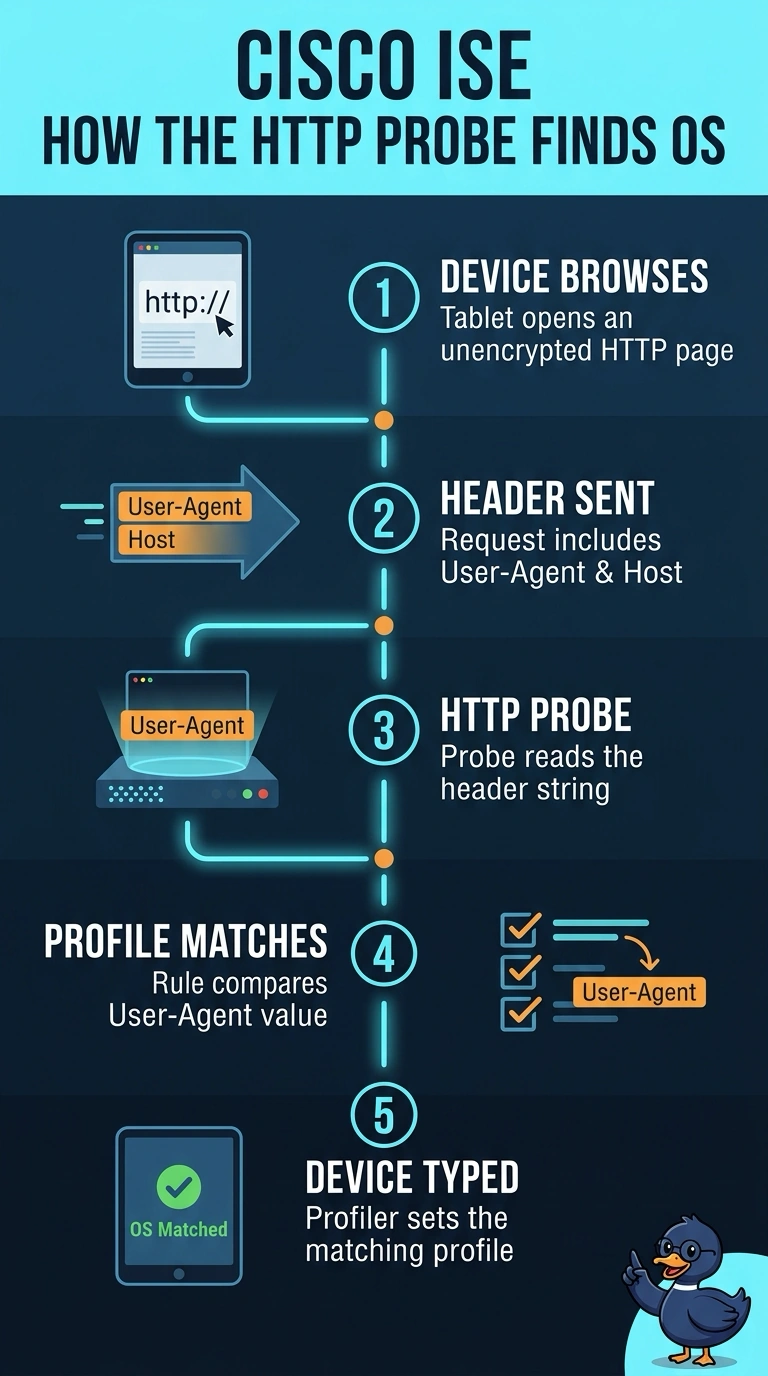
The HTTP probe reads the User-Agent header from a device’s web request, which can reveal its browser and OS—like a name tag that helps your profiler tell devices apart. It can also capture the Host header, unlike probes that report other endpoint or network details.
Full Explanation
The HTTP probe is correct because it observes the device's unencrypted HTTP requests and can extract the User-Agent header, which commonly advertises browser and operating-system information. The Host header identifies the requested web host; it is not itself the browser or OS value, but the probe captures the requested attribute from the same traffic. DHCP fingerprinting is a standard profiling technique and can infer device or OS families from vendor class and requested DHCP options, but those are DHCP attributes, not the browser/OS string advertised in an HTTP request. TLS client-hello fingerprinting can help identify browser or client software from handshake characteristics, but it applies to TLS sessions, not the specified unencrypted HTTP request or its advertised User-Agent value. SNMP sysDescr is a useful source of OS and hardware information when a device exposes an SNMP agent, but it reports a managed-device description rather than the browser/OS string in an HTTP request. Exam caveat: User-Agent values can be absent, reduced, or spoofed, so they are useful profiling signals rather than guaranteed identity evidence. In practice, capture a representative cleartext request and confirm that the probe parses its User-Agent field and that the hospital's policies match the observed value.