
A regional hospital runs ISE posture before granting clinical app access. Its posture support data is several releases old, nurses use Windows laptops, and radiology uses Macs. Both groups must pass antivirus and host firewall checks today, and the team wants ISE to recognize new product versions without manually maintaining product support data. Which step keeps ISE's posture support current?
Select an answer to reveal the explanation.
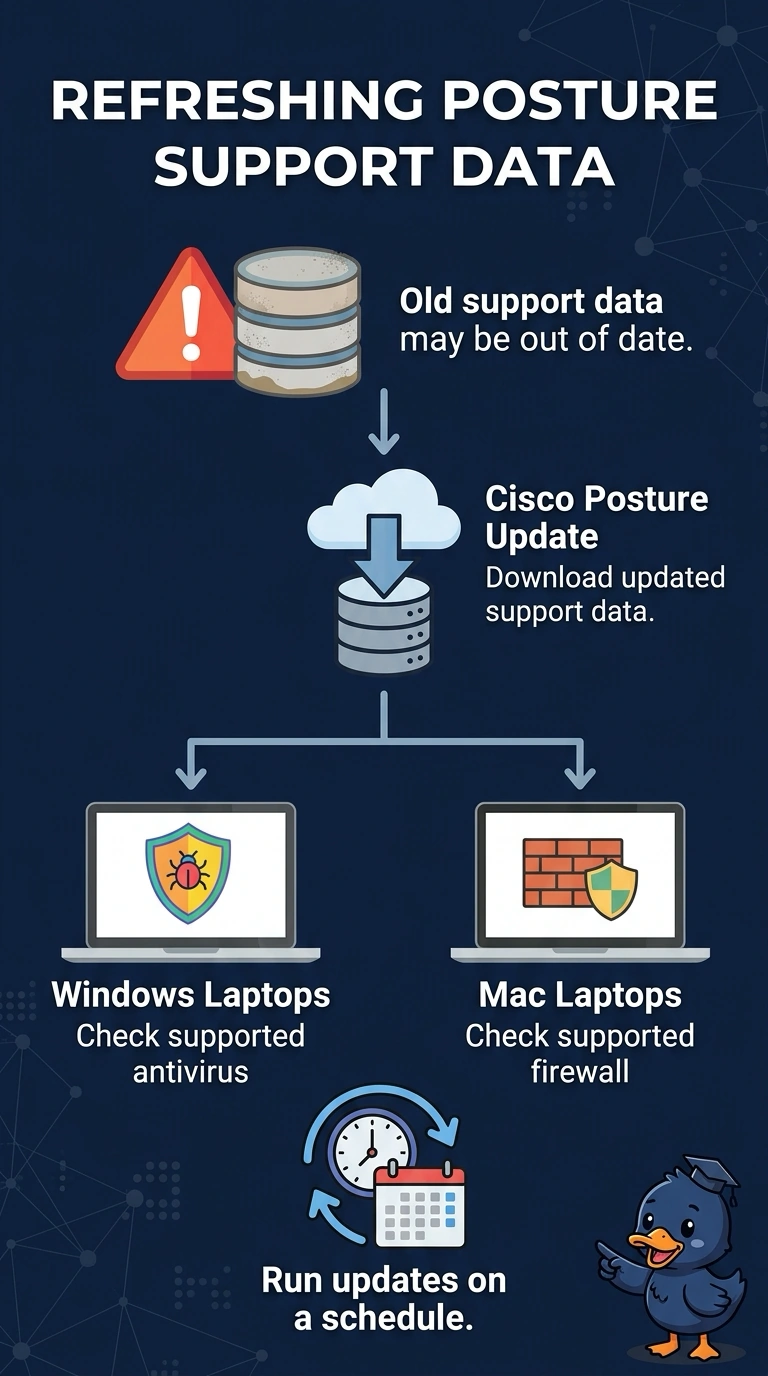
Short Explanation
Cisco posture updates refresh support data, including compliance modules and support charts, so ISE can recognize supported antivirus and firewall products. They do not replace the requirements you configure in your posture policy; assigning stale requirements alone does not refresh product support data.
Full Explanation
Downloading the latest Cisco posture updates refreshes ISE’s product support data, allowing posture assessment to recognize supported antivirus and host firewall products and newer versions without staff manually maintaining those definitions. This fits the hospital’s mixed Windows and macOS environment, provided the relevant products and platforms are covered by the update. Scheduling manual imports of vendor definitions is a recognized maintenance approach, but it fails the explicit requirement to avoid manual upkeep; recurring work is still manual even when it is scheduled. Using Intune and Jamf compliance signals in ISE authorization policies can provide useful cross-platform compliance information, but it relies on external management signals rather than keeping ISE posture support data current. Using ISE posture content for antivirus while relying on endpoint policies for firewall status leaves the firewall check outside the stated ISE posture assessment, so it does not meet the requirement that both antivirus and host firewall checks pass through posture. Exam caveat: refreshing support data does not itself create or assign posture requirements, authorization rules, or remediation actions; those must also be configured appropriately. Practical check: after updating, test representative Windows and Mac endpoints with the hospital’s antivirus and firewall products, and confirm ISE recognizes their versions and reports both checks as compliant.