
A conference center hosts a three-day summit for 900 attendees. Reception creates each visitor's account from the ISE sponsor portal, and every account must work for only 48 hours from check-in and then expire on its own. The security team has ruled out one event-wide account with a session cap. Which guest account setting enforces the required lifetime?
Select an answer to reveal the explanation.
Short Explanation
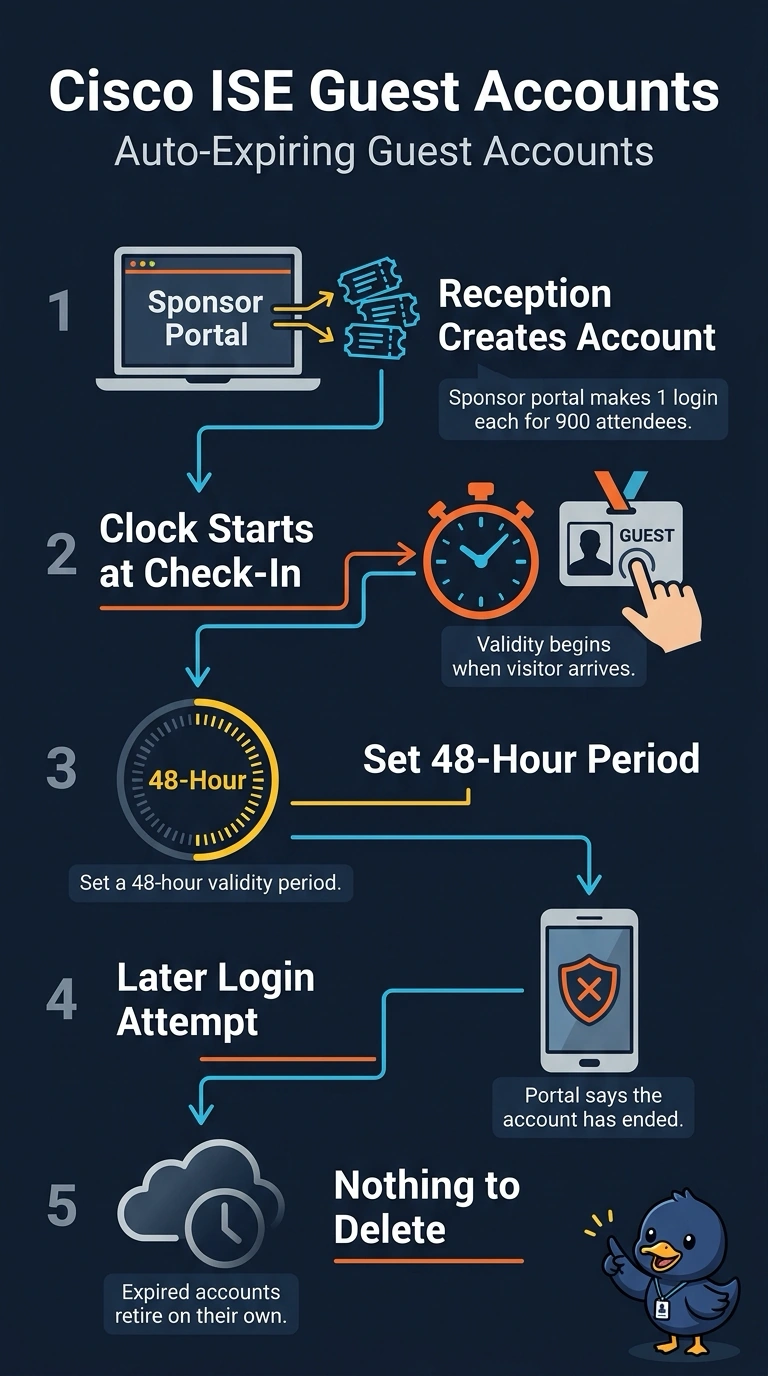
A web-auth session timeout only disconnects a visitor; it doesn’t retire the credential for you. Set 48-hour validity on each guest account in the sponsor portal policy so ISE expires it automatically from check-in. That’s like retiring a badge at the end of a shift instead of just dimming the lights.
Full Explanation
The required control is a 48-hour validity period on each guest account, configured in the sponsor portal policy. ISE can then expire each visitor’s account automatically at the end of that interval, independently of other attendees and without relying on staff action. Starting validity at first successful login does not meet the check-in-based requirement: a visitor who delays logging in could retain access beyond 48 hours from arrival. Starting the 48-hour clock at account creation can also misalign the expiry with check-in if reception provisions accounts in advance; the account could expire too early relative to the visitor’s arrival. A 48-hour web-auth session timeout terminates an authenticated session but does not itself expire the underlying guest account, so the visitor may be able to authenticate again while the account remains valid. Exam caveat: distinguish account validity from session timeout, and identify when the validity clock starts—creation, first login, or check-in—rather than assuming these events coincide. Practical check: verify the sponsor portal policy’s validity start and expiry behavior with a test account, including whether it is disabled automatically at the intended 48-hour mark.