
A retail chain's WLAN must serve company laptops that already carry machine certificates and guest tablets that hold only a username and password. The security lead wants certificate-based authentication on the corporate SSID, with user passwords kept off the air. Which EAP method should the corporate SSID use?
Select an answer to reveal the explanation.
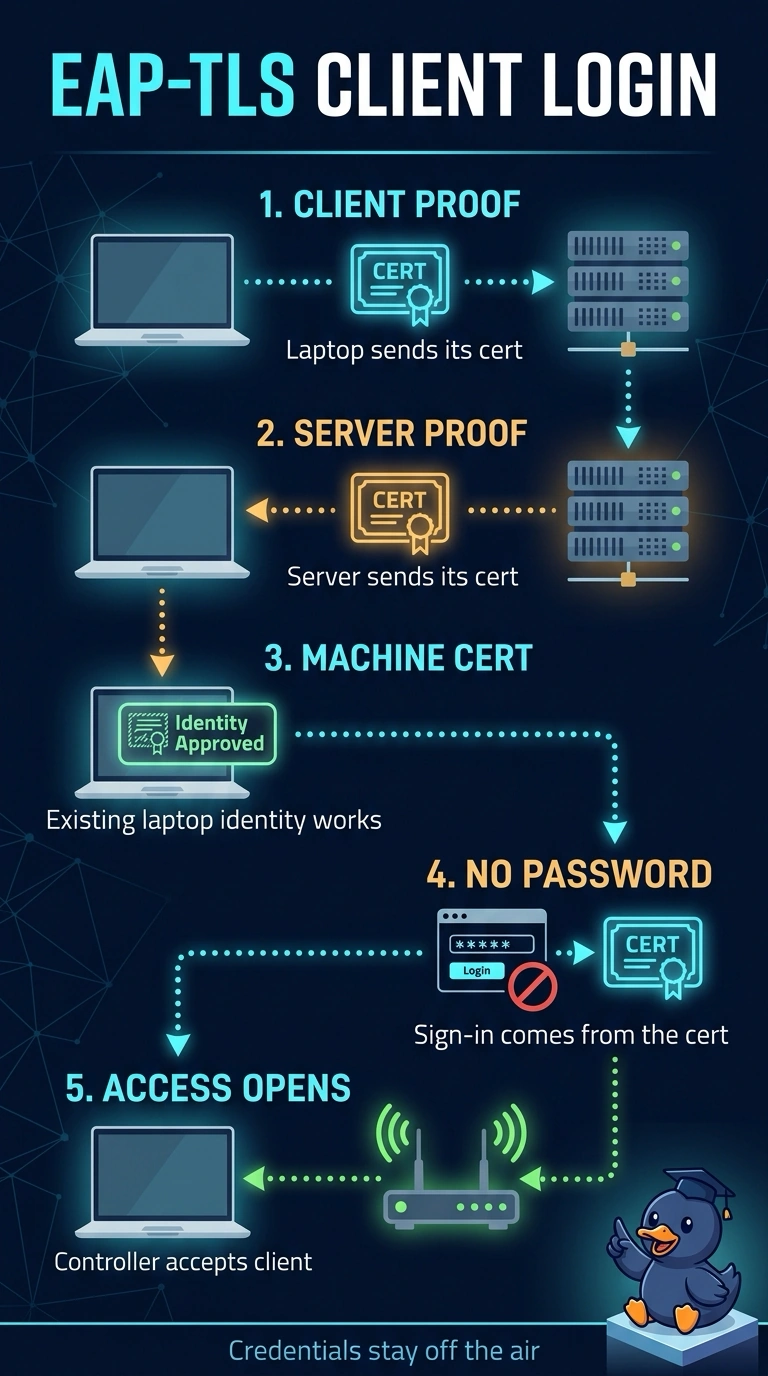
Short Explanation
For your corporate SSID, choose EAP-TLS: your laptops prove their identity with machine certificates, like showing a badge, so passwords never travel over the air. Your guest tablets can keep using a separate username-and-password setup; they don’t need certificates for this corporate method.
Full Explanation
EAP-TLS performs the inner authentication with a client certificate, so the laptop presents the machine identity already installed in its certificate store while the server proves itself with its own certificate, and no shared password travels through the tunnel. That single property satisfies both stated needs: your existing certificates get used and user passwords never leave the client. PEAP-MSCHAPv2 wraps MS-CHAPv2 inside a TLS tunnel, which keeps the exchange encrypted but still requires a username and password, so the machine certificates sit unused and the hashed credential remains exposed to offline cracking. EAP-TTLS takes the same shape from your point of view, because its inner method is another password exchange, so the corporate SSID still never validates a certificate. Requiring EAP-TLS on both SSIDs fails the guest requirement instead, because the tablets were only issued a username and password and can complete no certificate exchange. Caveat: certificate methods need a template, distribution and renewal path you can actually operate, and the outer identity is often kept anonymous for privacy. A practical check is to read the RADIUS authentication logs and confirm the inner method reports a certificate instead of MS-CHAPv2.