
A retail chain is building one ISE deployment for 40 stores: a PAN in the data center and a PSN per region. Engineers deploy ISE virtual machines from a template and want first boot to complete initial setup with minimal console typing, while policy content stays managed from the PAN. What does zero-touch provisioning provide during that first boot?
Select an answer to reveal the explanation.
Short Explanation
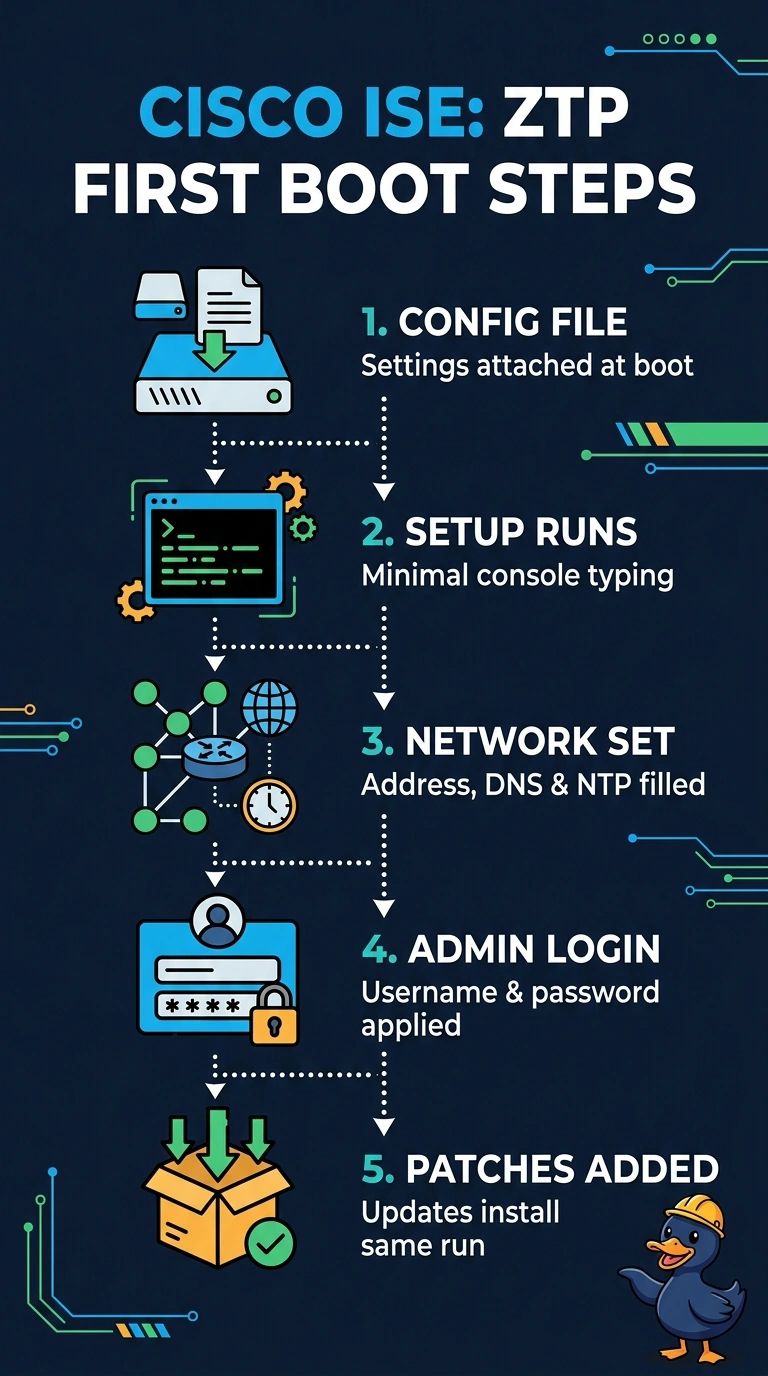
With ZTP, your configuration image supplies the node’s hostname, IP address, DNS, NTP, and admin login. You can complete first-boot setup with minimal console typing.
Full Explanation
Zero-touch provisioning provides the initial node-specific settings needed to run ISE setup with little console input: hostname, IP address, DNS and NTP settings, and the administrator login. This lets you initialize template-based virtual machines across many stores with minimal console typing, while policy content remains managed from the PAN. ZTP settings alone do not mean that a node automatically joins the deployment or receives policy; those are separate deployment and synchronization steps. An image that supplies hostname, IP, DNS, and NTP but omits the admin login still requires an administrator to enter that login at first boot. An image that relies on DHCP for the node’s IP address does not supply that address itself. An image that relies on site DHCP for the NTP server likewise does not supply the NTP setting. Exam caveat: distinguish provisioning a node’s initial settings from authorizing it into the ISE deployment and synchronizing policy from the PAN. Practical check: inspect the generated ZTP image for the hostname, IP, DNS, NTP, and admin login; confirm compatibility with the deployed ISE release; and verify the resulting settings in the node’s first-boot logs.