
A university helpdesk of nine staff issues visitor passes through the ISE sponsor portal. Every pass must expire within 24 hours, and each created guest must land in the Visitor-Short identity group used by the guest wireless rule. Which ISE element should hold both the duration ceiling and the identity group for the passes they create?
Select an answer to reveal the explanation.
Short Explanation
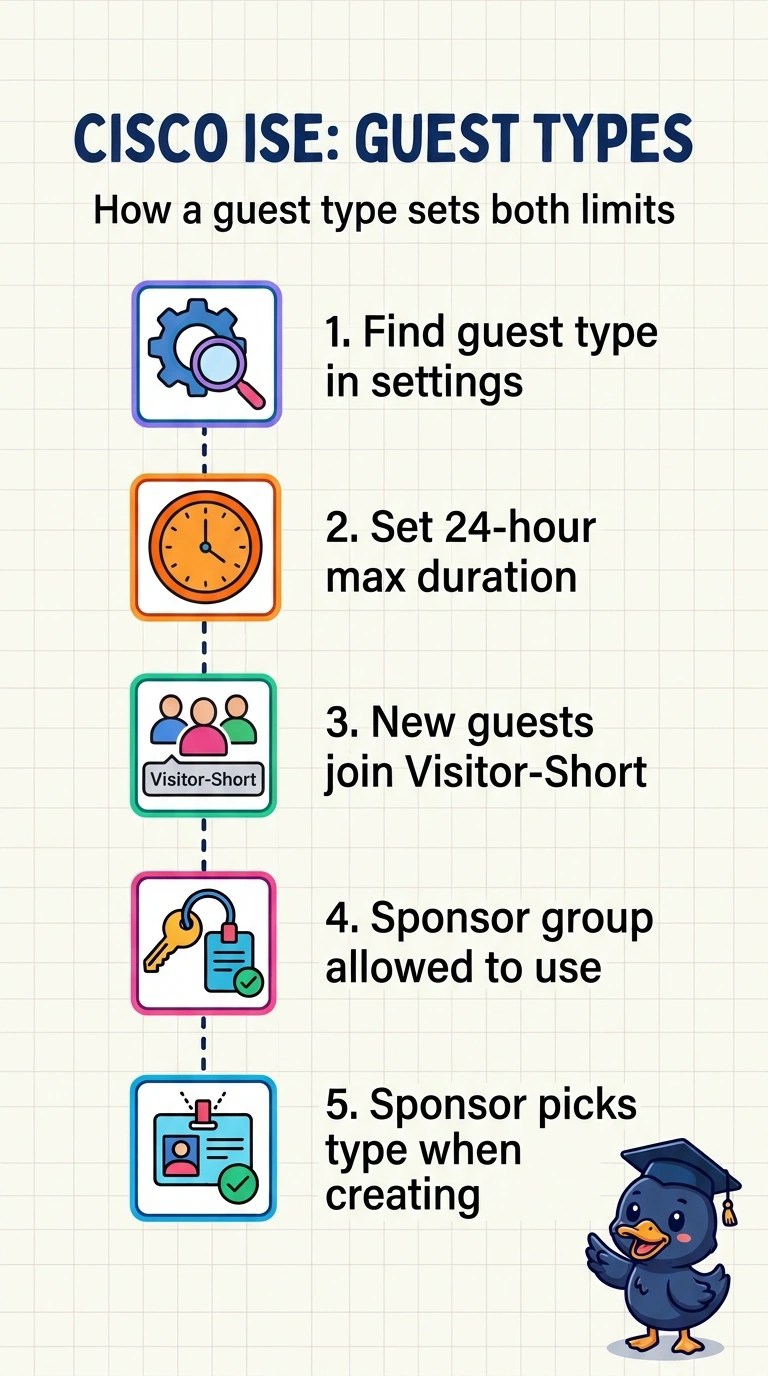
Set both requirements on the guest type used to create each pass: it caps the account at 24 hours and places the guest in Visitor-Short. The sponsor group controls which guest types your staff can use—it’s like choosing which pass templates they’re allowed to hand out.
Full Explanation
A guest type defines settings for guest accounts, including their maximum account duration and identity group. Set the maximum account duration to 24 hours and pick Visitor-Short as the identity group; accounts created with that type use those settings, so the guest wireless rule matching Visitor-Short can match them. Allowing only this sponsor group to use that type makes it available to the nine helpdesk staff. A sponsor group can also limit the maximum duration sponsors may assign, but it does not set the guest identity group, so it cannot hold both requirements. A self-registration portal can be configured to use a guest type, but the portal itself does not replace that type's duration and identity-group settings. Filing guests under the general Visitor group fails because the wireless rule expects Visitor-Short. Exam caveat: guest type and sponsor group settings are separate; changing a guest type may affect accounts already created with it. Practical check: sign in as a test sponsor, create a pass, then open the guest record and confirm the expiry is within 24 hours and the group reads Visitor-Short.