
An ISE BYOD deployment limits each employee to two registered personal devices. An employee who has hit the limit wants to add a new tablet and no longer carries an older phone that is still listed. Which BYOD device-lifecycle action should the engineer take first?
Select an answer to reveal the explanation.
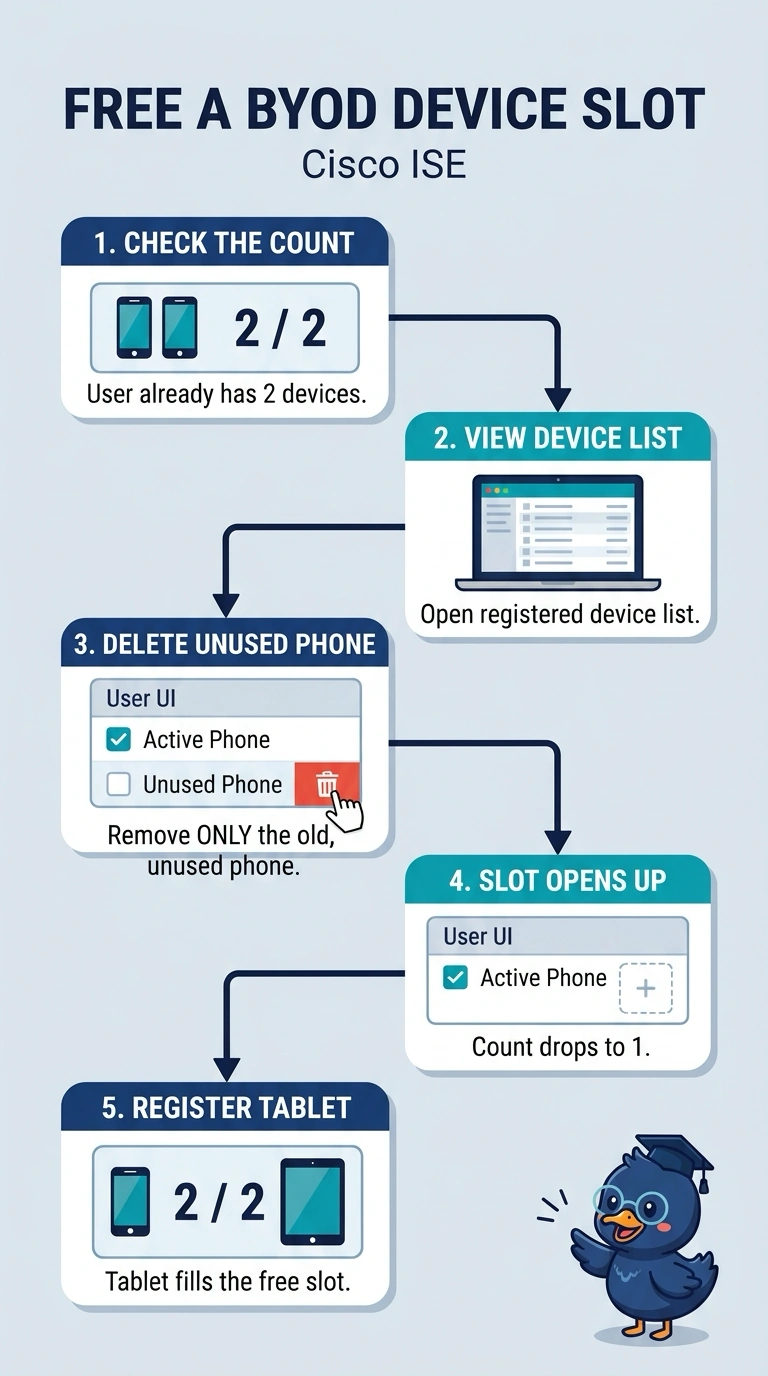
Short Explanation
Your registered device list is the roster ISE checks when someone enrolls a new device. Deleting the unused phone frees one of the two device slots, so the tablet can register normally. Blocking its MAC keeps that phone offline, but you're still stuck at two.
Full Explanation
The two-device cap is enforced against the endpoints registered to that identity, so removing a registration lowers the count. Deleting the older phone from the registered device list clears that entry and drops the employee from two records to one, leaving a free slot for the tablet at its next enrollment. Requesting an exception would contradict the stated two-device cap. Adding an authorization rule that blocks the phone's MAC address changes what that device can reach but does not change the registration count, so the tablet is still refused at enrollment. Revoking a BYOD certificate affects the device associated with that certificate; it does not remove the device's registration or free a slot. One exam caveat: ISE lets either the user or an administrator remove a device, and portal wording changes between releases, so match the effect to the operation rather than to a menu name. A practical check: reopen the employee's device list after the change and confirm the count reads one before the tablet is enrolled.