
An FTD in a branch office stops checking in with the Secure Firewall Management Center, and the engineer has CLI access to the device. They must first confirm the device address, default route and reachability to the FMC, then read a Linux-level log file to see why registration stalled, and the diagnosis must leave every service running. Which clish and expert mode workflow supports this diagnosis?
Select an answer to reveal the explanation.
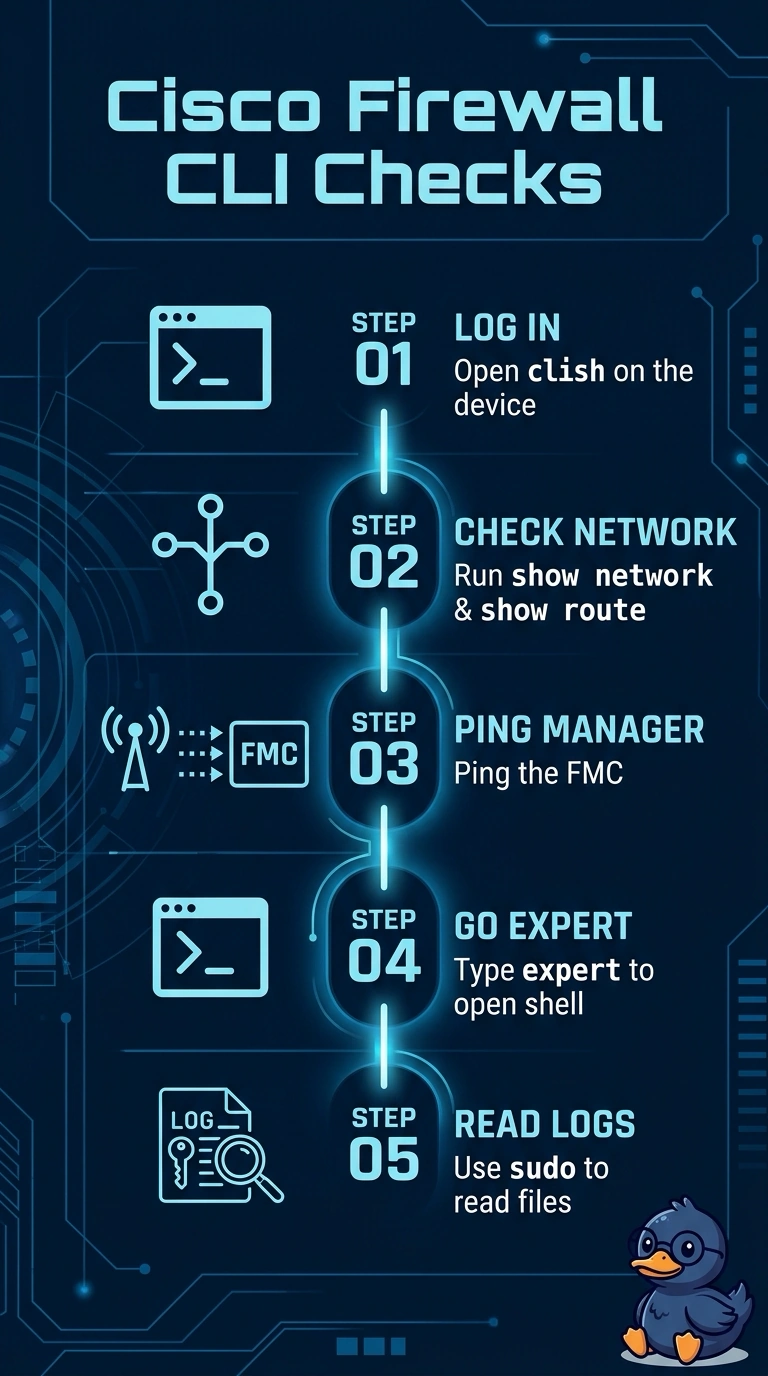
Short Explanation
Start with the safe, purpose-built checks before you drop into the Linux shell. Clish gives you show network, show route and ping, and only then does expert mode earn its keep for log files. It's like reading the gauge before you open the engine cover.
Full Explanation
The correct workflow separates the required checks by environment: clish commands confirm the FTD’s configured address and route, and a ping tests reachability to the FMC; expert mode then provides access to the Linux-level log, with sudo used when permissions require it. Reading the log without stopping or restarting services preserves the required running state. Using expert-mode ip and ping commands is a familiar Linux troubleshooting technique and can establish the same network facts, but it fails here because the scenario specifically requires the initial checks to be performed in clish. Checking FMC registration events after the clish tests is also a reasonable way to gather management-side context, but those events do not satisfy the requirement to read a Linux-level log file on the FTD. Restarting the networking service before checking the route and reachability is a common recovery-oriented step, and the workflow may leave the service running afterward; however, it violates the required sequence to confirm the network facts first and can alter the evidence being diagnosed. Exam caveat: on FTD, expert mode exposes the underlying Linux environment, but not every general Linux command or service action is supported for routine configuration or recovery. Practical check: record the address, default route, and ping result from clish before entering expert mode, then verify the relevant log’s timestamp and contents without changing service state.