
A SOC lead sees one workstation trigger the same low-severity intrusion signature dozens of times in an hour, with every single event sitting below the team's escalation threshold. They want Secure Firewall Management Center to raise an alert when that pattern accumulates past a set count within a specified time period. Which correlation configuration should the analyst build to escalate the repeated-event pattern?
Select an answer to reveal the explanation.
Short Explanation
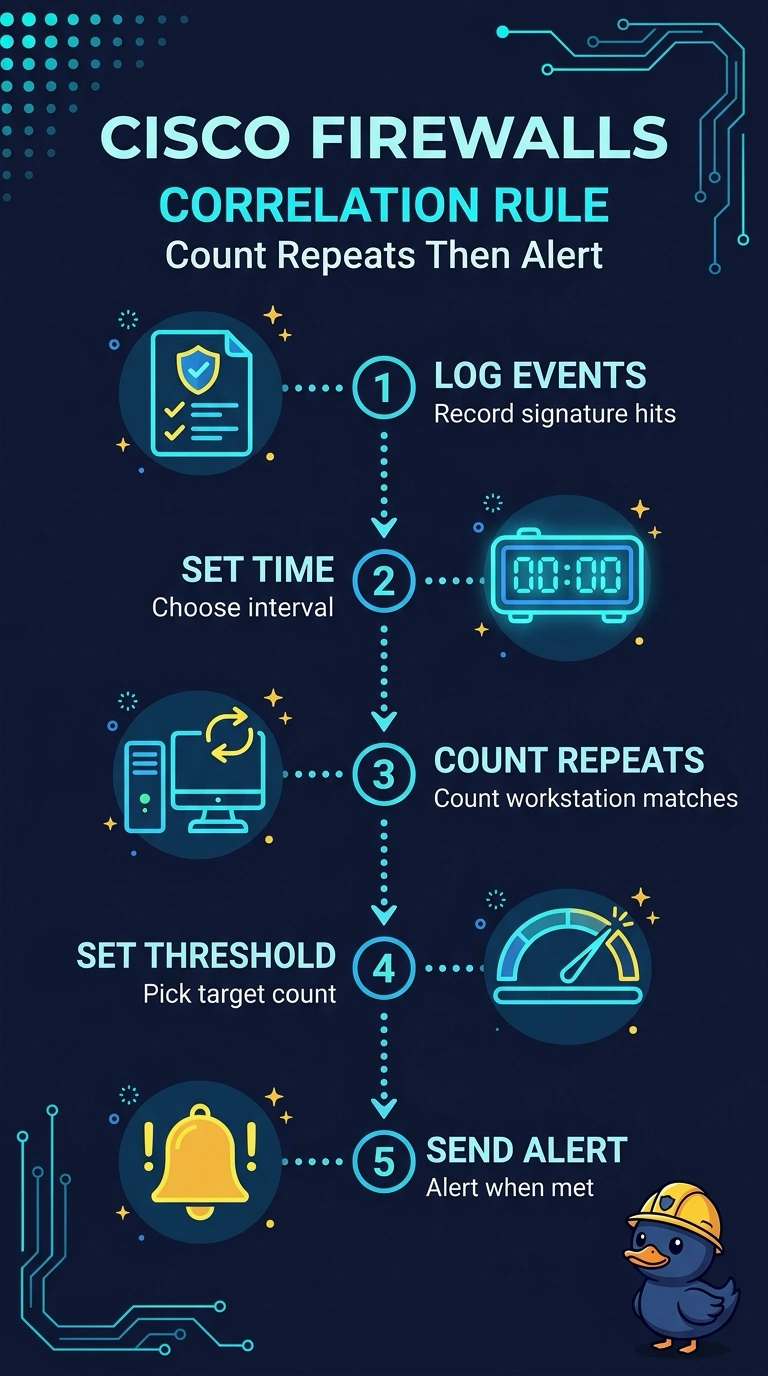
You're chasing a pattern, not a single packet, so anything that reacts event by event will just fill the queue. A correlation rule can count matching events over a specified time period and alert when the threshold is met. It's like counting repeated knocks before you open the door.
Full Explanation
The correct configuration is a correlation rule that counts matching intrusion events from the specified workstation over the defined time period and raises an alert when the count exceeds the threshold. This captures the behavior the SOC lead wants: individual low-severity events need not trigger escalation, but their accumulation does. A rule with the right count and time window but no response action matches silently, so nothing is raised; the rule needs an alert response to notify the team. A rule that counts matching events across all workstations applies the right aggregation and time-window logic, but loses the host-specific scope, so activity from other systems could contribute to the threshold. Alerting on every matching intrusion event from the workstation preserves the event type, host, and alerting behavior, but does not aggregate events; it would respond to individual occurrences rather than detect the requested repeated-event pattern. Exam caveat: correlation-rule terminology and available actions can vary by FMC release and configuration, so distinguish event conditions from the action taken when a rule matches. Practical check: generate or replay representative events and verify that only the intended host’s events count, the threshold is evaluated within the configured window, and crossing it produces the expected FMC alert.