
During patch planning, the team must confirm every server on the 10.30.4.0/24 segment that runs Windows Server so the right images get scheduled. Network discovery has been enabled on that interface for months and the hosts generate regular traffic. Which view in the Management Center should the engineer open to read the observed operating system for each host?
Select an answer to reveal the explanation.
Short Explanation
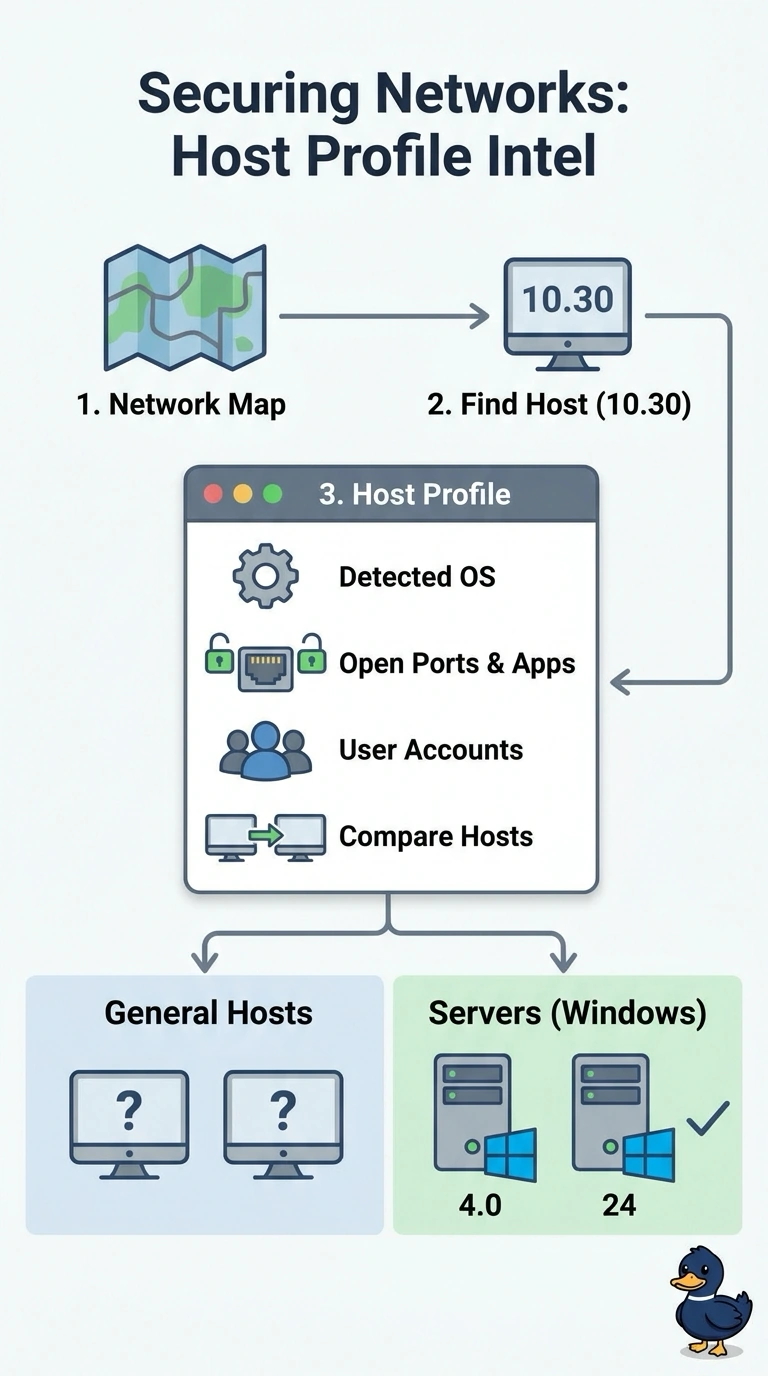
Open each server’s host profile from the network map to see its detected operating system. It’s like an ID card built from the traffic the host already sends, so you can confirm which Windows Server image to schedule.
Full Explanation
The Management Center assembles a host profile from network discovery events, so what it passively learned about one address — detected operating system, open services, applications, and user accounts — sits together in a single record you can reach from the network map. Discovery has been running on that interface for months, so those records are already populated, which makes them a quick way to identify platforms for patch planning. A standard report built from connection events and grouped by application tells you which programs crossed the wire, but an application name does not identify the platform underneath it. Filtering connection events on port 445 shows which addresses reached SMB, but does not establish the operating system behind them. The host vulnerability list shows hosts with detected vulnerabilities, not every host that needs patching; a Windows Server with no matching vulnerability may not appear. Discovery is passive, so a quiet host with little matching traffic may have a thin profile. Practical check: pick one server, open its profile, and confirm the operating-system string matches what the server team reports.