
A logistics engineer sees routing failures when the FTD appliance reaches for its update server, yet the Management Center still shows the interface as up. The engineer needs to know which path the appliance itself would choose for that destination. Which device CLI command should be run, and in which mode?
Select an answer to reveal the explanation.
Short Explanation
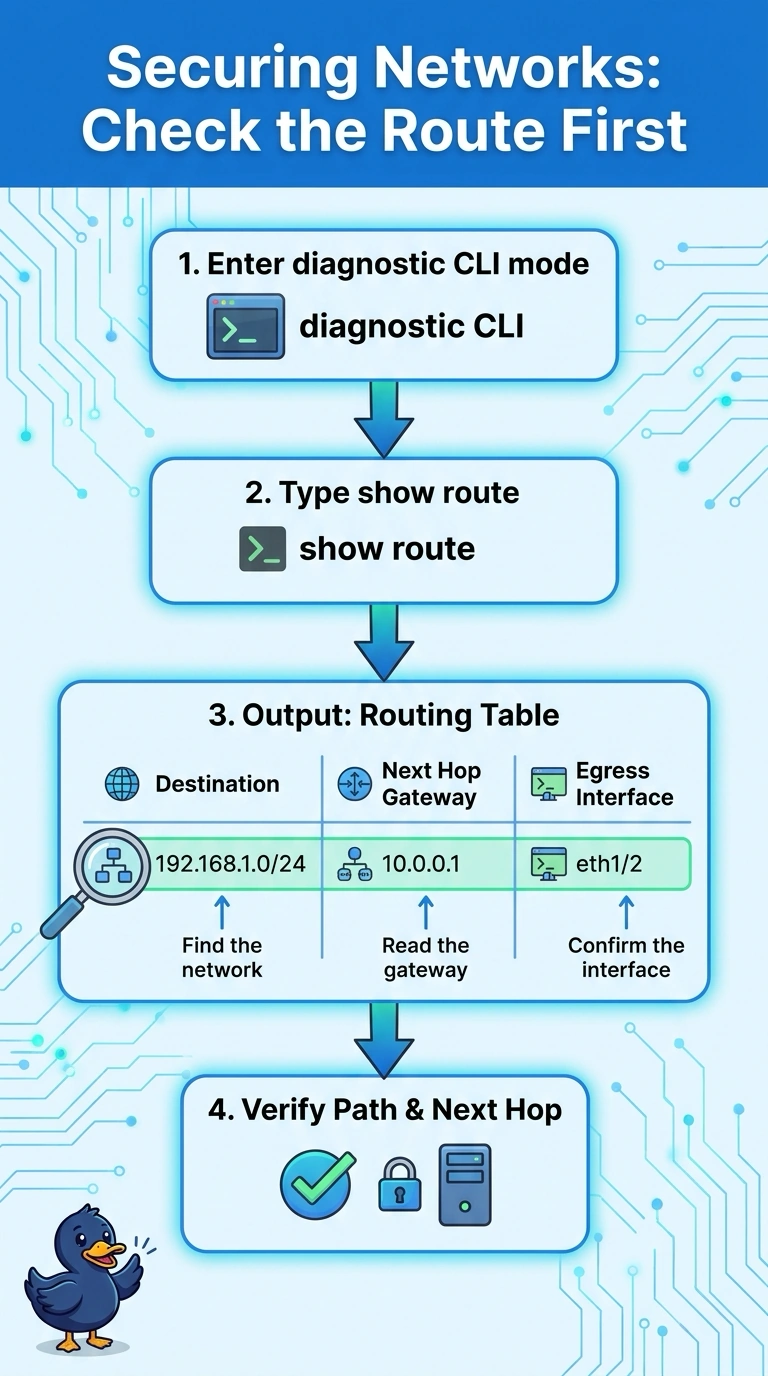
Run show route in diagnostic CLI mode to see the installed routes and next hop the FTD appliance would use for the update server. It’s like checking your navigation app’s chosen route, and diagnostic CLI shows the path that matches the destination.
Full Explanation
On FTD, run show route in diagnostic CLI mode to display the routing table, including destination networks, gateways, and interfaces. The matching route indicates the next hop the appliance would use; a more specific route can take precedence over a default route. Interface status is useful for diagnosing link problems, but an interface can be up while the relevant route is missing or different than expected. A packet capture can show traffic on an interface, but it does not replace checking the routing table to determine which route matches the destination. Expert mode is the underlying Linux shell, not the mode for this FTD diagnostic CLI command. Practical check: run show route, find the entry covering the update server, then note its gateway and egress interface.