
A logistics firm runs a proprietary telemetry protocol over cleartext TCP on a port that changes every quarter, and several other applications share that same port range. The team needs the protocol named in network discovery events so it can later write an acceptable-use rule. Which configuration in Secure Firewall Management Center will identify the proprietary application reliably?
Select an answer to reveal the explanation.
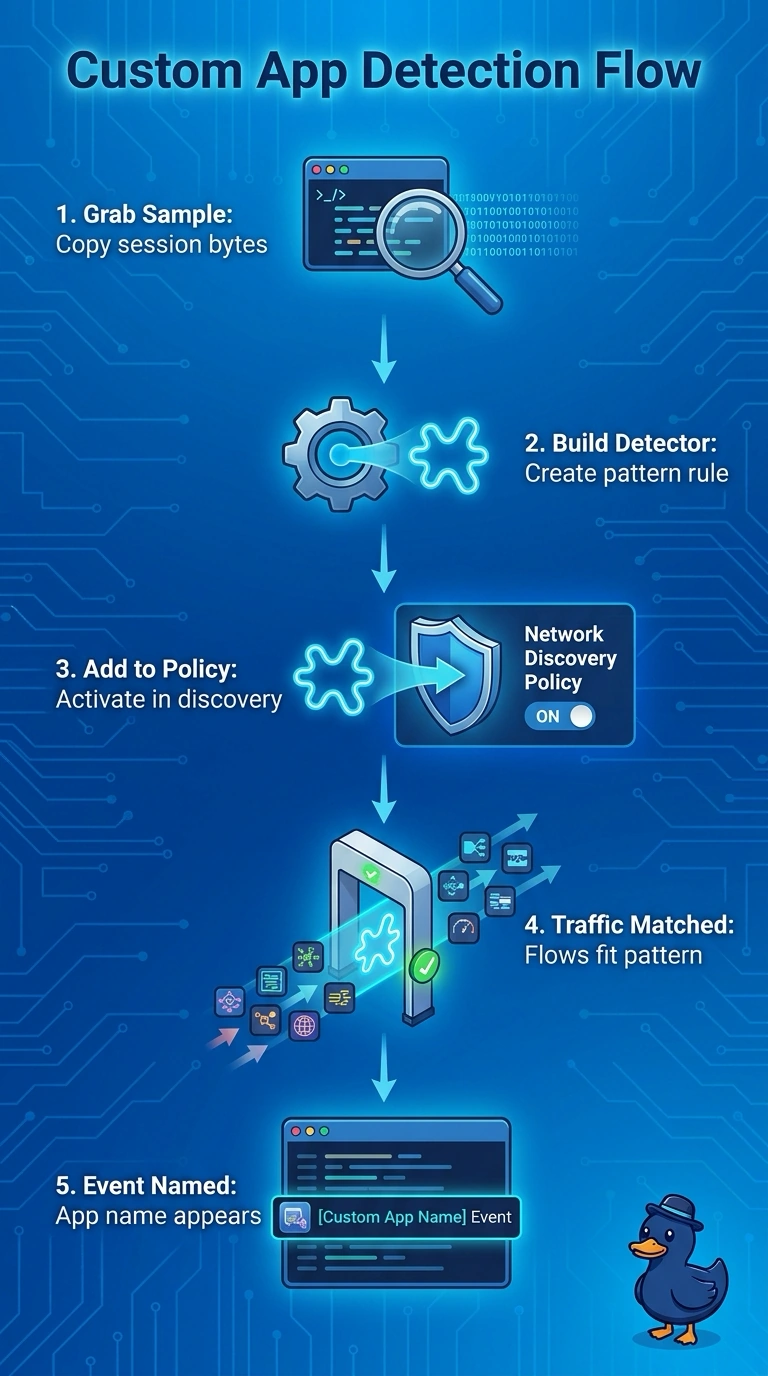
Short Explanation
Create a custom application detector that matches a distinctive payload pattern, activate it, and keep application discovery enabled in your network discovery policy. It works like recognizing a song by its melody rather than its radio station: the changing, shared port won’t reliably identify the protocol.
Full Explanation
A custom application detector can identify traffic that built-in detectors do not cover by using a distinctive pattern in the protocol's payload. Create it under Policies > Application Detectors and activate it, and make sure the deployed network discovery policy has application discovery enabled; matching traffic can then be reported under the configured application name. A port-based label would not reliably identify this protocol because its port changes and is shared with other applications. A correlation rule can group events but does not create an application identity for network discovery. A custom intrusion rule can generate an intrusion alert when its signature matches, but that alert does not assign an application name in discovery events. The pattern must be specific enough to avoid matching unrelated traffic, and the detector must be configured and deployed correctly. Verify it against a known session and confirm the application name in the resulting discovery data.