
An engineer uploads a custom Snort rule to the FMC to catch an attack against an in-house protocol, adds it to an inline intrusion policy, and deploys the access control policy. Users then report the exploit still reaches the server. Which configuration step makes the custom rule drop matching packets?
Select an answer to reveal the explanation.
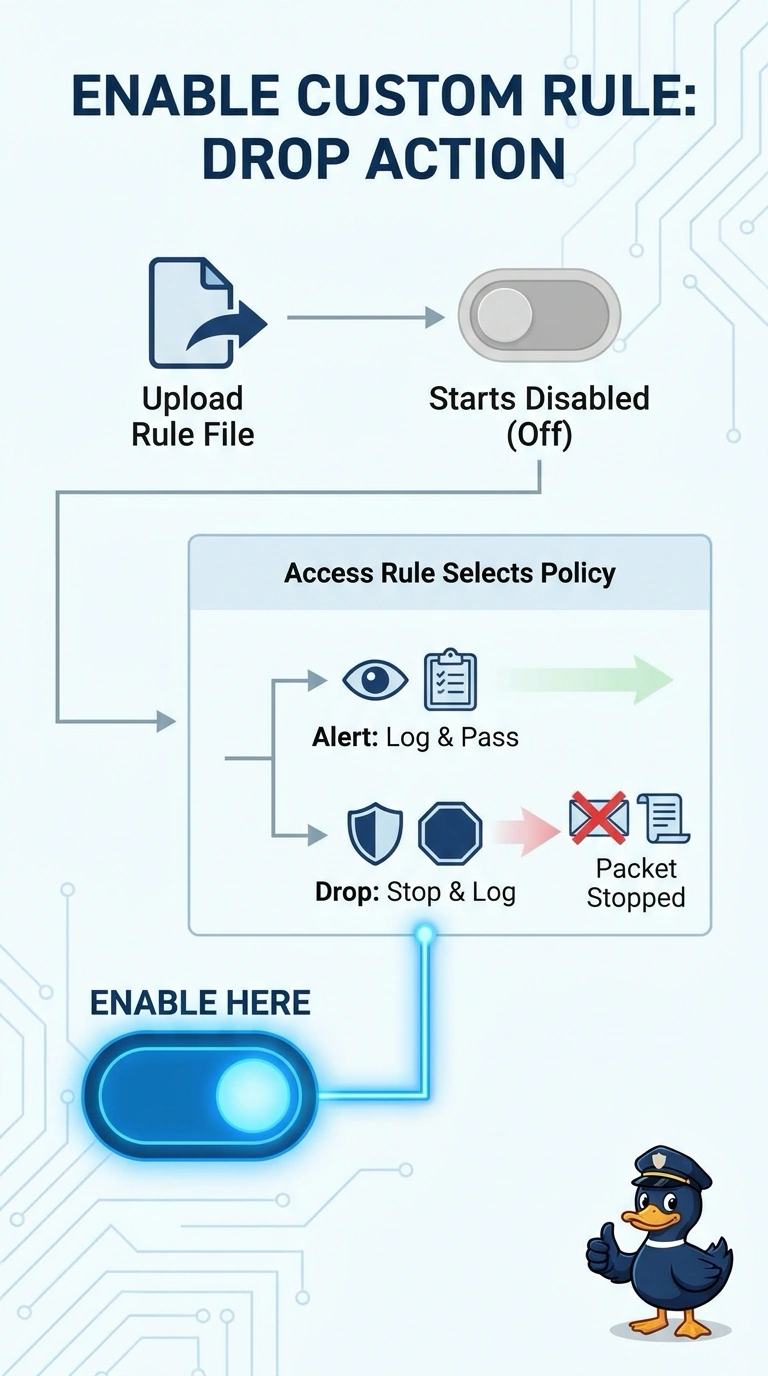
Short Explanation
Custom rules land in the Management Center switched off, so your signature sits idle like an unplugged sensor until you enable it in the policy. That intrusion rule state decides whether matching packets are only alerted on or actually dropped, and the result depends on matching traffic being processed.
Full Explanation
The custom rule must be enabled and configured with a dropping action in the inline intrusion policy. Uploading a local rule does not make it active: local rules start disabled in each policy, so a rule that remains disabled cannot drop matching traffic even when the policy is inline and deployed. Assigning the inline intrusion policy to the access control rule is a sound way to ensure that traffic is inspected by the intended policy, but it does not enable a disabled custom rule or change its action. Checking syntax and the generator ID can help diagnose compilation or rule-identity problems; a valid, compiled rule still will not drop packets if it is disabled or configured only to alert. Reviewing protocol, port, and variable criteria can correct a rule that does not match the actual in-house traffic, but matching criteria alone do not determine whether matched packets are dropped. Exam caveat: inline mode permits an intrusion policy to drop traffic, but it does not automatically turn every rule into a drop rule; the individual rule's state and action matter. Practical check: in the deployed intrusion policy, confirm the custom rule is enabled, its action is set to drop, and the policy is assigned to the relevant access control rule, then verify the deployment succeeded.