
A bank sees large file uploads stall halfway through. The access rule permits the traffic and FMC connection events show the flow ended as blocked after inspection, but the team needs the verdict Snort returned for each individual packet. Which FTD CLI troubleshooting tool shows the per-packet Snort verdict for that flow?
Select an answer to reveal the explanation.
Short Explanation
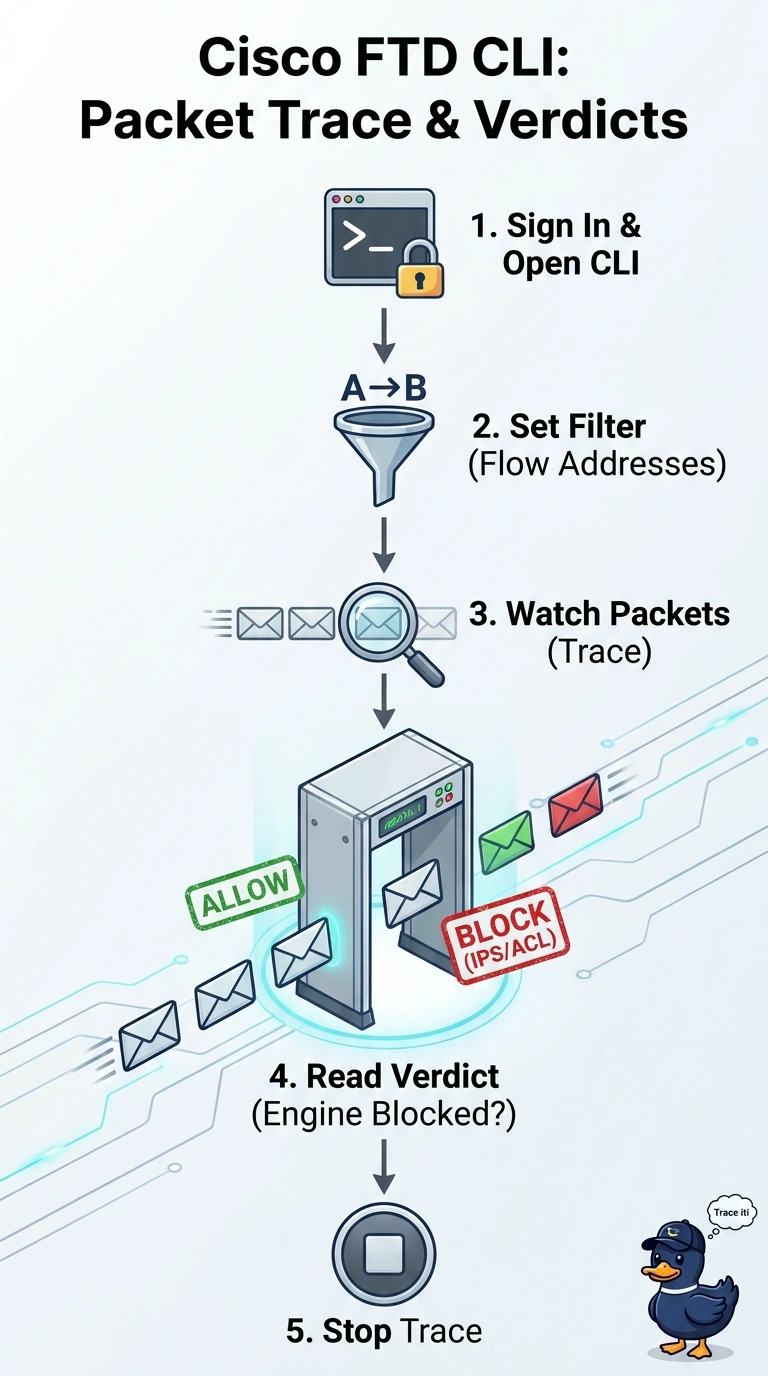
You need the verdict Snort returned for packets in the live flow, not a simulation or a summary. System support trace follows matching traffic on the FTD and shows the verdict for each packet, giving you the detail the FMC connection event lacks.
Full Explanation
Run system support trace from the FTD CLI and filter for the flow’s addresses. The trace displays matching packets as the device processes them, along with the verdict Snort returned for each packet, so you can see where inspection marks traffic as blocked rather than infer that result from a summary. Packet-tracer simulates a packet and reports what would happen; it does not show Snort’s verdict for every packet in the live flow. FMC intrusion events do not record a verdict for every packet Snort drops, so they cannot supply the requested packet-by-packet detail. A capture on the FTD CLI without the trace option stores packet data, not Snort verdicts. The exam caveat is that packet-tracer’s output describes a simulated packet, not the actual packets in an ongoing transfer. For a practical check, set a narrow address filter, reproduce the upload, and stop the trace after a few packets so you can inspect the returned verdicts.