
A hospital campus wants to know whether the path to a clinical application is losing packets and where along that path the loss occurs. Which assurance view answers that question?
Select an answer to reveal the explanation.
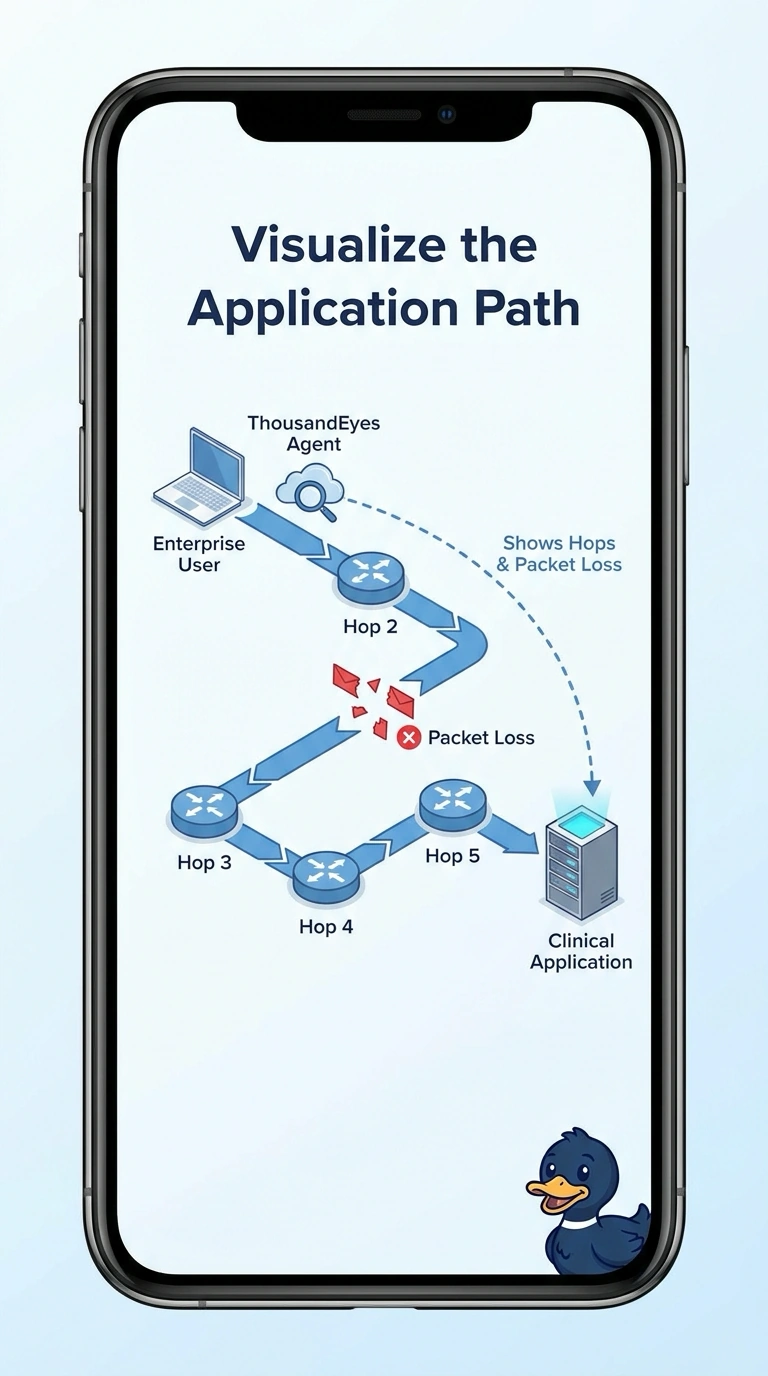
Short Explanation
Asking how the trip went is different from asking for a scrapbook of old alarms. You choose ThousandEyes path visualization when the hospital question is loss and hops toward the clinical application. An endpoint view, a browser waterfall, or an Internet Insights event feed answers a different question than where the path failed.
Full Explanation
The question is application path quality: whether packets are lost and which hop is responsible. ThousandEyes path visualization draws that path, the hops toward the clinical application, and where loss occurs, so it is the view that answers. An Endpoint Agent view limited to the laptop wireless link and its local gateway describes the user device and the last local hop, not the path across the rest of the network to the application. A browser waterfall lists page objects and how long each took to load, which answers a web-performance question and does not locate packet loss on a network hop. An Internet Insights event view reports broader outage events and does not draw this application's hop-by-hop path, so it functions as an event record rather than a path diagnosis. Exam caveat: a path view does not by itself explain a slow page object, and a waterfall does not by itself show which router dropped packets. Operational check: open the path toward the clinical application during the loss and confirm the visualization identifies the hop where loss appears. If the only artifact is an outage event or a page-object chart, the path question is still unanswered.