
At a retail chain, interface error counters on a store uplink are rising while user CPU on the registers stays ordinary. Which response fits that network condition?
Select an answer to reveal the explanation.
Short Explanation
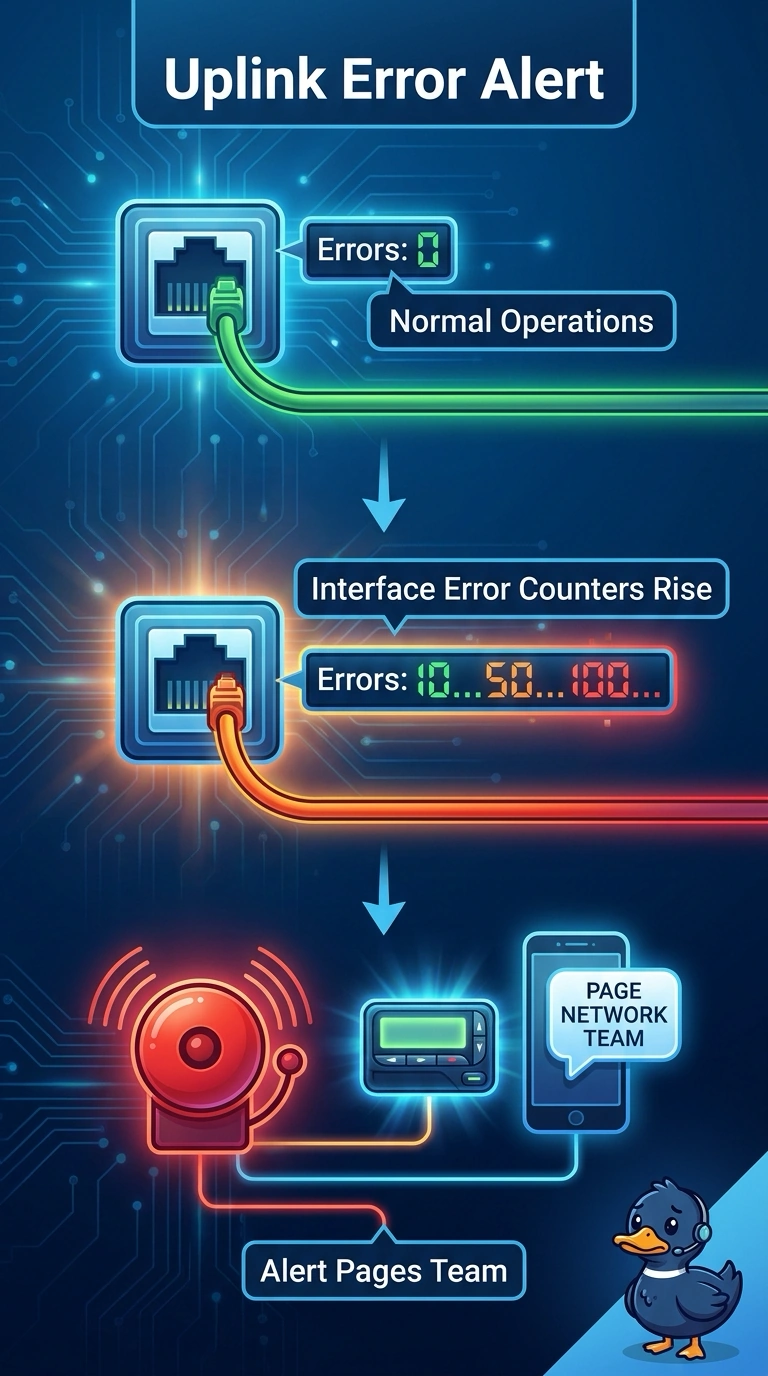
Rising interface errors are a cracked pipe, not a tired cashier at the register. You page on those error counters so the network team hears about the uplink. A chart with no rule, a capacity study, or a user CPU alert leaves that link fault silent.
Full Explanation
Interface error counters rising on a store uplink are a link condition, and the matching notification is an alert on those errors rather than on a user device. An alert that pages the network team when those interface error counters rise is aimed at the signal the retailer actually observed. An end-user CPU alert on a point-of-sale register in the store watches a register processor. CPU can be high on a healthy uplink, and an uplink that is accumulating errors stays quiet if the only rule watches CPU. A live dashboard of those uplink error counters with no alert rule shows the rise to whoever opens the screen. It does not page anyone when the counters climb. A capacity project that reviews the uplink later and does not page may ask whether the store needs more capacity. It is not a notification path for error counters, and the team is not paged. Exam caveat: error counters and user CPU are different signals, and the alert has to name the signal you intend to page on. Operational check: confirm the rule is tied to the uplink error counters, then review a rise in those counters and verify a page was sent and later cleared when the counters recovered.