
A university network team will host the probing software on a campus device that supports an Enterprise Agent. Which placement is that?
Select an answer to reveal the explanation.
Short Explanation
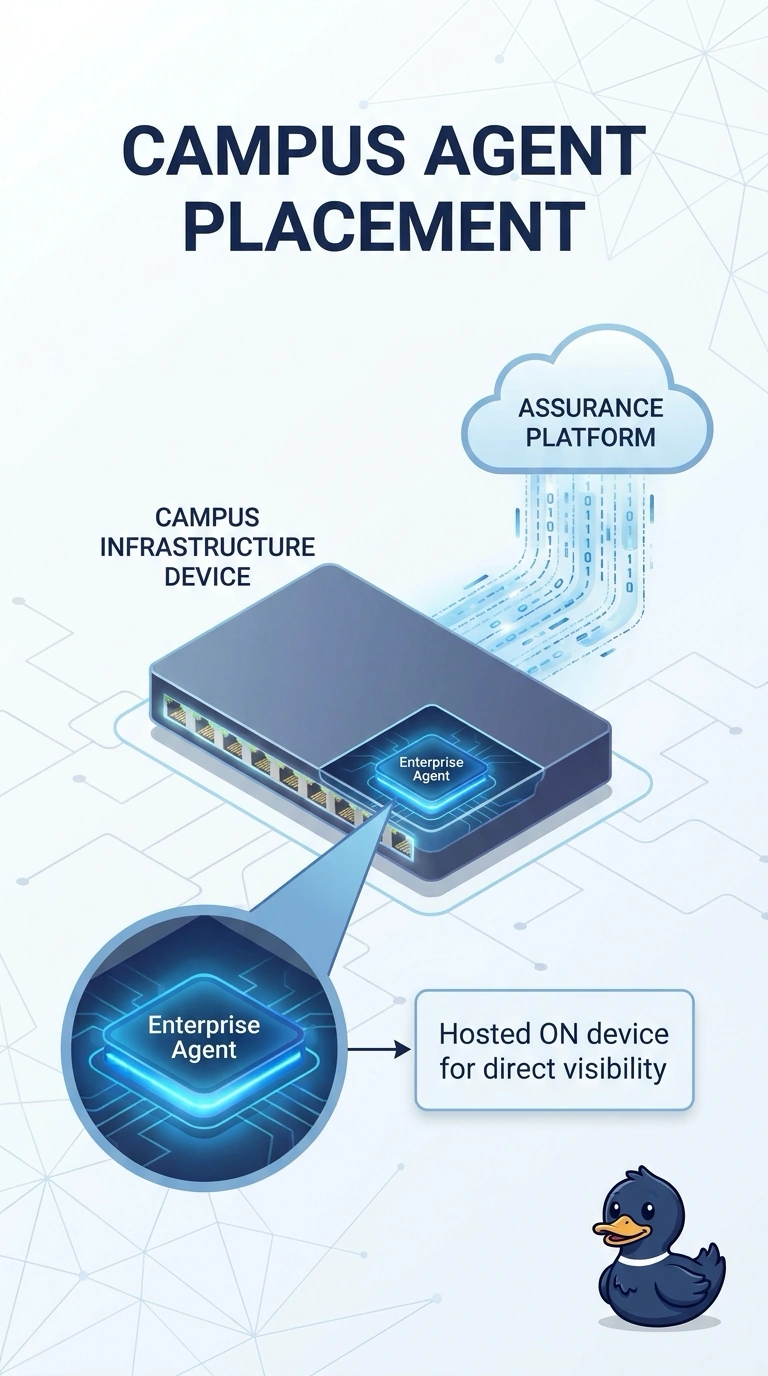
You’re looking for a placement that runs the probing software directly on the campus infrastructure device. An Enterprise Agent hosted there matches the team’s plan; a student laptop, an external cloud agent, or a packet-mirroring span session does not.
Full Explanation
The team has selected a campus infrastructure device that supports an Enterprise Agent, so hosting the Enterprise Agent on that device places the probing software where the team intends and lets tests source from the selected campus gear. An Endpoint Agent installed on one student laptop runs on a user machine, not on the infrastructure device, and may stop being available when the laptop sleeps. A cloud agent that cannot see hops inside the campus network runs outside the university network and cannot substitute for an agent hosted on the team’s campus device. A span session mirrors packets for inspection; it does not install or run an Enterprise Agent on the infrastructure device. Exam caveat: an Enterprise Agent on a supported network device is a distinct placement, not an endpoint install, a cloud probe, or a packet-mirroring session. Practical check: confirm the agent identity is the campus device selected by the team and verify that tests sourced from it leave through that device, rather than through a student laptop or an external cloud agent.