
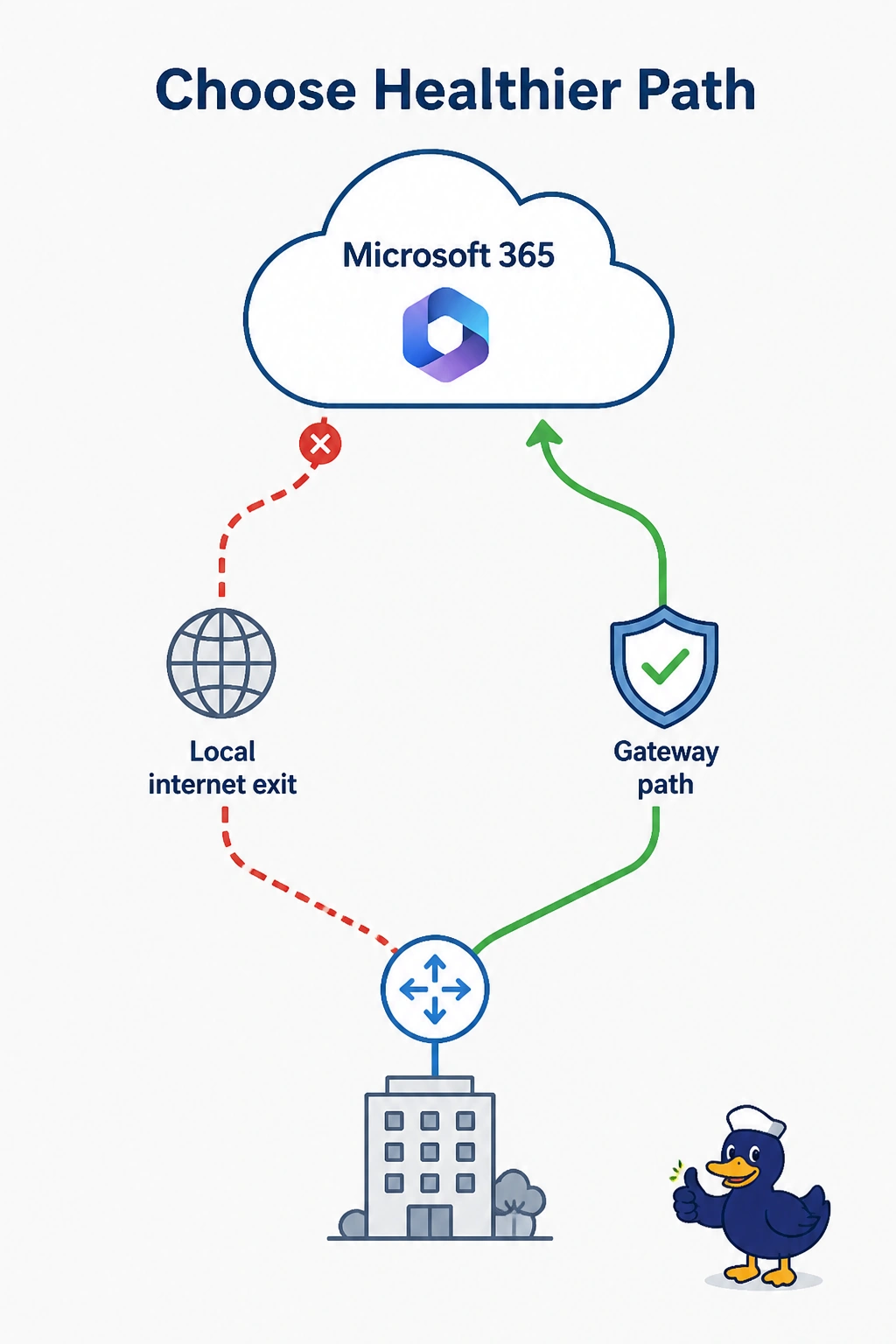
Cloud OnRamp for SaaS is enabled for Microsoft 365 at a retail store that has a local internet exit and a gateway path. Loss on the local exit rises sharply, and the gateway path stays healthy. What should OnRamp do?
Select an answer to reveal the explanation.
Short Explanation
When the local road gets rough, you take the measured detour that is still smooth. OnRamp should move Microsoft 365 to the healthy gateway path after the local exit's loss spikes. Shutting the overlay, or pinning the app to the bad exit, throws the measurement away.
Full Explanation
Cloud OnRamp for SaaS compares path quality for an enabled application. Loss on the local internet exit, with a healthy gateway path beside it, is a reason to steer Microsoft 365 toward the gateway until the local exit recovers. That is the feature working, not a fault. Shutting every overlay tunnel removes the gateway path and traps the store on the lossy exit. It is the opposite of the measurement. Disabling the application and pinning it with a static route also ignores the probes and keeps users on the bad path. Turning the flow into a private Azure virtual-network attachment is Cloud OnRamp for Multicloud, and Microsoft 365 in this question is a SaaS application, not a virtual network the retailer is hosting. Exam caveat: OnRamp moves the enabled application. Other traffic keeps its own DIA, SIG, or backhaul policy unless those policies say otherwise. Operational check: after the loss event, the store's Microsoft 365 path should show the gateway, and it should return to the local exit when that loss falls back inside a healthy score.