
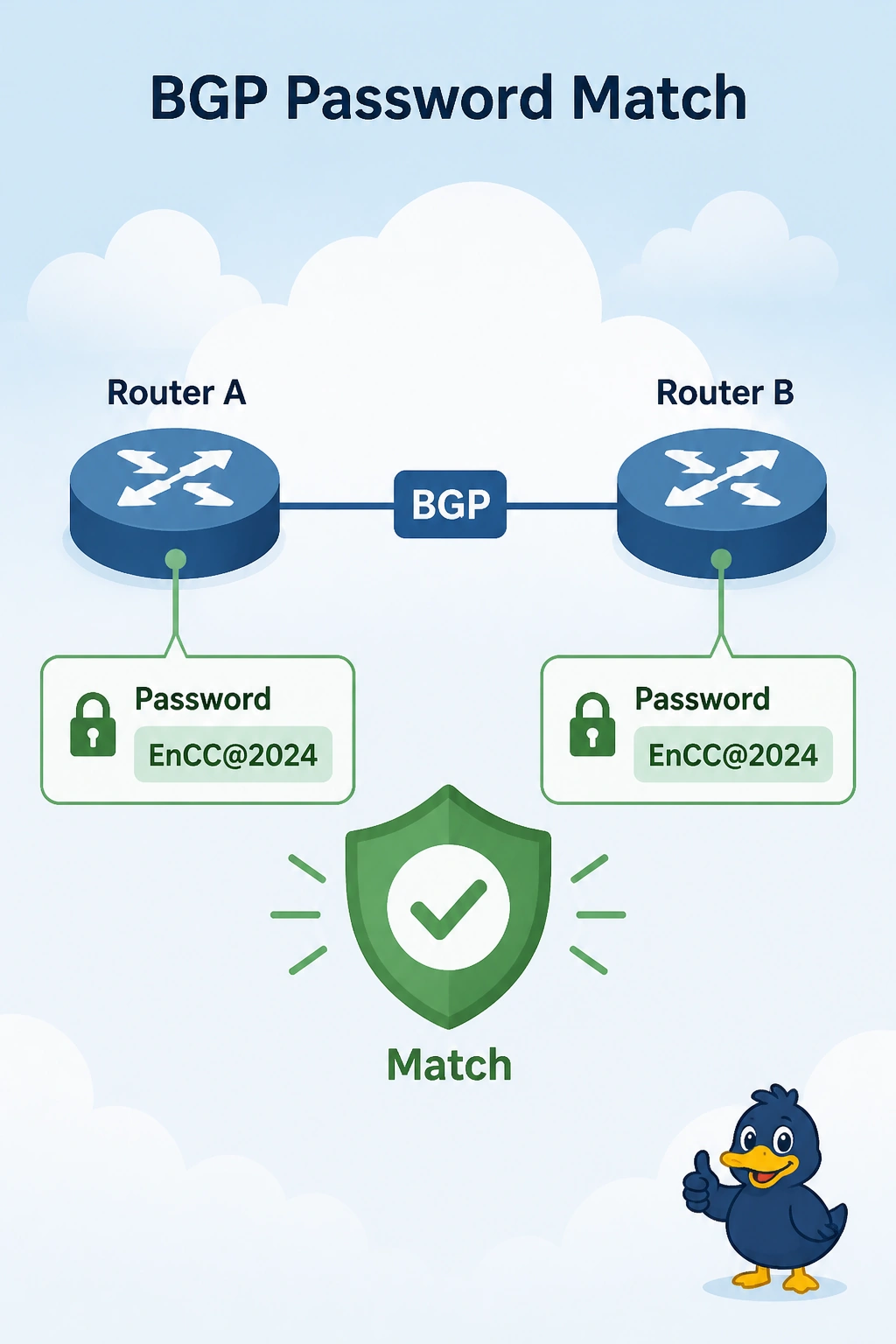
A campus router and a cloud IOS XE router never keep BGP up. The IPsec SA is up and the neighbor addresses are reachable. The BGP passwords on the two routers do not match. What must match?
Select an answer to reveal the explanation.
Short Explanation
The tunnel is up and the routing hello is using a different password on each side. You make the BGP passwords match. The IKE key already worked, and it is not copied into the BGP password.
Full Explanation
BGP authentication fails closed when the passwords differ. The session can open and then reset, or never stay Established, even though the IPsec SA is up and the neighbor addresses answer. Set the same password on both routers, or remove it on both if you intend no authentication. The IKE pre-shared key is a different secret. It is not copied into BGP. The OSPF dead timer is not a password length. Anti-replay does not inspect the BGP password. Exam caveat: a matching password with a wrong neighbor address still fails. If the session stays down after the passwords match, check the address and the ASN next. Operational check: both neighbor statements should use the same password, and show ip bgp summary should stay Established.