
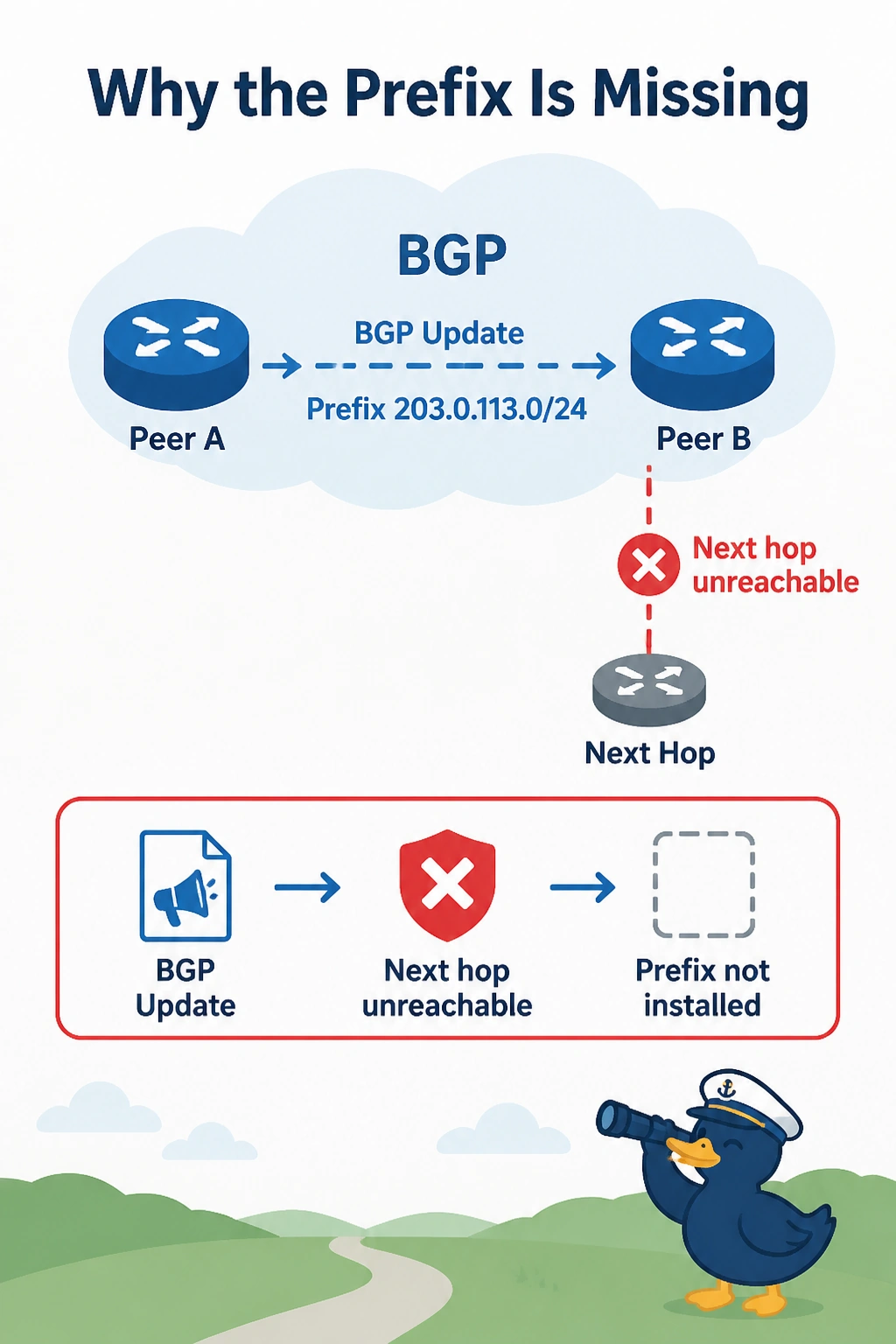
A campus router shows a cloud prefix in the BGP table and not in the routing table. The next hop is an address the router cannot reach. The BGP session is Established. Why is the prefix missing from the routing table?
Select an answer to reveal the explanation.
Short Explanation
The prefix arrived, and you cannot walk to the next hop printed on it. You make that next hop reachable, or have the neighbor set a next hop you can reach. An Established session is not a down session, so the route was received.
Full Explanation
BGP will not install a prefix whose next hop is not in the routing table. The session is Established and the prefix is in the BGP table, which proves it was received. The next hop is an address this router has no route to, so the prefix stays out of the RIB. Add a route to that next hop, or set the neighbor to advertise a next hop the campus can reach, such as the tunnel address. The session is not down. A down session would not keep refreshing a received prefix. The virtual private gateway is not running OSPF here, and it did not withdraw a next hop the BGP table still shows. The IKE lifetime does not flush the RIB while leaving the BGP table populated. Exam caveat: a next hop that is reachable only through the prefix you are installing creates a recursion. The next hop should be the tunnel or another route that does not depend on this prefix. Operational check: show ip bgp for the prefix should show a reachable next hop, and show ip route should then list it.