
A managed-service provider creates customer networks in Meraki Dashboard from a Python script. The token works and the POST to /organizations/{orgId}/networks carries the network name, a timezone and tags, yet the API replies with a 400 validation error. Which request body will create the network successfully?
Select an answer to reveal the explanation.
Short Explanation
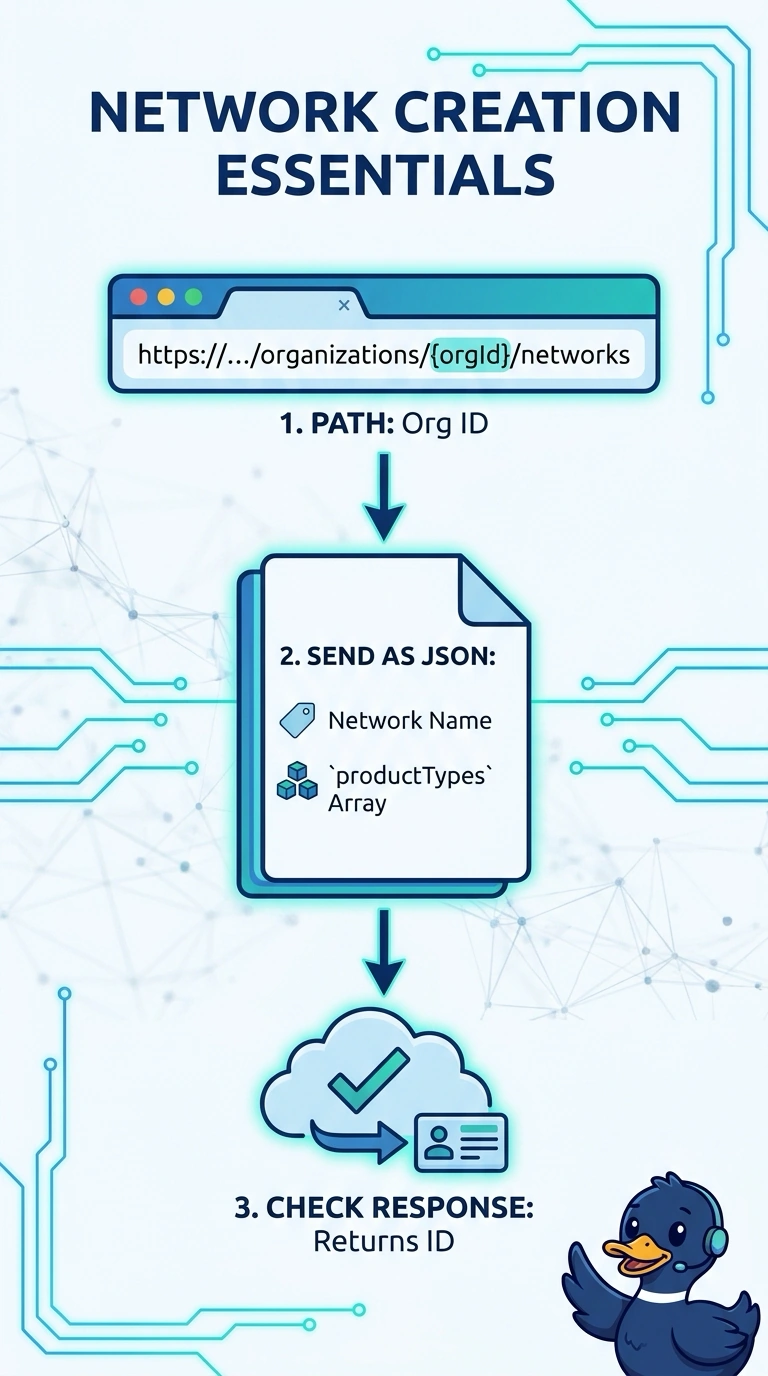
You need the organization ID in the URL, a network name, and a productTypes array that tells Dashboard which product families the network will use. Timezone and tags don’t replace that required array, and serial numbers or an administrator ID won’t create the network for you.
Full Explanation
Creating a network in the Meraki Dashboard API requires a POST whose path carries the organization ID and whose body includes the network name and a productTypes array. That array tells Dashboard which product families the network will manage, and the request is rejected until it is present. A body with the name, timezone and tags fails because timezone and tags are accepted optional attributes, not substitutes for the required productTypes field. Supplying switch serial numbers does not create or claim those devices into the new network: device claiming is a separate inventory operation performed after the network exists. An administrator ID does not assign an owner during network creation; administrator assignment is handled through the organization and network administration APIs, so an owner field is not part of this create request. Exam caveat: field requirements can shift between API versions, so treat name plus productTypes as the stable minimum and confirm the current schema before coding. Practical check: replay the failing request with only the name to observe the 400, then add productTypes and confirm a 201 response with a network ID.