
A monitoring script authenticates against Catalyst Center with basic auth, stores the returned token, and reads inventory successfully. The same token then returns HTTP 403 on every POST to the intent endpoint, while identical GET requests to the same path keep returning 200. What does the 403 on write requests reveal about the account's permission setup?
Select an answer to reveal the explanation.
Short Explanation
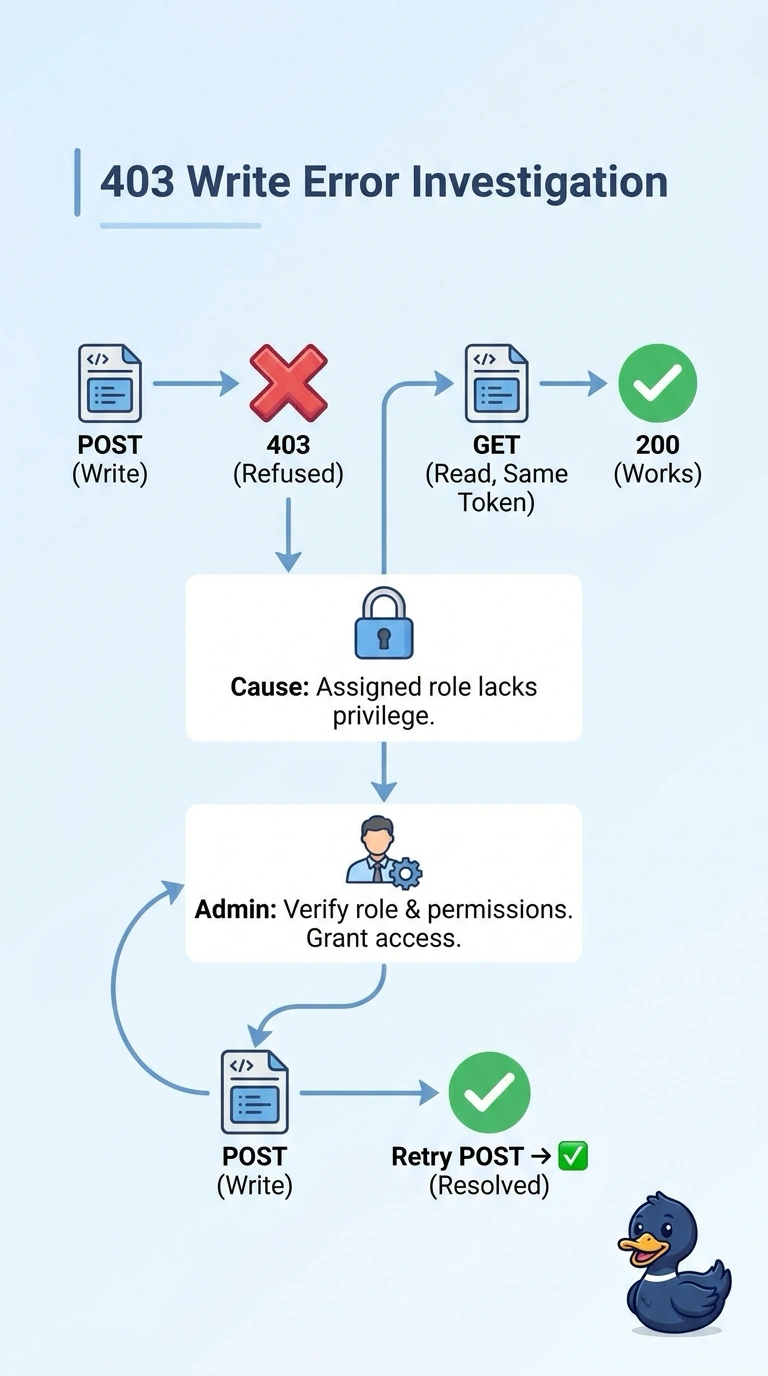
A 403 means the request was understood but refused, and because your token works for GETs, your account may lack permission to modify that resource. Think of it as a badge that opens the lobby but not the server room; ask an administrator to check your role and permissions.
Full Explanation
The token’s successful use for inventory reads and repeated GETs shows that authentication is working and the account can read the resource. A 403 on POST means the server understood the write request but refused it; the most direct explanation is that the assigned role lacks permission to modify that resource. Ask an administrator to verify the account’s role and write permissions for the relevant resource. Checking the documented mutation verb and route is sensible if the method or endpoint might be unsupported, but that does not explain a permission denial on the stated intent endpoint. Validating the body and content type can address schema or media-type errors, which more typically produce responses such as 400 or 415, and does not grant write authorization. An IP allowlist or network policy can block requests based on their source, but the scenario gives no evidence of a source restriction; it does not explain the account’s role permission. Exam caveat: a 403 does not universally prove an RBAC defect; gateway policies and endpoint-specific authorization rules can also deny writes. Practical check: compare the account’s effective role permissions with those required for the exact POST operation, then review the server’s authorization logs or denial details.