
A junior engineer's script posts a site update to the Catalyst Center Intent API and marks the job successful the moment the call comes back with a task identifier. Days later the site shows the change never applied. Which task polling step and response fields should the script use to confirm the Intent API deployment outcome?
Select an answer to reveal the explanation.
Short Explanation
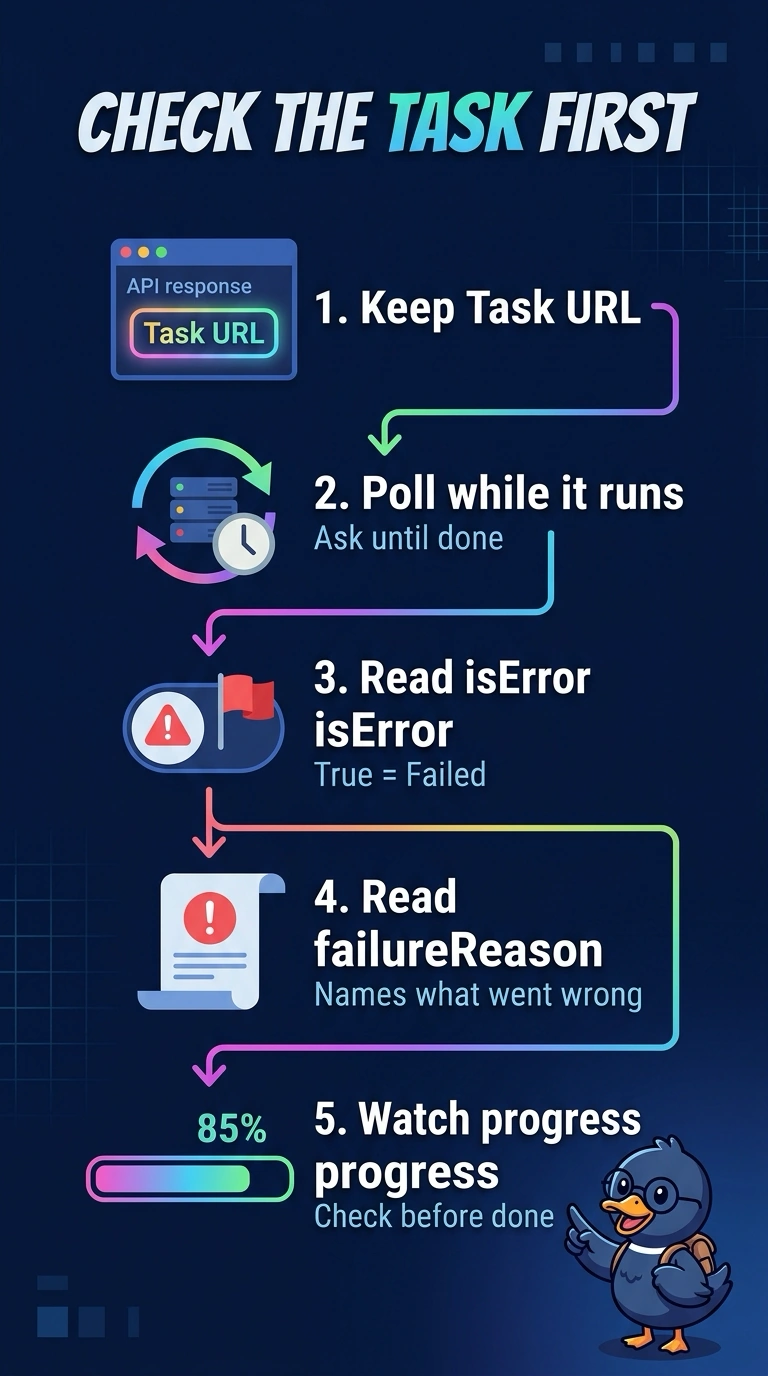
The first response only means the task was accepted, so it isn't a green light yet. The task resource is where the real verdict lives: isError signals failure, failureReason explains what broke, and progress shows the task's progress. Your script should follow the task URL until the run finishes.
Full Explanation
The task identifier returned by the Intent API indicates that work was accepted for asynchronous processing; it does not prove that the deployment completed or succeeded. Polling the task URL until it reaches a terminal state gives the script a final result rather than an early snapshot. At that point, isError indicates whether the task failed, failureReason provides the reported cause when applicable, and progress supplies the task's reported completion information. Checking failureReason and progress while omitting isError can miss an explicit failure indicator, so the script may misclassify the outcome. Checking isError and progress but omitting failureReason loses the API's diagnostic detail needed to understand a failed deployment; a generic failure flag alone is not the full requested outcome. Fetching the task URL only once, even after a delay, can return while processing is still underway, so the observed fields may describe an intermediate state rather than the final result. Exam caveat: a task reaching a terminal state is not by itself proof of success; interpret the outcome fields together. Practical check: log the task URL and successive responses, and verify the final response has ended, isError is false, and failureReason and progress are consistent with successful completion.