
An ISP script gathers show interface counters from 60 mixed IOS XE routers, but slow links truncate output and a reload prompt stalls the run. The job needs complete output and safe prompt handling. Which Netmiko technique handles prompts, delays and parsing output?
Select an answer to reveal the explanation.
Short Explanation
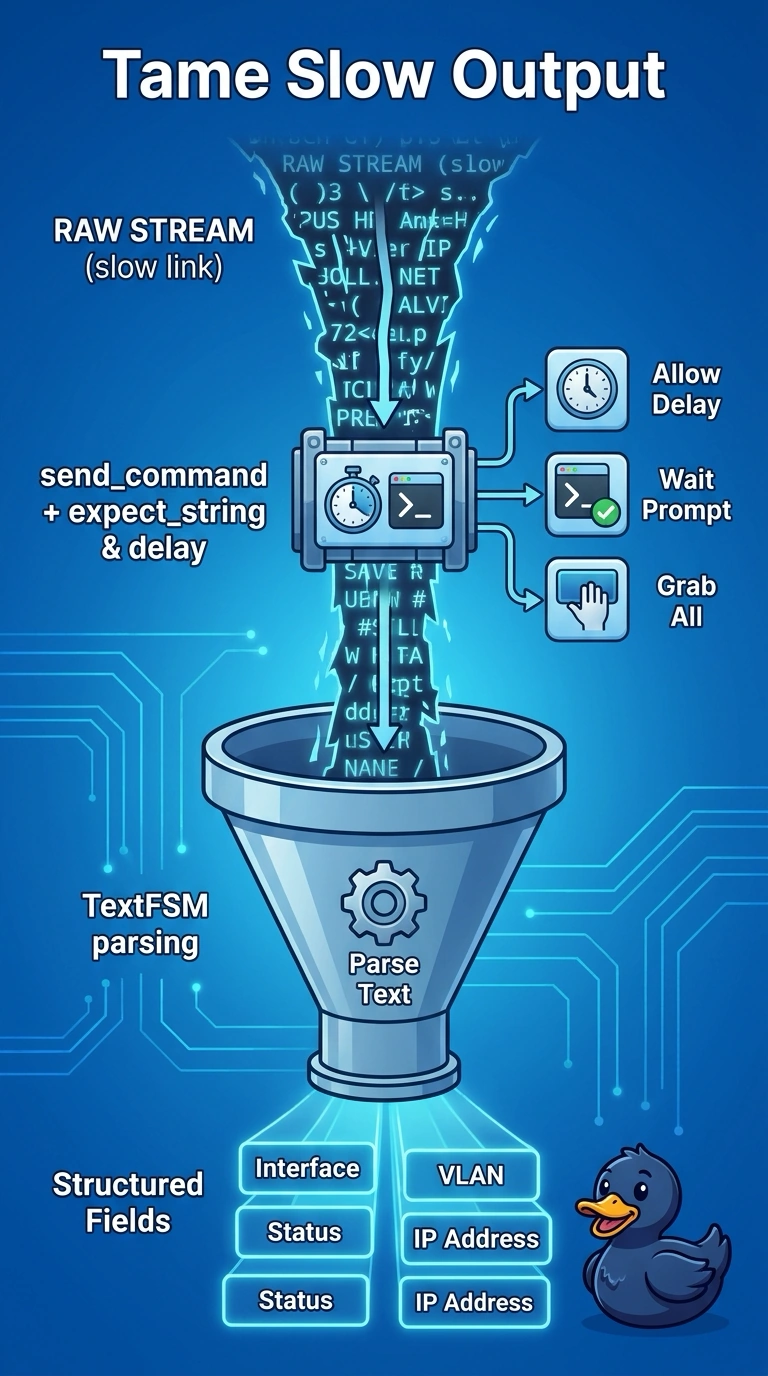
You tame slow and chatty boxes by waiting for the right cue, not just guessing time. Your parsing turns messy text into neat rows you can trust.
Full Explanation
For exec show commands with paging, latency or confirm prompts, send_command supports expect_string to wait for the target prompt, timing and delay controls for slow output, and use_textfsm or get_structured_data to parse into dictionaries, preserving complete output without entering config mode. Using send_config_set for show output wrongly enters configuration mode and changes prompt handling, risking rejected commands or unintended changes. Fixed sleep with manual split is brittle across link speeds and misses prompt confirmation, causing truncations or hangs on reload prompts. Expect plus TextFSM inside configuration mode misapplies structured parsing where show context and prompts differ. Exam caveat: reserve send_config_set for config and send_command plus expect for operational output. Practical check: run with TextFSM and log raw versus parsed output on the slowest link.