
A retailer’s operations team uses standardized feature templates in SD-WAN Manager but needs a one-off banner and OSPF cost tweak on ten stores without rebuilding templates. Changes must survive reattaches and stay visible for audit. Which template strategy should the engineer choose to deliver device-specific customization correctly?
Select an answer to reveal the explanation.
Short Explanation
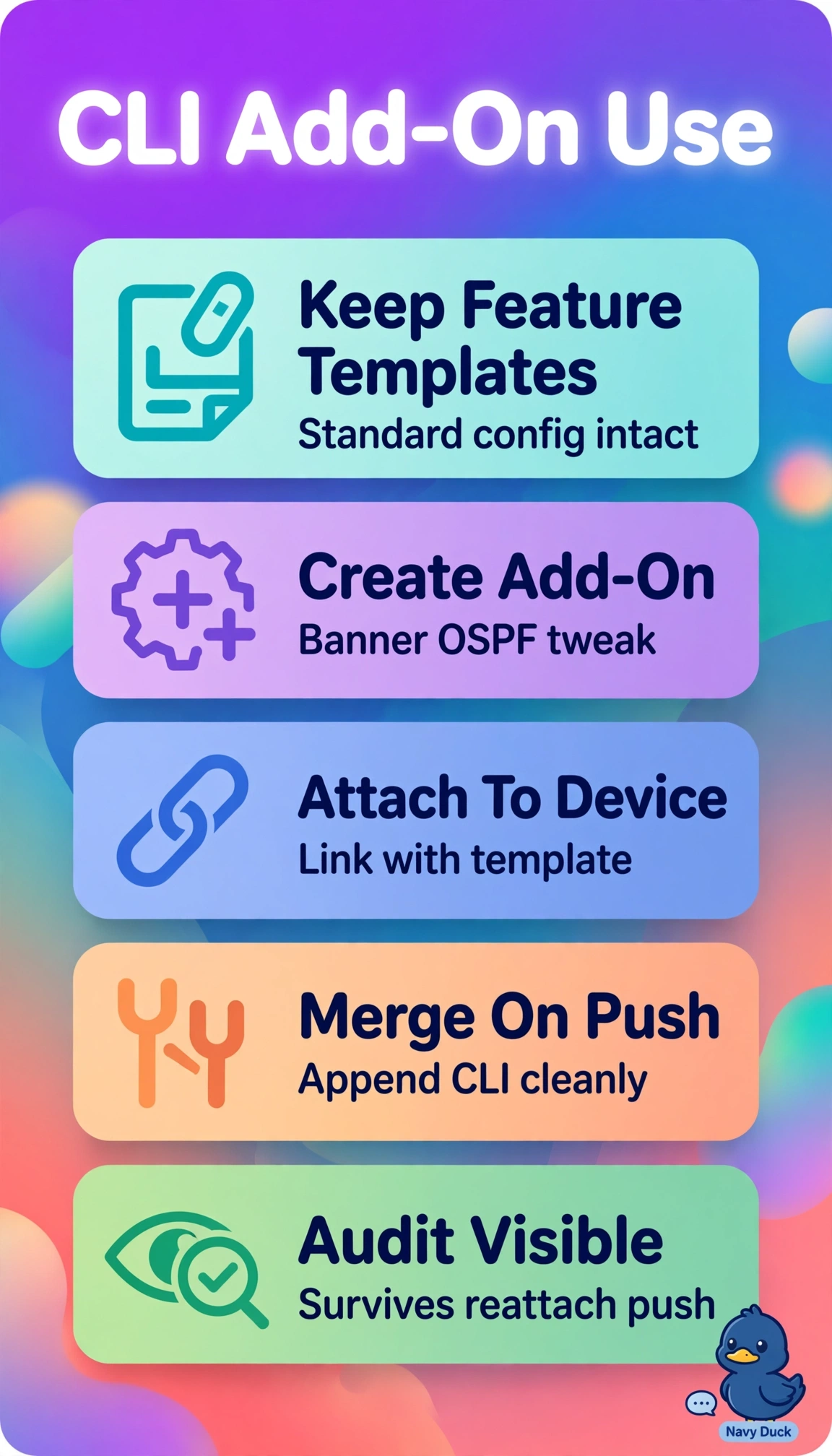
You can keep the standardized templates intact and target just the ten stores. A CLI add-on appends the banner and OSPF commands while keeping the changes persistent and visible in Manager for audit.
Full Explanation
A CLI add-on template appends raw IOS-XE commands to an existing feature-based device template without changing the standardized template library. You can target the ten stores with the banner and OSPF cost commands, preserving the changes across reattaches and keeping them visible in Manager for audit. Cloning device templates would make the changes persistent and visible, but duplicating entire templates for a small exception creates template sprawl and future drift, contrary to the requirement to avoid rebuilding templates. Adding banner and OSPF cost variables to the standardized feature templates can support per-device values, but changing shared templates expands the scope and requires revalidation and reattachment for what is intended as a one-off customization. Applying the commands locally on each router leaves the changes outside Manager’s intent; a sync or reattach may overwrite them, and there is no centralized audit trail. Exam caveat: distinguish a Manager-attached CLI add-on, which appends the custom commands, from local router CLI changes, which are not tracked as template intent. Practical check: attach the add-on to a lab device template, preview the configuration diff, reattach the device, and confirm the banner and OSPF cost persist and appear in Manager history and audit logs.