
After containing a destructive intrusion that encrypted several internal application servers, an incident response team prepares to rebuild the affected systems from backups. Which remediation step must the team complete before restoring data to production?
Select an answer to reveal the explanation.
Short Explanation
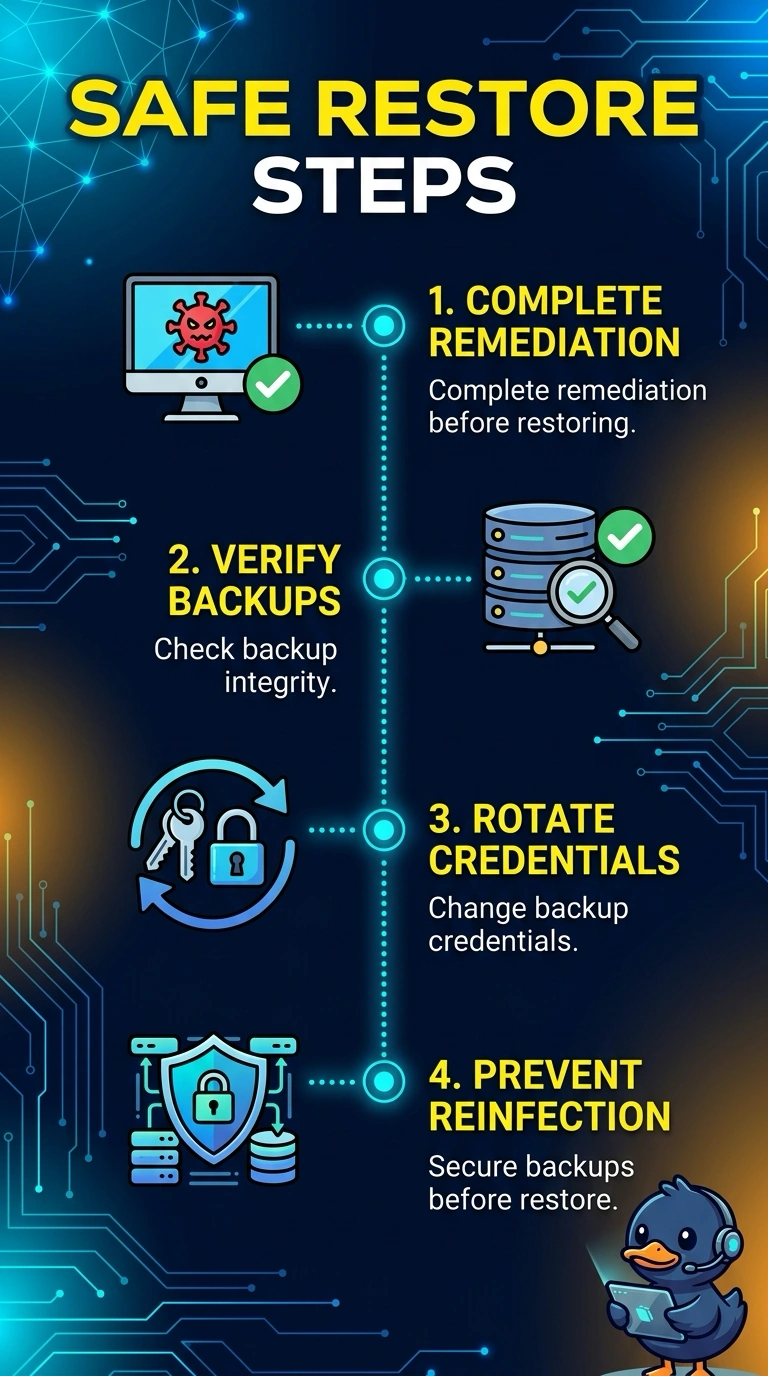
When you restore from an unverified backup, it’s like moving your furniture back into a house without checking whether the intruder hid a spare key—you risk bringing the threat right back with you. Before production recovery, verify that your backups are clean and rotate backup credentials to block reinfection.
Full Explanation
Destructive and ransomware adversaries routinely target backup repositories and backup service accounts to obstruct recovery or persist in restored snapshots. Verify backup integrity and rotate backup credentials to prevent reinfection: this helps confirm the recovery point predates the initial compromise, contains no staged persistence artifacts, and cannot be accessed again with stolen backup-management credentials. Re-enabling previously compromised administrative accounts to speed up file transfers would give the adversary an immediate path back into the rebuilt environment. Temporarily disabling endpoint detection agents so restored files copy faster would remove visibility during restoration, when dormant malware could re-execute. Deleting historical SIEM logs from the intrusion window to free storage would destroy forensic telemetry needed for root-cause analysis and post-incident validation. One caveat is that verification should include checking for persistence artifacts, since a backup can be intact yet still contain malicious content. A practical check is to validate backup checksums, scan the restored image in an isolated environment, and confirm backup-vault access logs show no unauthorized modifications before production cutover.