
During a retail outage the core switch rebooted, and a crashinfo file is present on its flash. The new file’s recorded crash time matches this outage, and the device restart record identifies the same crash reason. How should that file be treated in the device examination?
Select an answer to reveal the explanation.
Short Explanation
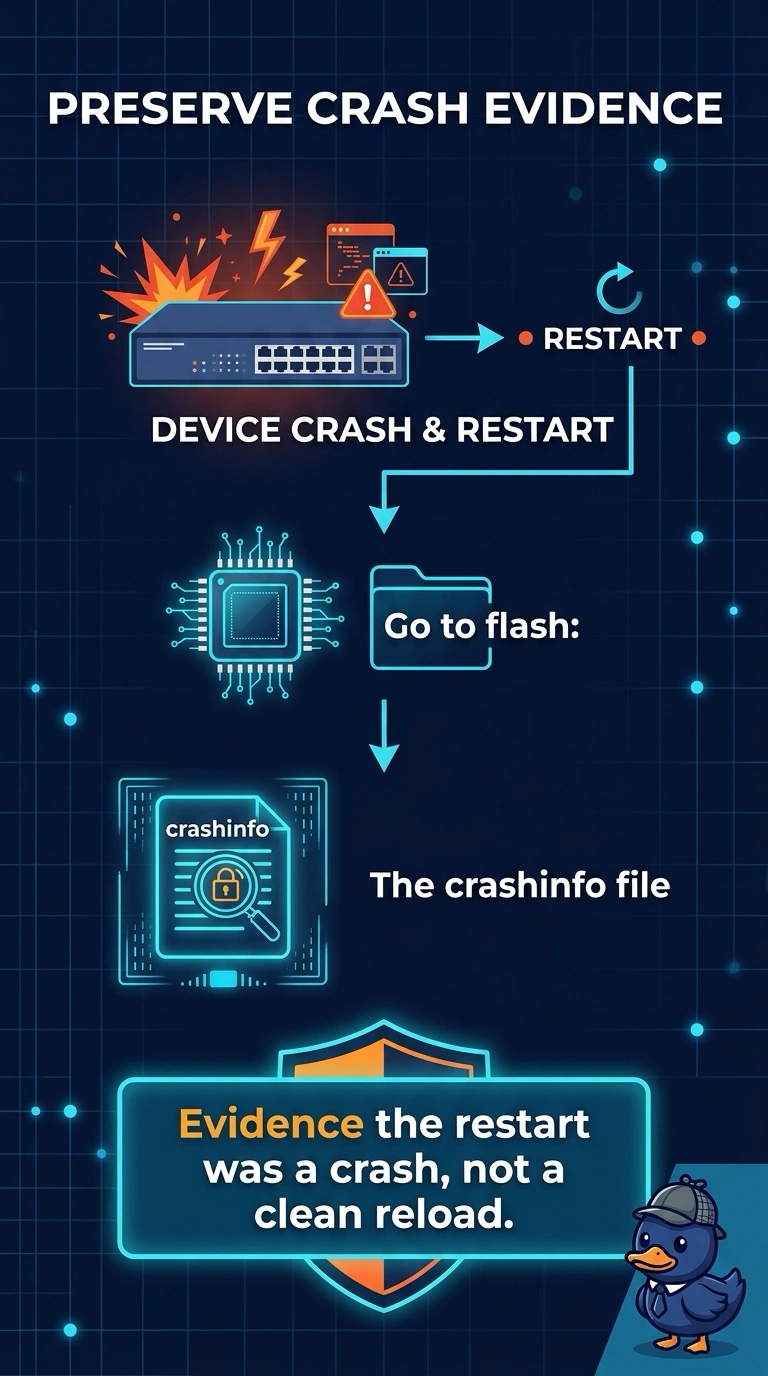
A crashinfo file is the black box from a hard landing, not a note that someone scheduled the reboot. Correlate the crashinfo timestamp/reason with this reboot before classifying its cause; an older file alone does not establish why the current restart occurred. You keep that matching file and read it as evidence the switch crashed.
Full Explanation
Cisco writes a crashinfo file when the device crashes. Correlate the crashinfo timestamp/reason with this reboot before classifying its cause; an older file alone does not establish why the current restart occurred. Here that correlation holds, so you preserve the crashinfo file and include it in the device examination as evidence the restart was a crash rather than a clean reload, along with the time of the outage. Treating the reboot as routine maintenance and skipping any review of the crashinfo file throws away the record of why the switch restarted. Deleting the crashinfo file before copying a replacement image onto the switch flash destroys that record before anyone has read the crash reason. The file is not proof the attacker rewrote the running configuration; a crash dump shows the crash context, and configuration changes are a separate comparison of running and startup state. Copy the file off the switch before any upgrade or flash cleanup can remove it. Exam caveat: a crash can be a software fault with no attacker involved, so the file proves an unexpected restart, not by itself a compromise. Operational check: open the crashinfo file, note the crash time and the recorded reason, and place that time on the incident timeline next to the outage.