
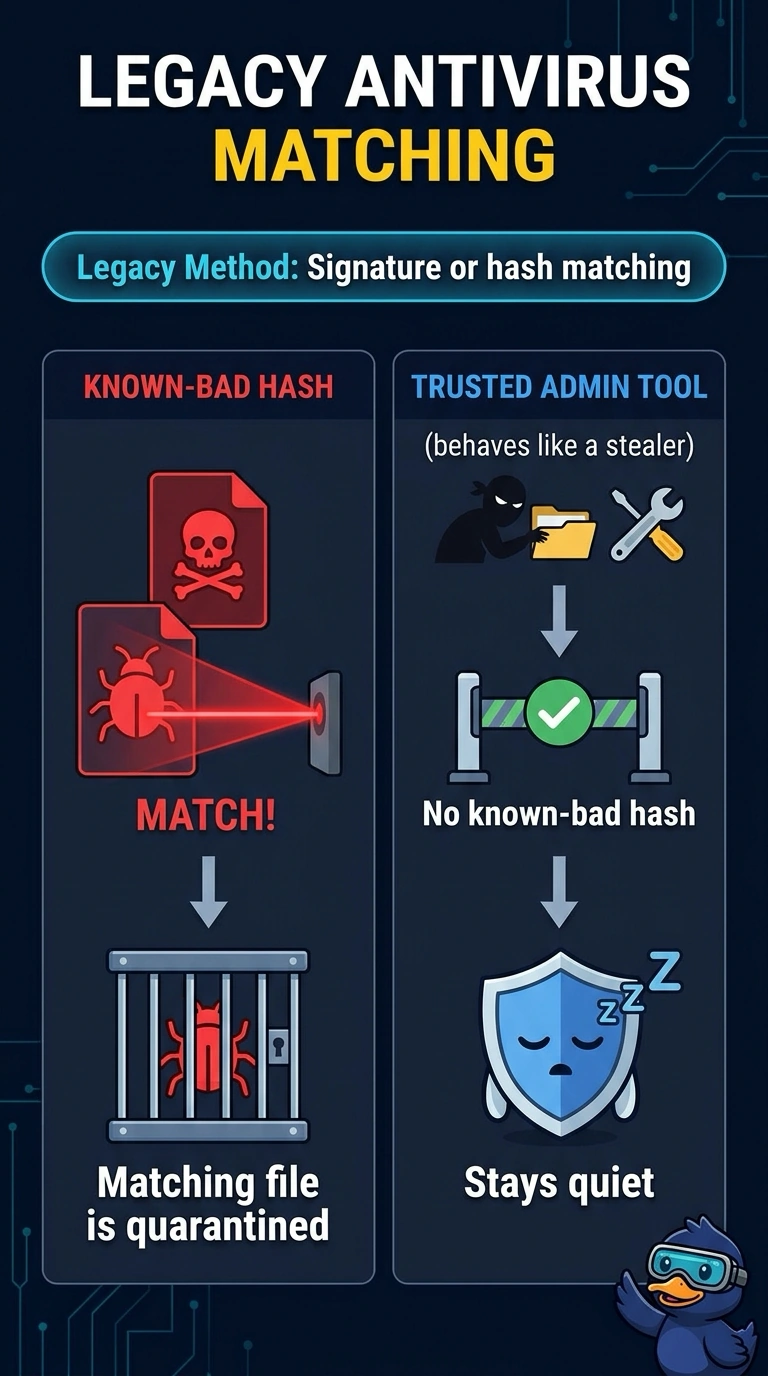
At a hotel, classic antivirus quarantines a file whose hash sits on a known-bad list and stays silent when a trusted admin tool starts behaving like a stealer. What is that classic product doing?
Select an answer to reveal the explanation.
Short Explanation
A clipboard of banned photos stops known faces and waves through a regular who starts acting oddly. When your hotel antivirus quarantines a known-bad hash and stays quiet on a trusted tool, it is matching signatures, not scoring behavior. Isolation playbooks and flow counters do not explain that quarantine.
Full Explanation
Legacy antivirus decides from a known-bad list. A hash or signature hit is quarantined. A trusted tool whose hash is not on that list produces no detection, even if the way it runs starts to look like theft of data. That is the behavior in the scenario. Signature or hash matching in legacy antivirus, staying quiet on a trusted tool with no known-bad hash. A behavior product would have done the thing this product did not do. A behavior model that scores the trusted admin tool when its actions start to look like a data-stealing program would have raised on the odd use, so it cannot be what stayed silent. Automated response is a later platform. A SOAR playbook that isolates the hotel workstation as soon as the admin tool starts running would have cut the host off, and the scenario describes a quarantine of one known-bad file plus silence, not isolation. Flow collection never sees the file. A NetFlow collector that does not open the file and only counts packets crossing the network cannot quarantine a hash and cannot explain either half of the outcome. Exam caveat: signature antivirus and behavior-aware antimalware are different deployments. Quiet on a trusted tool is expected for a hash list, and it is also how misuse of that tool gets through. Operational check: hash the admin tool, confirm it is absent from the known-bad set, and see whether any behavior rule is even loaded for that process.