
At a retailer, analysts are filtering file names, and the name under review is invoice.exe.txt. Which pattern matches a name that ends in .exe and does not match invoice.exe.txt?
Select an answer to reveal the explanation.
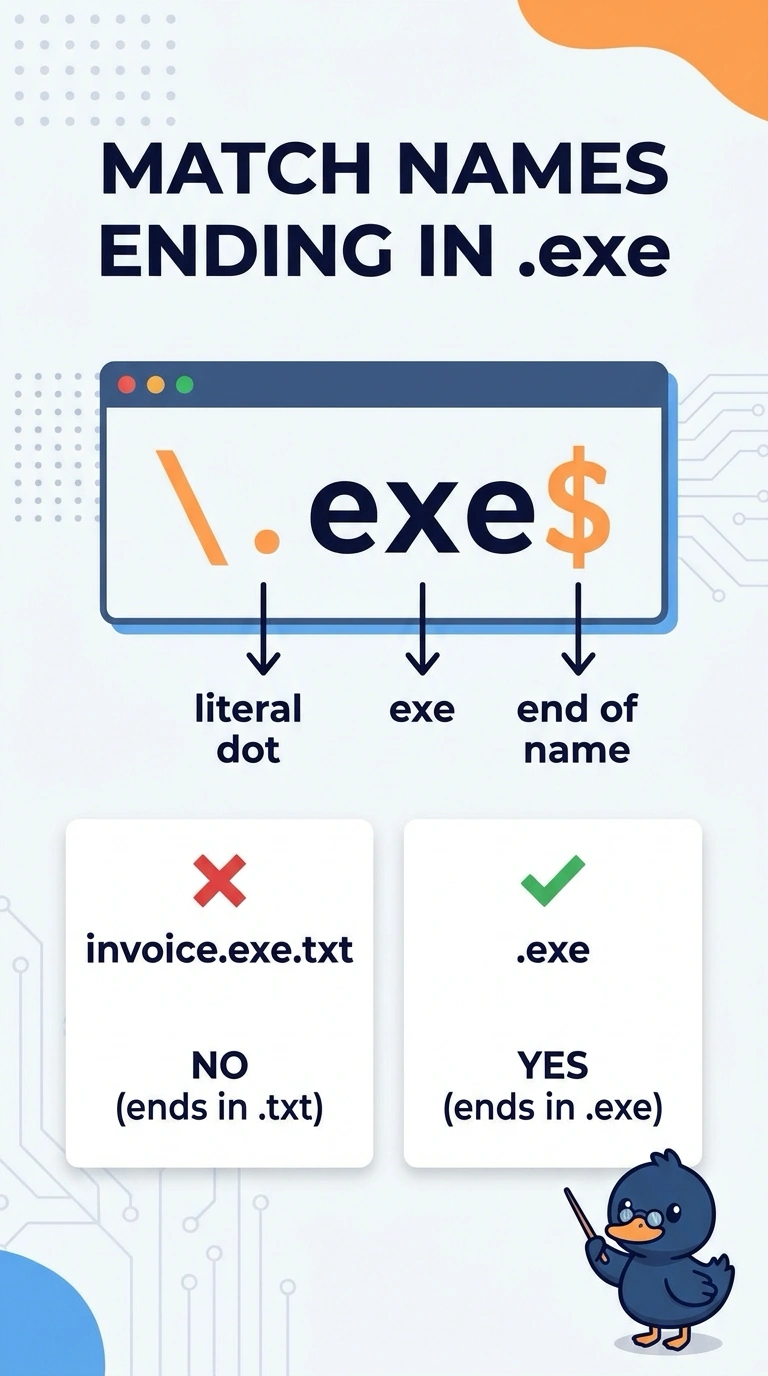
Short Explanation
You want the end anchor to require a literal .exe at the end of the name, so invoice.exe.txt stays unmatched. The pattern exe matches those letters anywhere, ^exe$ requires the whole name to be exe, and \.dll$ looks for a different ending.
Full Explanation
The name invoice.exe.txt contains the letters exe, but it ends in .txt. To match a name ending in .exe, the pattern must require a literal dot followed by exe at the end of the string. The end anchor in \.exe$ enforces that condition, so a name such as report.exe matches while invoice.exe.txt does not. The pattern exe fails because it matches those letters anywhere, including inside invoice.exe.txt, rather than requiring them at the end. The pattern ^exe$ fails because it requires the entire file name to consist only of the three letters exe, excluding ordinary names such as report.exe. The pattern \.dll$ fails because it requires a different extension, .dll, rather than .exe. Exam caveat: without the end anchor, exe can match within a longer name such as invoice.exe.txt, so the presence of the right letters alone is not enough. Practical check: test \.exe$ against invoice.exe.txt and against a name that truly ends in .exe; keep it only if it rejects the first and matches the second. This confirms that the pattern checks the ending, not merely whether exe appears somewhere in the name.