
On a bank workstation, Windows Security event 4625 records failed logons for an account and event 4624 is recorded for the same account just afterward. What does event 4624 add?
Select an answer to reveal the explanation.
Short Explanation
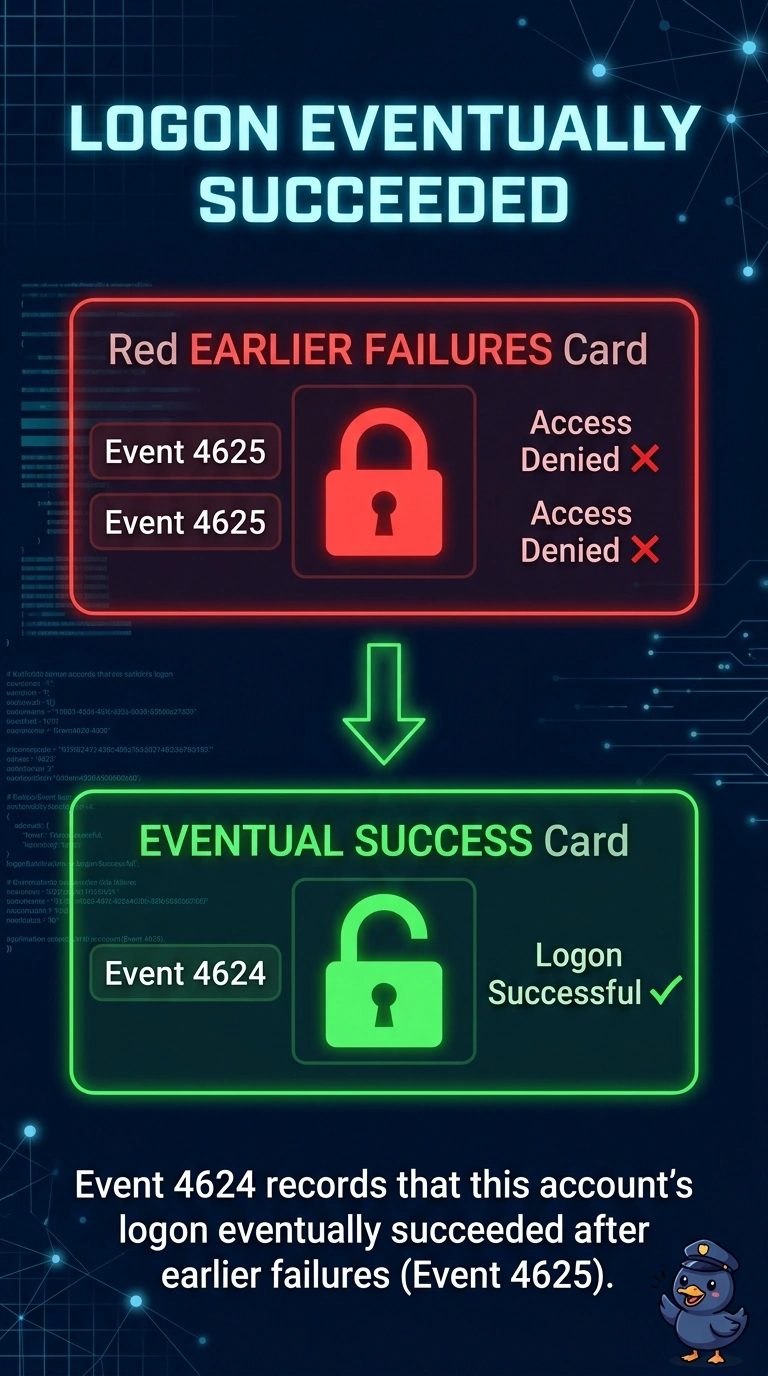
Think of the failed logons as several wrong keys before the lock turns. Event 4624 tells you the account’s logon eventually succeeded after the 4625 failures. That success is not a new Windows service, a cleared Security audit log, or a stored program hash.
Full Explanation
Windows Security event 4625 records a failed logon, while event 4624 records a successful logon. When 4625 events for an account are followed by 4624 for the same account, the added fact is that a later attempt worked; the failures remain in the log. Event 4624, a record that this account's logon eventually succeeded after the earlier failures, documents successful authentication. Event 7045, a record that a new Windows service was installed on the bank workstation, concerns a service installation, not a successful logon. Event 1102, a record that the Windows Security audit log was cleared on that bank host, indicates the log itself was cleared, which is not what event 4624 reports. A file hash stored for the program that was running on the host at the moment of the logon is not what event 4624 adds: it documents successful authentication, not a malware verdict or an executable hash. Exam caveat: 4624 means the logon succeeded and 4625 means it failed; a later success does not erase the failures, and neither event is 7045 or 1102. Practical check: filter the Security log for the account, confirm 4624 is timestamped after the 4625 events, and check whether 7045 or 1102 was recorded in that minute.