
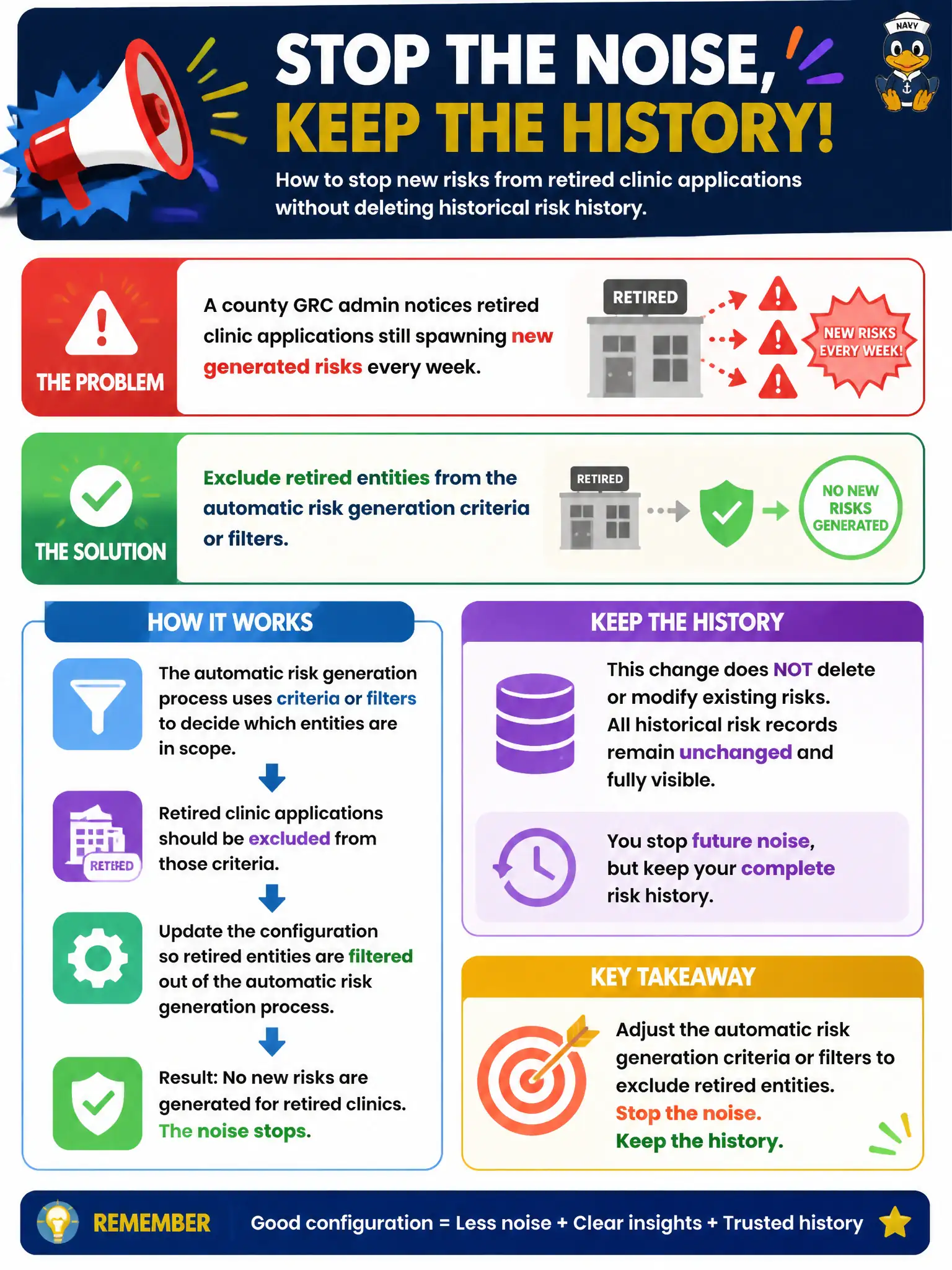
A county GRC admin notices retired clinic applications still spawning new generated risks every week. What configuration change stops that noise without deleting historical risk history?
Select an answer to reveal the explanation.
Short Explanation
Retired apps are closed stores — stop printing new risk labels for them. Filter generation so retired entities are excluded while old risk history can stay for the archive. Nuke-all or hope-and-pray moves make a mess.
Full Explanation
Retired clinic applications that still spawn generated risks should be stopped by excluding retired entities from automatic risk generation criteria or filters, while retaining historical risk history as needed for archive and audit. Generation filters are how municipal IRM stops labeling closed stores without erasing the past. Configuration targets active entity sets, not historical deletion sprees.
Deleting every historical risk tied to retired entities so generation has nothing to attach to destroys history that leadership and auditors may still need. Turning off all risk generation globally including for active critical entities stops useful coverage to fix a filter problem. Moving retired apps into the SIR CMDB and hoping generation ignores them is not a controlled exclusion rule.
Exam caveat: exclude retired from generation; do not delete history or disable global generation as the first fix.
Operational check: mark a pilot app retired; confirm generation filters exclude it; verify no new weekly risks appear; spot-check that prior risk records remain queryable per retention policy.
Pair retirement status in the CMDB/entity model with generation filters so entity lifecycle events automatically stop new risk creation. Communicate to clinic application owners that historical risks remain for trend and audit, while only active entities receive newly generated risks going forward.