
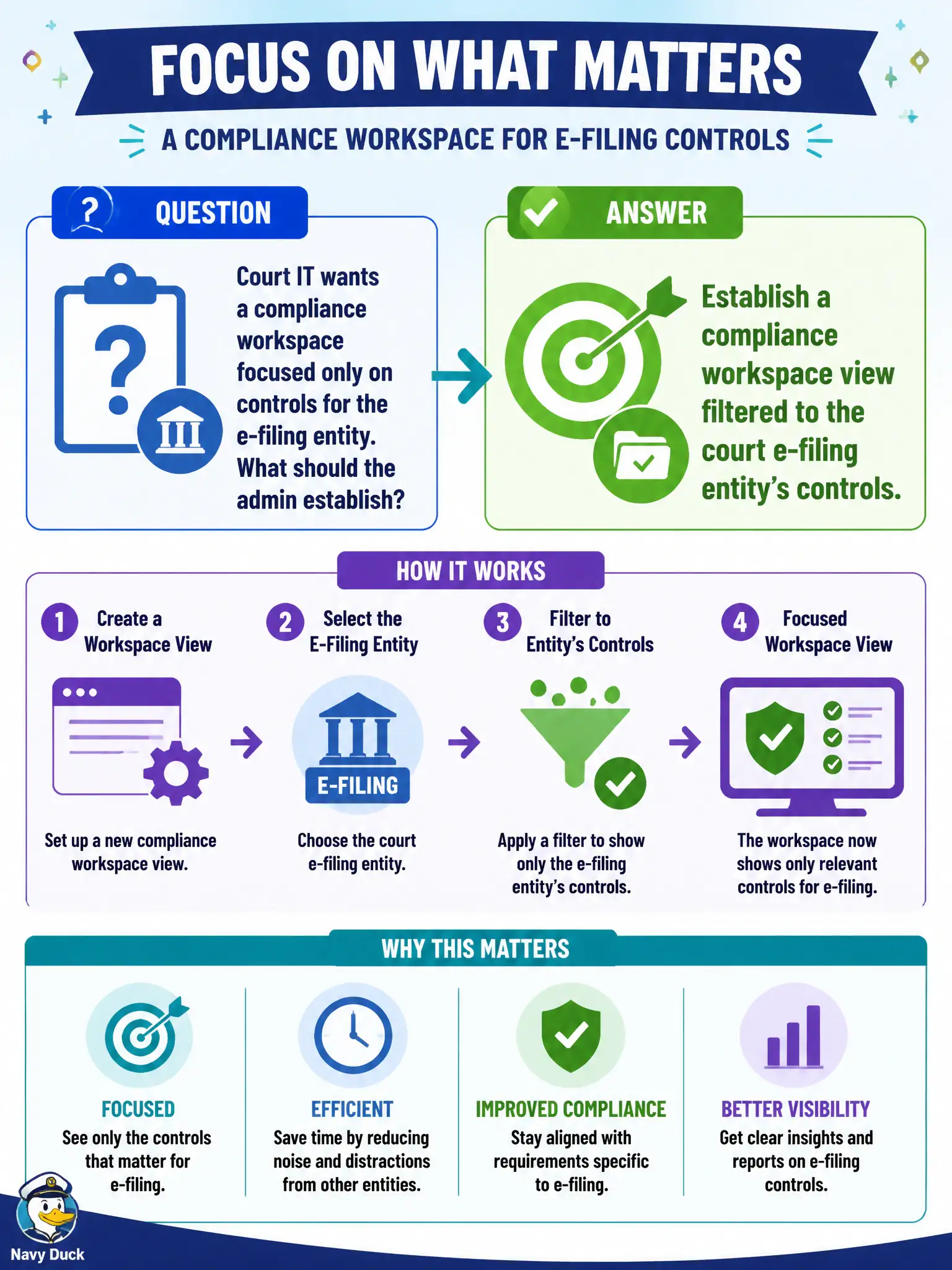
Court IT wants a compliance workspace focused only on controls for the e-filing entity. What should the admin establish?
Select an answer to reveal the explanation.
Short Explanation
Give the court team a window that shows just their e-filing controls—not the whole city’s GRC haystack. A filtered compliance workspace view does that. Daily CSV chores, blanket admin rights, or a second instance for one entity are overkill.
Full Explanation
Compliance workspaces support filtered views so stakeholders focus on controls and tests for specific civic entities. Establishing a workspace view filtered to the court e-filing entity improves usability for court IT without exposing the entire municipality’s GRC haystack. Exporting all instance controls to CSV and filtering offline each morning fails by concept because daily spreadsheet chores are not durable, permissioned, or real-time compliance UX. Granting every court clerk the admin role to search globally without filters fails by concept because excessive privilege expands insider risk and still fails to present a scoped working set. Duplicating the entire Policy and Compliance application into a second instance for one entity fails by concept because instance sprawl is costly, inconsistent, and unnecessary when workspace filtering solves the scope problem. Exam caveat: CIS-RC expects scoped workspace filtering for entity-focused stakeholders rather than admin sprawl or offline CSV rituals. Operational check: create a compliance workspace view filtered to the court e-filing entity, log in as a court stakeholder role, and confirm only that entity’s controls and tests appear in the working list.