
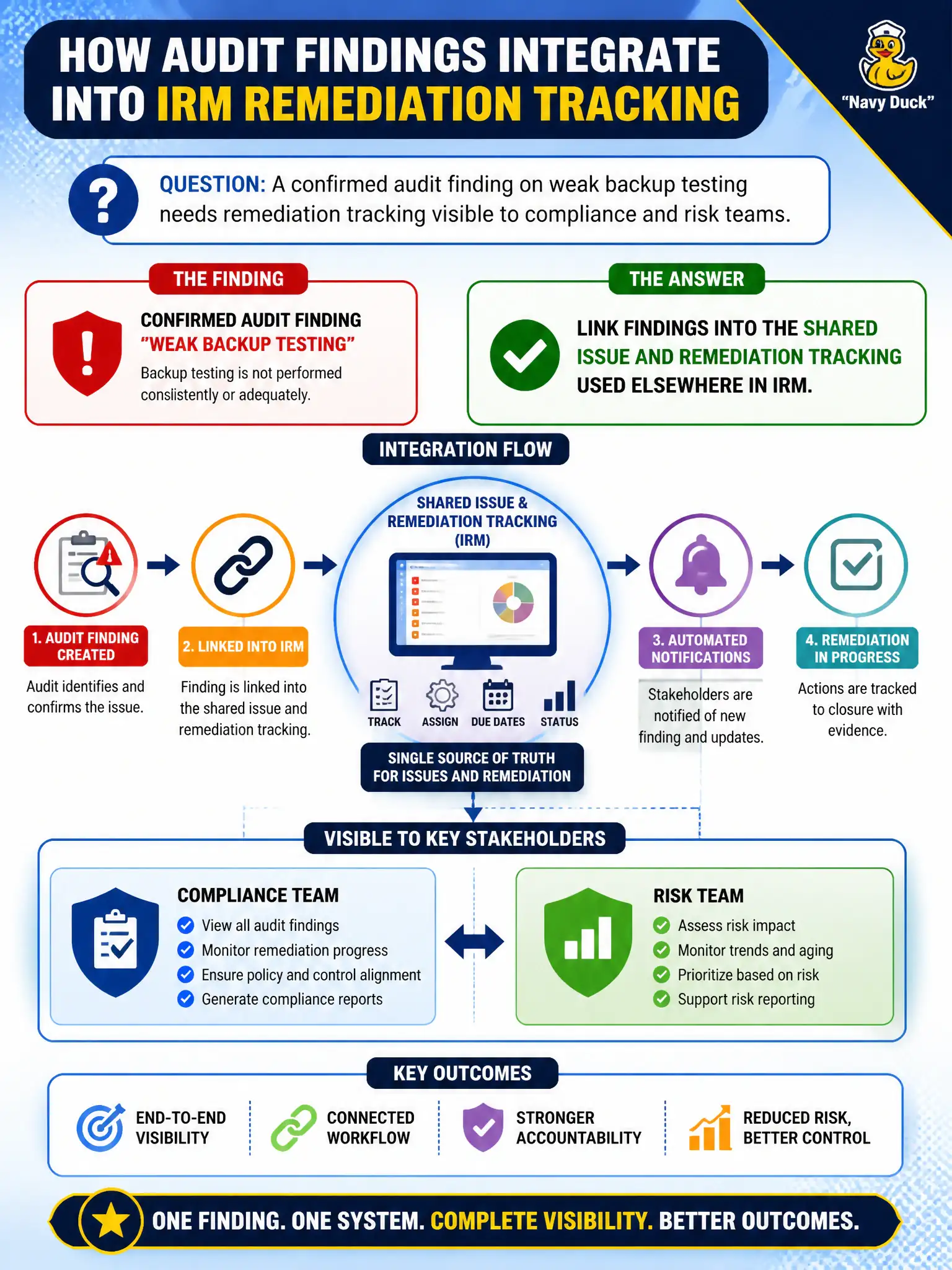
A confirmed audit finding on weak backup testing needs remediation tracking visible to compliance and risk teams. How should findings integrate?
Select an answer to reveal the explanation.
Short Explanation
Findings shouldn’t live in a private notebook if the city already has one work-order system. Link them into the shared IRM issue process so compliance and risk see the same remediation. Parallel trackers just create blind spots.
Full Explanation
A confirmed audit finding on weak backup testing should link into the shared issue and remediation tracking used elsewhere in IRM so compliance and risk teams see the same remediation work. Findings must not live in private notebooks when the city already has one remediation desk. Shared issues close visibility gaps across lines of defense.
Keeping findings only in email and never creating IRM issues hides remediation from enterprise tracking. Storing findings exclusively in a personal auditor spreadsheet creates a shadow tracker. Creating a second remediation tracker that never syncs with IRM issues guarantees drift between audit and GRC views.
Exam caveat: audit findings integrate to shared IRM issues—not email-only, personal sheets, or unsynced parallel trackers.
Operational check: elevate the backup-testing finding to a shared issue; grant appropriate visibility to compliance and risk; report aging from the common issue table; decommission personal finding spreadsheets.
Shared issue linkage should notify compliance and risk watchers when audit findings open, and remediation status should roll up to both audit follow-up and GRC issue dashboards. Decommission email-only finding trackers during the next engagement retrospective.