
A library team's Claude sessions behave inconsistently across days. How can they verify which memory files loaded?
Select an answer to reveal the explanation.
Short Explanation
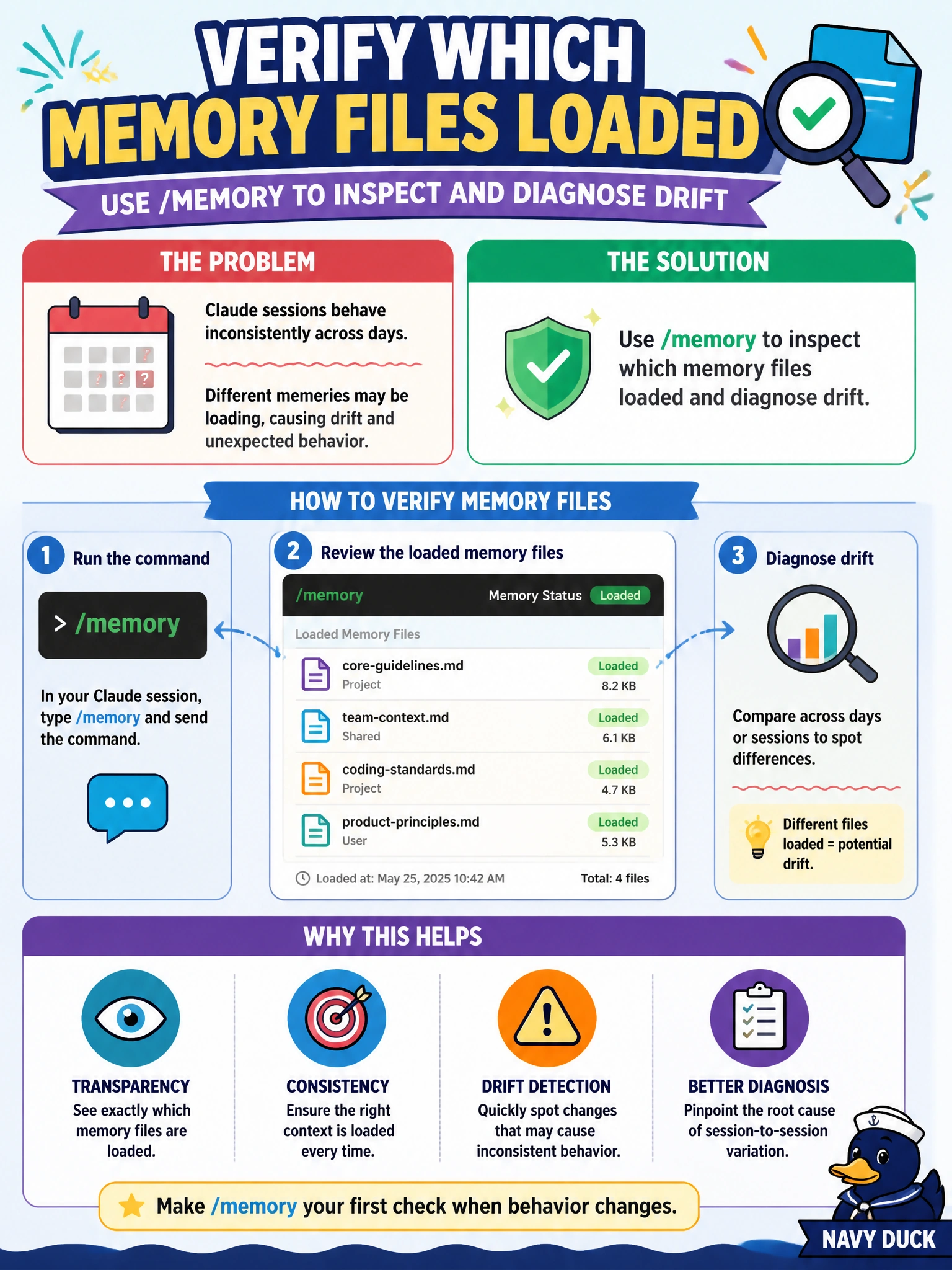
When Claude acts differently day to day, run /memory like checking which briefing binders got opened—you'll see what loaded and why sessions drifted.
Full Explanation
Inconsistent Claude behavior across days often traces to which memory or instruction files loaded. A library team should use /memory to inspect which memory files loaded and diagnose drift—comparing expected project/user memory against what the session actually attached.
Why the correct option works: /memory is the diagnostic for loaded memory files. It surfaces whether a session picked up the intended library notes, stale personal memory, or unexpected paths, explaining day-to-day behavioral differences without guessing.
Why the other three fail by concept: deleting the git remote so memory files cannot be compared destroys collaboration and does not explain load order. Ignoring inconsistency and raising max tokens without investigation treats a configuration symptom with a capacity dial. Disabling all project configuration permanently without diagnosis removes guidance instead of identifying drift.
Exam caveat: /memory diagnoses loading; it is not itself the place to store new team standards (use project CLAUDE.md / rules for that). Operational check: when sessions diverge, run /memory, diff the listed files against the repo’s expected set, restore missing project memory/config, and retest the same library prompt.