
A Model Owner wants to associate a newly trained candidate model with an existing use case in watsonx.governance. What action accomplishes this?
Select an answer to reveal the explanation.
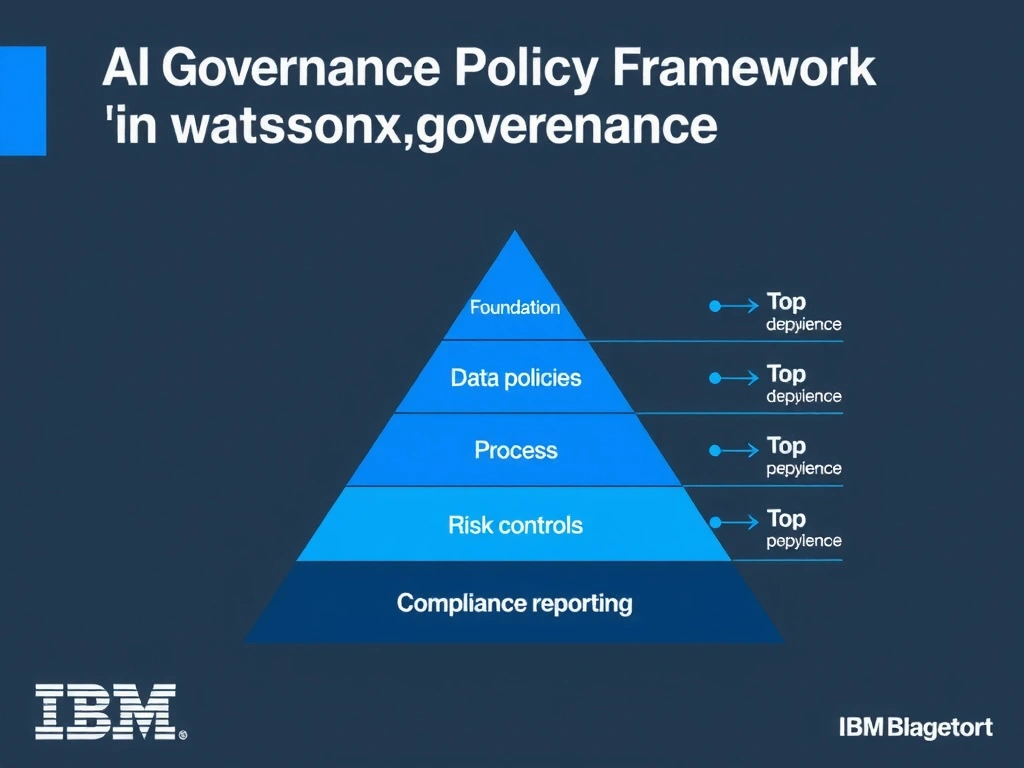
Short Explanation and Infographic
It's like a compliance officer reviewing contracts — they check every clause against the rulebook. To link a model to a use case the Model Owner registers the candidate model within the use case in watsonx.governance. Once registered the model's lifecycle stage is tracked, Factsheets are auto-populated, and the model can be promoted through Development, Validation, and Production stages.
Full explanation below image
Full Explanation
To link a model to a use case the Model Owner registers the candidate model within the use case in watsonx.governance. Once registered the model's lifecycle stage is tracked, Factsheets are auto-populated, and the model can be promoted through Development, Validation, and Production stages. External models can also be registered manually without requiring Watson Studio as the build environment. The incorrect options — such as 'Exporting the model to a CSV and uploading it to the use case inventory' and 'Creating a new Factsheet independently and manually entering the model ID' — describe either out-of-sequence steps or unrelated configuration tasks. This concept falls under the 5.0 Define and Govern AI Use Case Inventory domain of the IBM watsonx.governance certification.