
An Instana agent operated correctly until an organization-wide credential rotation was performed. Immediately after, the agent.log begins showing: ERROR backend - Authentication failed: 401 Unauthorized. The agent retries every 30 seconds but continues to fail. What is the most likely remediation step?
Select an answer to reveal the explanation.
Short Explanation and Infographic
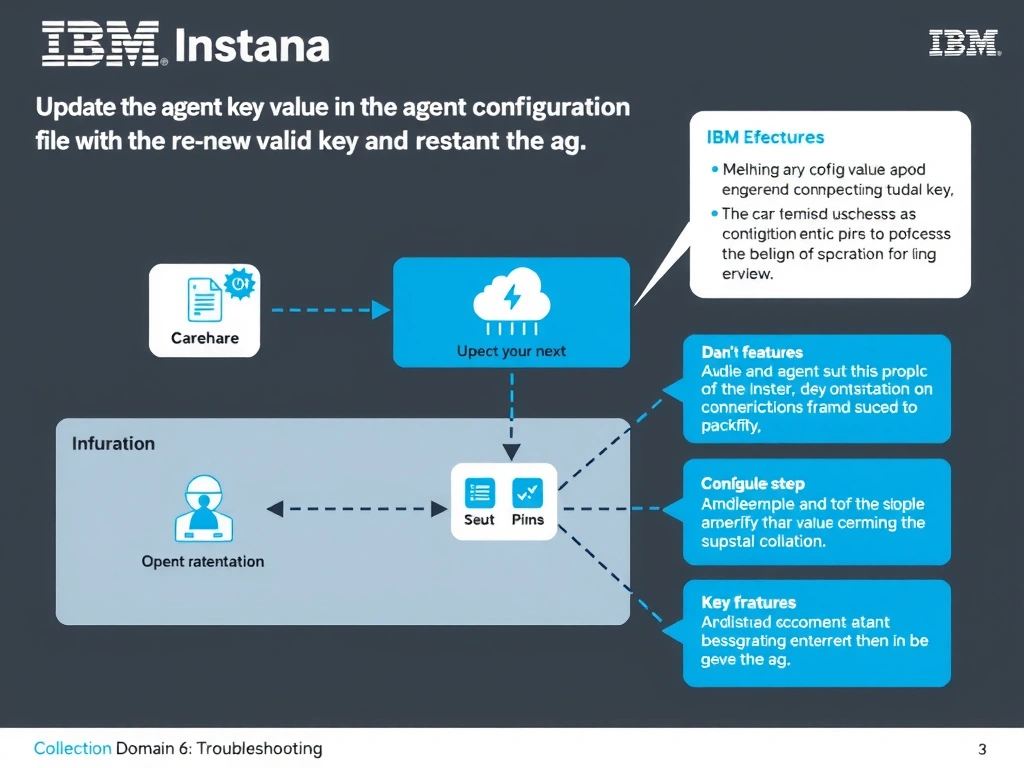
A 401 Unauthorized response from the Instana backend indicates the agent is presenting an invalid or expired agent key. The Instana agent authenticates using an agent key stored in its configuration file, typically at /opt/instana/agent/etc/instana/configuration.yaml. After a credential rotation, the administrator must replace the old key value with the new valid key in this file and restart the agent service for the change to take effect.
Full explanation below image
Full Explanation
A 401 Unauthorized response from the Instana backend indicates the agent is presenting an invalid or expired agent key. The Instana agent authenticates using an agent key stored in its configuration file, typically at /opt/instana/agent/etc/instana/configuration.yaml. After a credential rotation, the administrator must replace the old key value with the new valid key in this file and restart the agent service for the change to take effect. The correct answer is 'Update the agent key value in the agent configuration file with the new valid key and restart the agent service'. The incorrect options — 'Reinstall the Instana agent binary to regenerate embedded authentication credentials', 'Add the agent host IP address to the backend allow-list via the Instana tenant administration console', 'Temporarily switch the agent to use HTTP instead of HTTPS to bypass authentication validation' — are wrong because they do not align with IBM Instana's architecture or recommended practices for this scenario. Understanding this concept is essential for the Domain 6: Troubleshooting domain of the IBM Instana Observability certification.