
An Instana agent is deployed on a host in a network DMZ. The agent process starts and logs show it is attempting connections to the configured Instana SaaS backend, but all attempts time out. The network team confirms that explicit outbound firewall rules are required. Which outbound port and protocol must be permitted for the agent to communicate with the Instana backend?
Select an answer to reveal the explanation.
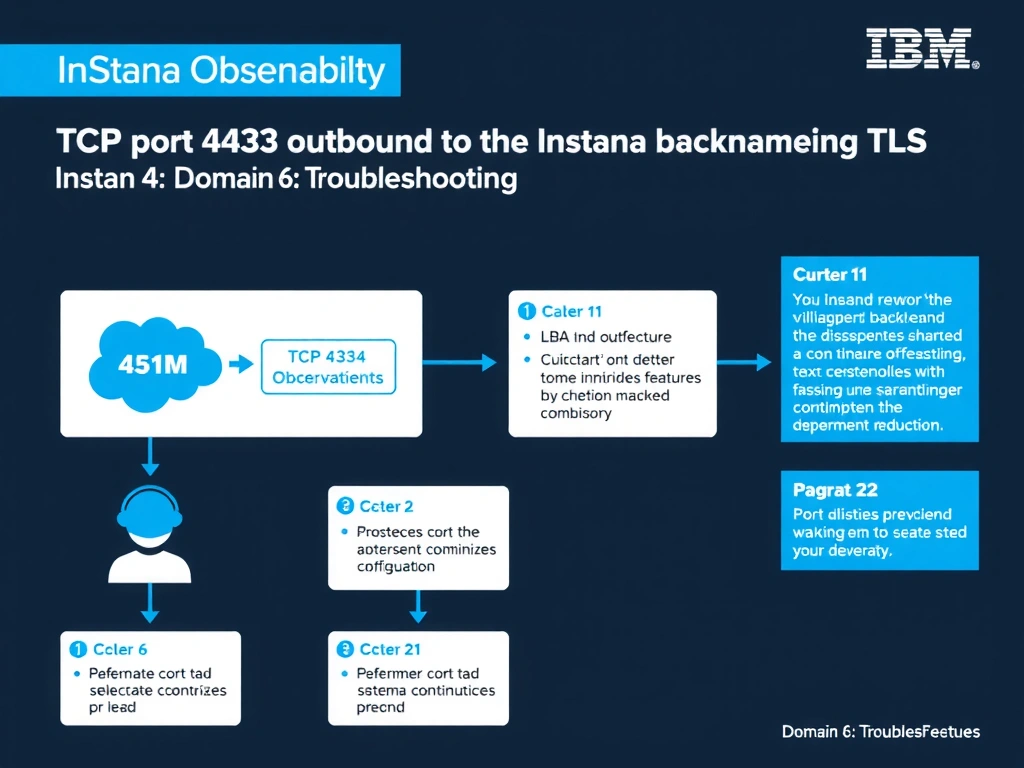
Short Explanation and Infographic
The Instana agent communicates with the backend exclusively over TCP port 443 using TLS encryption for both SaaS and self-hosted deployments. If this port is blocked by an outbound firewall rule, all agent-to-backend data transmission is prevented and the agent will log repeated connection timeout or refused errors. No inbound ports need to be opened on the monitored host for standard Instana agent operation.
Full explanation below image
Full Explanation
The Instana agent communicates with the backend exclusively over TCP port 443 using TLS encryption for both SaaS and self-hosted deployments. If this port is blocked by an outbound firewall rule, all agent-to-backend data transmission is prevented and the agent will log repeated connection timeout or refused errors. No inbound ports need to be opened on the monitored host for standard Instana agent operation. The correct answer is 'TCP port 443 outbound to the Instana backend hostname using TLS'. The incorrect options — 'TCP port 8080 outbound to the Instana backend hostname', 'UDP port 514 outbound for log forwarding to the Instana log aggregator', 'TCP port 9443 outbound, the default IBM WebSphere secure administrative port' — are wrong because they do not align with IBM Instana's architecture or recommended practices for this scenario. Understanding this concept is essential for the Domain 6: Troubleshooting domain of the IBM Instana Observability certification.