
A DevOps team wants Jenkins build and deployment events to appear as change markers on Instana's timeline, enabling engineers to visually correlate deployments with application performance degradations. Which approach enables this?
Select an answer to reveal the explanation.
Short Explanation and Infographic
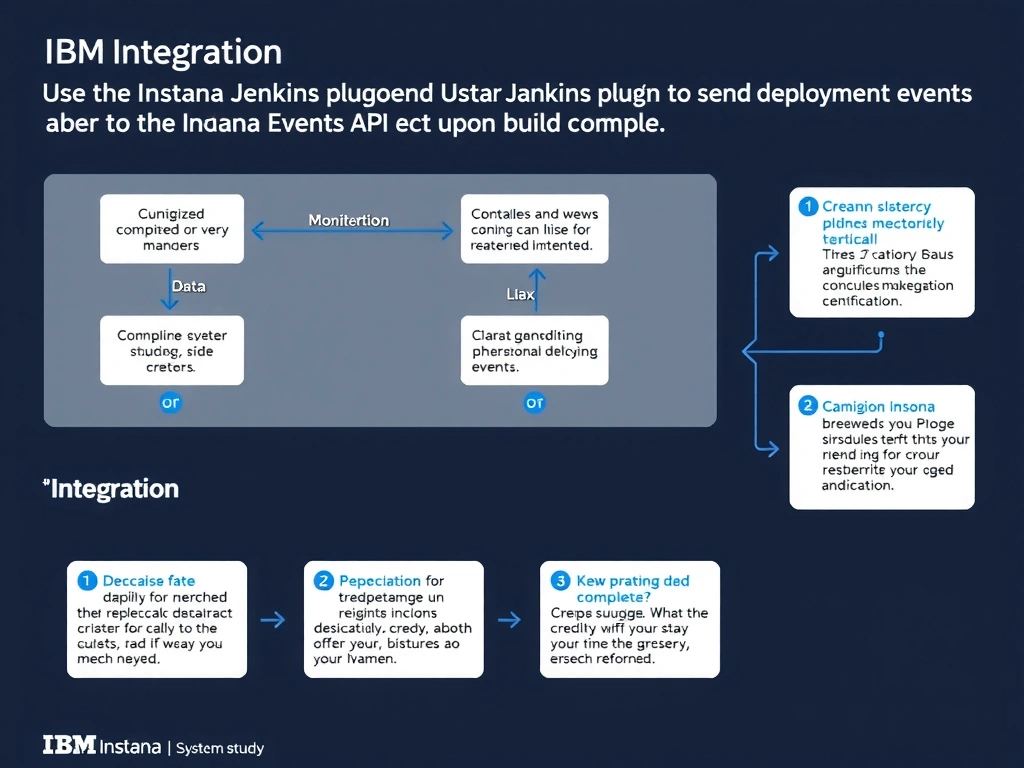
The Instana Jenkins plugin integrates with both declarative pipelines and freestyle jobs. When configured with an Instana backend URL and API token, the plugin posts deployment event payloads to Instana's Events API at build completion. These events appear as timeline markers in Instana, providing visual correlation between CI/CD pipeline activity and application performance or error rate changes.
Full explanation below image
Full Explanation
The Instana Jenkins plugin integrates with both declarative pipelines and freestyle jobs. When configured with an Instana backend URL and API token, the plugin posts deployment event payloads to Instana's Events API at build completion. These events appear as timeline markers in Instana, providing visual correlation between CI/CD pipeline activity and application performance or error rate changes. The correct answer is 'Use the Instana Jenkins plugin to send deployment events to the Instana Events API upon build completion within the pipeline'. The incorrect options — "Configure Jenkins to stream build console logs to Instana's log management endpoint via a log forwarder plugin", 'Install an Instana host agent on the Jenkins controller server and rely on automatic CI/CD auto-detection', 'Create a Jenkins post-build action that sends build status notification emails to an Instana email Alert Channel' — are wrong because they do not align with IBM Instana's architecture or recommended practices for this scenario. Understanding this concept is essential for the Domain 4: Integration domain of the IBM Instana Observability certification.