
An operations team wants critical Instana alerts to automatically create incidents in PagerDuty with proper severity mapping. After navigating to Instana's settings, what must be configured to enable this native integration?
Select an answer to reveal the explanation.
Short Explanation and Infographic
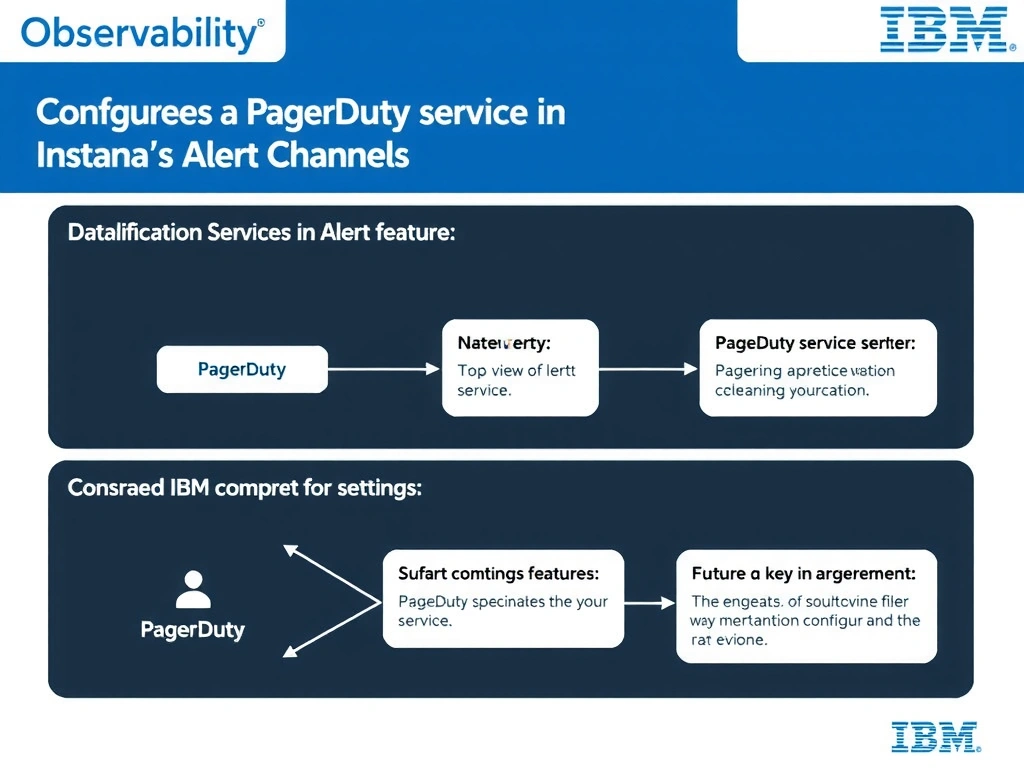
Instana supports PagerDuty as a native Alert Channel. Administrators provide the PagerDuty integration routing key in the Alert Channels configuration, and Instana sends incidents directly via PagerDuty's Events API. This eliminates the need for manual webhook construction or additional agent installation.
Full explanation below image
Full Explanation
Instana supports PagerDuty as a native Alert Channel. Administrators provide the PagerDuty integration routing key in the Alert Channels configuration, and Instana sends incidents directly via PagerDuty's Events API. This eliminates the need for manual webhook construction or additional agent installation. The correct answer is 'Configure a PagerDuty service integration key in Instana's Alert Channels settings'. The incorrect options — 'Install the Instana agent on each PagerDuty server endpoint to enable bidirectional communication', 'Create a custom generic webhook pointing to the PagerDuty REST API and manually map severity fields', 'Enable the PagerDuty plugin from the Instana marketplace extensions catalog' — are wrong because they do not align with IBM Instana's architecture or recommended practices for this scenario. Understanding this concept is essential for the Domain 4: Integration domain of the IBM Instana Observability certification.