
A platform engineer is deploying the Instana Kubernetes agent using the official Instana Helm chart. The deployment requires a corporate proxy configuration and a non-default on-premises backend endpoint. Which Helm command syntax correctly applies a custom values file to override chart defaults?
Select an answer to reveal the explanation.
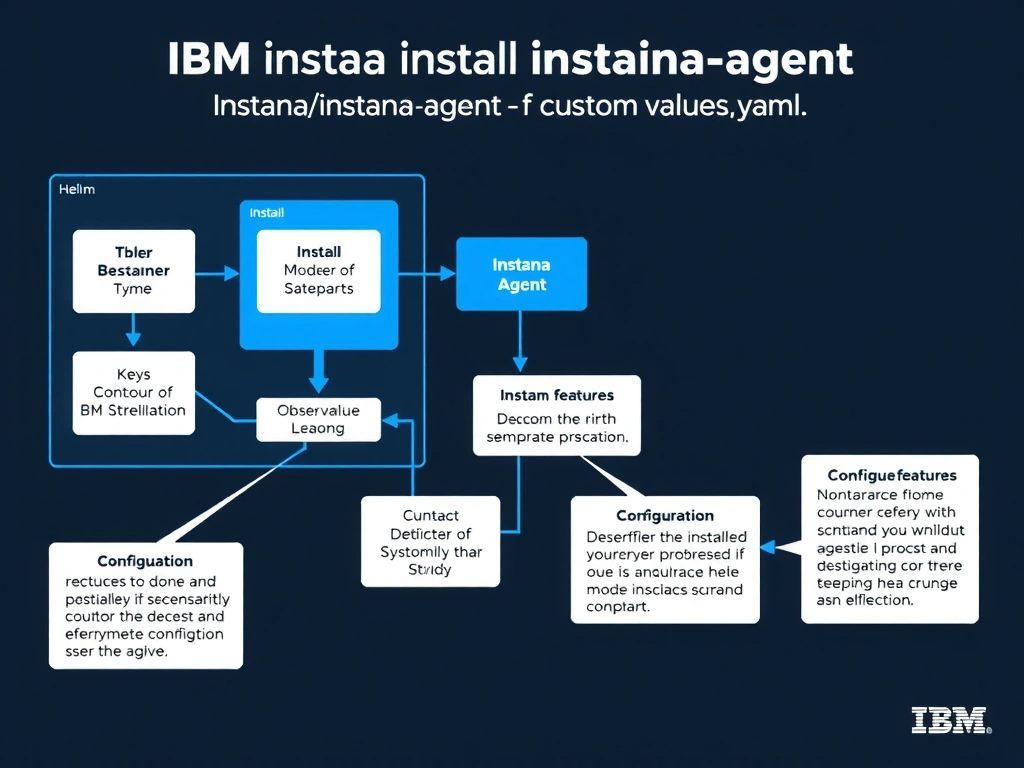
Short Explanation and Infographic
The -f flag (equivalent to --values) is the standard Helm syntax for supplying a custom values file that overrides default chart values. This allows operators to configure settings such as proxy host, proxy port, backend endpoint, agent key, and cluster name without modifying the upstream chart. The --set-file flag serves a different purpose: it reads a single file's content into a specific value key rather than treating the entire file as a values override document.
Full explanation below image
Full Explanation
The -f flag (equivalent to --values) is the standard Helm syntax for supplying a custom values file that overrides default chart values. This allows operators to configure settings such as proxy host, proxy port, backend endpoint, agent key, and cluster name without modifying the upstream chart. The --set-file flag serves a different purpose: it reads a single file's content into a specific value key rather than treating the entire file as a values override document. The correct answer is 'helm install instana-agent instana/instana-agent -f custom-values.yaml'. The incorrect options — 'helm install instana-agent instana/instana-agent --set-file values=custom-values.yaml', 'helm install instana-agent instana/instana-agent --override-values custom-values.yaml', 'helm apply instana-agent instana/instana-agent --config custom-values.yaml' — are wrong because they do not align with IBM Instana's architecture or recommended practices for this scenario. Understanding this concept is essential for the Domain 3: Installation domain of the IBM Instana Observability certification.