
After installing the Instana host agent on Windows Server 2022, the administrator notices the agent cannot collect several system-level performance metrics. The agent service started without errors. What is the most likely cause?
Select an answer to reveal the explanation.
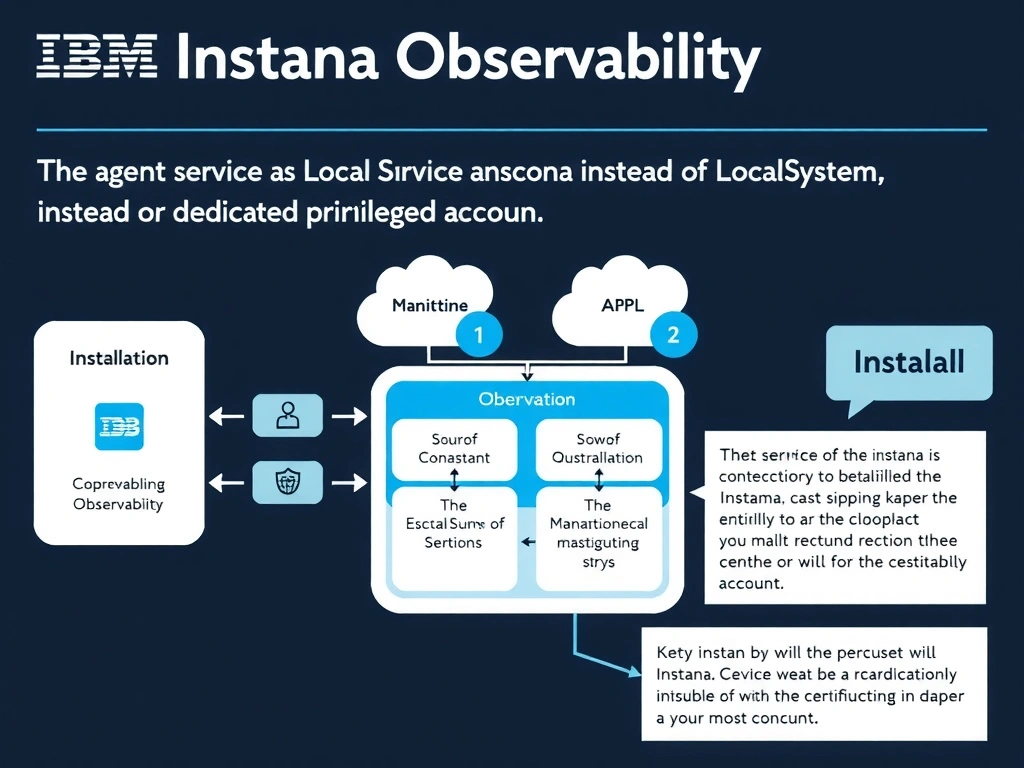
Short Explanation and Infographic
The Instana agent on Windows requires elevated privileges to access system-level performance counters and WMI data. When the agent service runs under the LocalService account, it has restricted permissions that prevent collection of certain host-level metrics such as hardware counters and process-level data. Reconfiguring the service to run as LocalSystem or a dedicated account with appropriate privileges resolves the metric collection gaps.
Full explanation below image
Full Explanation
The Instana agent on Windows requires elevated privileges to access system-level performance counters and WMI data. When the agent service runs under the LocalService account, it has restricted permissions that prevent collection of certain host-level metrics such as hardware counters and process-level data. Reconfiguring the service to run as LocalSystem or a dedicated account with appropriate privileges resolves the metric collection gaps. The correct answer is 'The agent service is running as LocalService instead of LocalSystem or a dedicated privileged account'. The incorrect options — 'Windows Firewall is blocking outbound connections on port 443', 'The installed Java runtime version is incompatible with Windows Server 2022', 'The agent configuration file is missing the required zone setting' — are wrong because they do not align with IBM Instana's architecture or recommended practices for this scenario. Understanding this concept is essential for the Domain 3: Installation domain of the IBM Instana Observability certification.